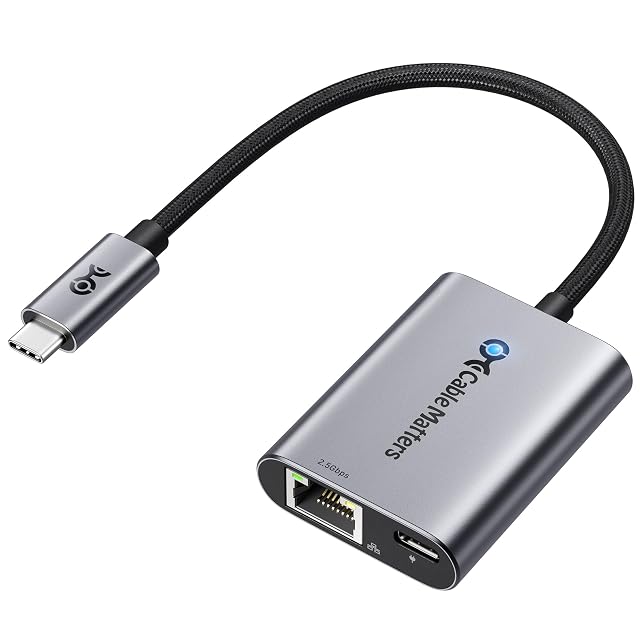
Faster adapters
Getting one machine onto a faster link, without replacing the machine
Raising the speed between two specific machines is a chain of three: the adapter at one end, the switch in the middle, and the adapter at the other. Buying one link of that chain and expecting a change is the commonest disappointment in this family, and it is entirely avoidable.
By Jean-Benoit Buisson
Work out where the ceiling actually is before you buy anything
The rate between two machines is set by the slowest element on the path, and there are more elements than people count: the adapter at each end, the port each adapter sits in, the switch between them, the cabling, and the drives at both ends.
That last one catches people out repeatedly. A machine copying from a mechanical drive to another mechanical drive is limited by the drives, and a faster link between them changes nothing at all. Establish what each end can sustain before deciding that the network is the problem.
Where the answer genuinely is the link — a solid-state drive at one end, a well-provisioned storage box at the other, and a gigabit port between them — then everything below applies.
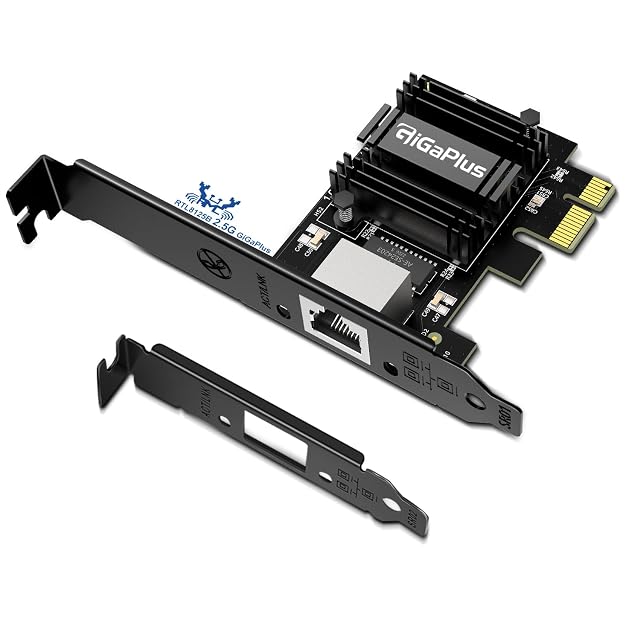
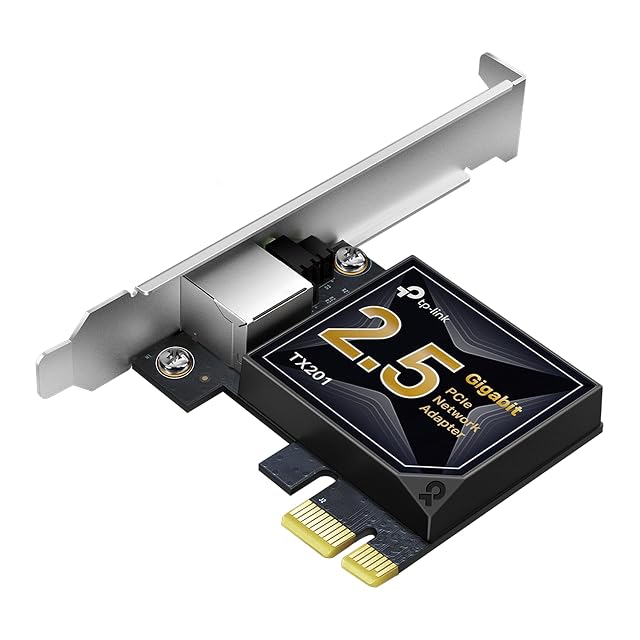
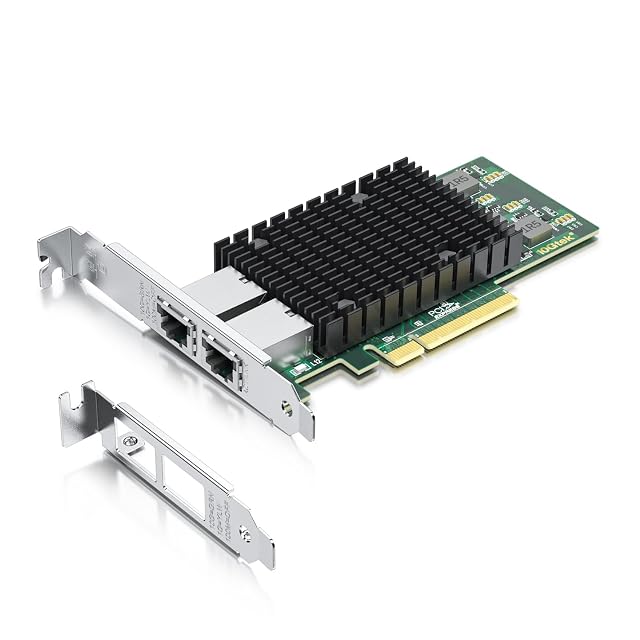
PCIe cards: the generation and the lane count are one specification
A card on a PCIe link is described by two numbers that only mean something together. The generation fixes what one lane carries; the lane count multiplies it. A four-lane link of one generation and an eight-lane link of the generation before carry comparable amounts, which is why a generation quoted alone is half a specification.
The slot has to supply those lanes. A slot can be physically long and electrically narrow, and the board’s manual is what publishes the wiring of each one. A card in a narrower slot generally works, at the lower figure — which is a perfectly good outcome as long as it was expected.
Check the bracket too. Small-form-factor machines need a low-profile bracket, and cards are frequently sold with both in the box or with only one.
Read what the maker publishes about drivers for the operating system you actually run, since this is a category where support varies more than the hardware does.
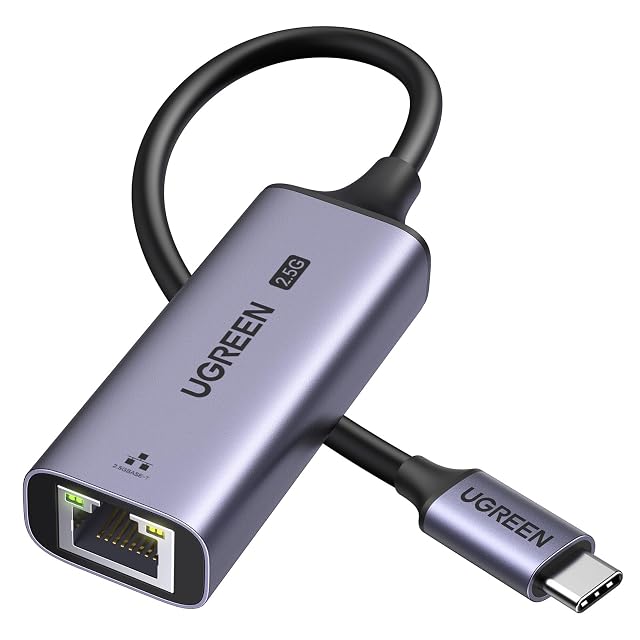
USB adapters: the port generation is the ceiling
For a laptop with no slot, a USB adapter is the answer, and a good one is entirely respectable.
The thing to establish is what the port on the machine is. Sockets of the same shape sit in front of very different generations, and an adapter expecting one generation in a port a generation older delivers what the port allows. The machine’s own specification is what says which ports are which; the color of the plastic is a hint at best.
The cable is part of the chain as well. Where an adapter is supplied with one, use it and keep them together.
Two practical points. Adapters that carry a fast link generate heat, and a metal-bodied unit is doing something useful with it. And an adapter that draws its power from the port is one more load on a laptop’s budget, which occasionally matters on machines with few ports and much attached.
Pluggable optical modules: the switch’s list is the specification
Where a run is too long for copper, or between buildings, fiber and a pair of modules solve it cleanly. Three things have to agree.
The switch has to accept the module. Its documentation lists what it supports, and that list is the specification. A module that fits the cage is not automatically a module the switch will bring up, and this is not something to deduce from the connector.
The two ends have to match. The module type, the wavelength and the fiber they are used with are one decision made twice. Modules for one kind of fiber do not work over another.
The patch leads have to match the modules. The connector type and the fiber type are both published, and a lead of the wrong type will connect and carry nothing useful.
Fiber also brings handling requirements that copper does not: bend radius, keeping the end faces clean and capped, and not looking into a connector. The manufacturer’s instructions cover all of it and are worth reading before the first installation rather than after.
What the numbers on all three do not promise
An adapter names a rate defined by a standard. That rate is a signaling rate on the link, and what a transfer achieves depends on everything at both ends — the drives, the protocol, the file sizes, the machines themselves. A link negotiated at a given rate is a ceiling that has been agreed, not a throughput that has been observed.
Which is the reason to buy the chain rather than a link of it, and to know before ordering which element you are actually raising.