Skip to content

The best wireless access points for 2026

An access point has no router inside it. It takes a wired connection and turns it into radio coverage, which is why it appears in buildings where the box from the provider stays in a cupboard and the wireless has to come from somewhere else. The first thing to settle is power. Most ceiling units are fed over the network cable itself, and the maker names the class: 802.3af delivers less at the far end than 802.3at, and a unit specified for 802.3at will not settle on a source that offers only 802.3af. Some models ship an injector, some do not, and that one line changes what the installation costs. Then the radio: the Wi-Fi generation with its IEEE designation, the band plan, the stream count, and the class figure — which, as everywhere in wireless, sums the theoretical peaks of separate radios and describes no single link. Mounting counts for more here than on a desktop router, because the shape decides where the unit can go: ceiling discs, wall plates and in-wall models that sit in a socket box each state their own dimensions and bracket. Finally, management. Some units are configured one at a time through a web page; others expect a controller — software, appliance or hosted — and hand clients between points. That choice, rather than the radio, decides how a second and a third unit behave together. We compare Wi-Fi generation and IEEE designation, stated class figure, band plan and stream count, PoE standard required, uplink port speed, mounting type and management method.

The ones worth installing

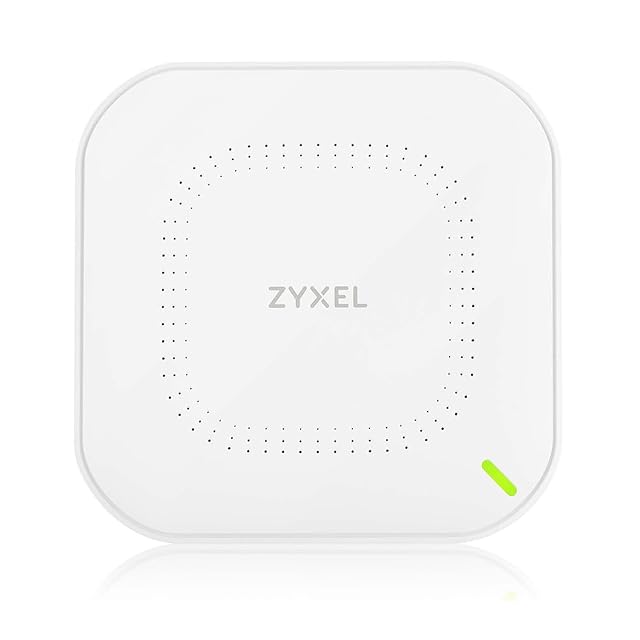
  1. ZYXEL NWA50AXPRO, Wi-Fi 6 access point with a 2.5G uplink

    Wi-Fi 6 · AX3000 · 2.5 Gbit/s uplink on Cat5e · three internal antennas · NebulaFlex, local or cloud · PoE class not named

    An access point with a multi-gigabit uplink and a choice of local or cloud management, whose listing says PoE without ever naming the class.

    Best for: A small building already wired with Cat5e that wants an uplink faster than a gigabit and the option of cloud management later.

    ≈ $119 / £74 / 73 €

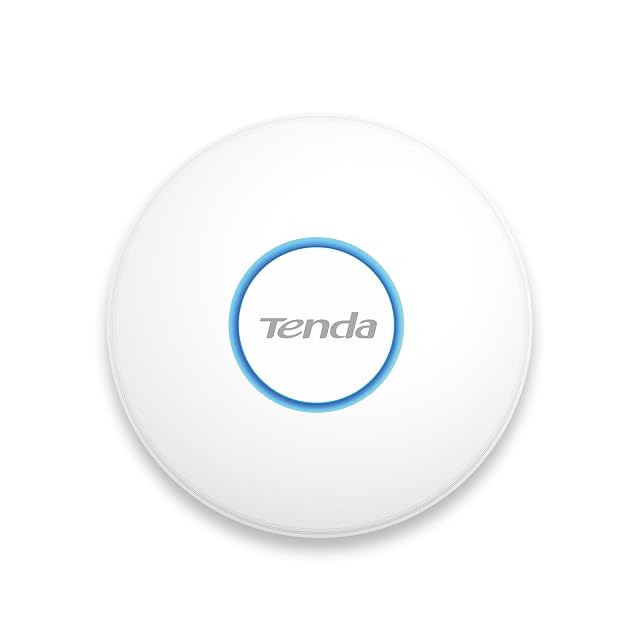
  2. Tenda i27, Wi-Fi 6 access point with a Gigabit uplink

    Wi-Fi 6 · AX3000 over 2976 published · both bands rated · PoE+ with an adapter in the box · wall or ceiling, 176 mm disc · 150 m²

    The most completely specified access point here: both band rates, both power routes, a mounting choice and a measured body, with only the stream count left out.

    Best for: A flat, office or cafe of about 150 m² wanting one well-documented ceiling unit that will run from a plug if no PoE switch exists.

    ≈ £82 / 66 €

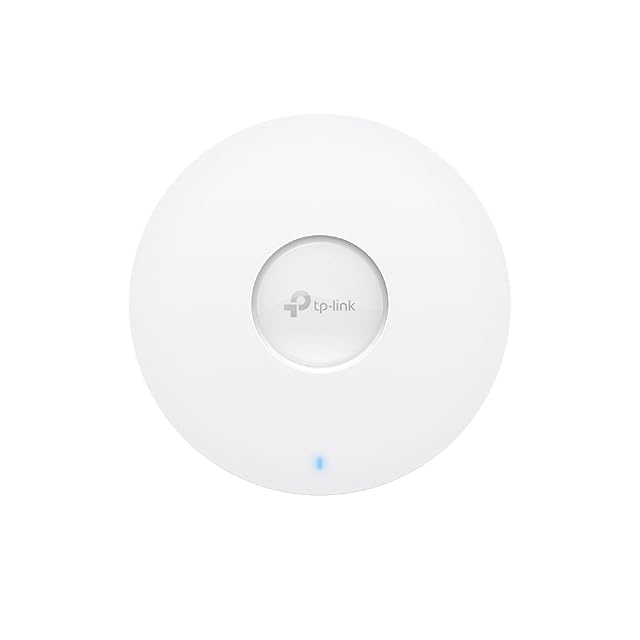
  3. TP-Link EAP650, Wi-Fi 6 access point managed under Omada

    Wi-Fi 6 · 2976 Mbit/s published as the sum · 802.3at PoE+ named, adapter supplied · Gigabit uplink · Omada SDN · 160 mm, 33.6 mm deep

    The one listing in the whole lot that prints the sum of its two radios rather than the rounded badge — 2976 Mbit/s, in the first bullet.

    Best for: A small site that intends to run several access points under one controller, and wants the power class named before ordering the switch.

    ≈ $130 / 89 €

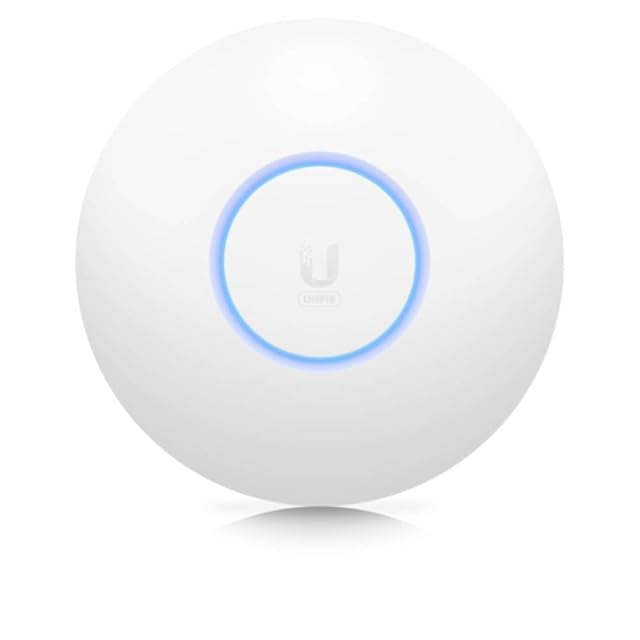
  4. Ubiquiti Networks UniFi 6 Lite, 2×2 Wi-Fi 6 access point

    Wi-Fi 6 · 1.5 Gbit/s called an aggregate radio rate · 2×2 MIMO, the only stream count in this family · 802.3af · ceiling or wall

    The only access point here to publish a stream count, and the only one whose maker calls its headline figure an aggregate radio rate — which is exactly what it is.

    Best for: A ceiling or wall position on a network where the controller already exists, and where an 802.3af switch is already in the cupboard.

    ≈ $150 / £129 / 138 €

Every price named in a summary was read on the date that review carries. What a shop asks today is shown beside the product, and it moves.