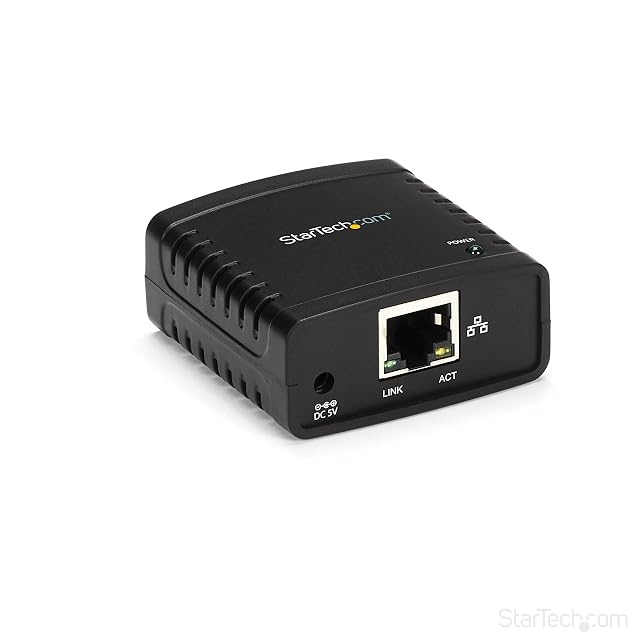
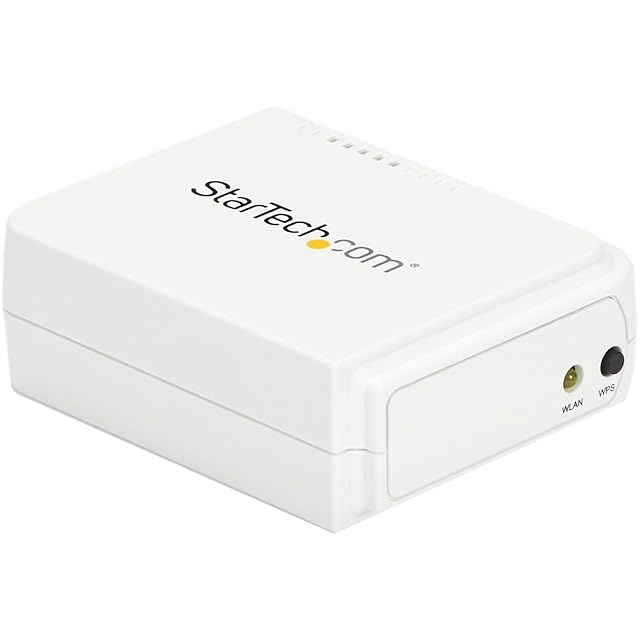
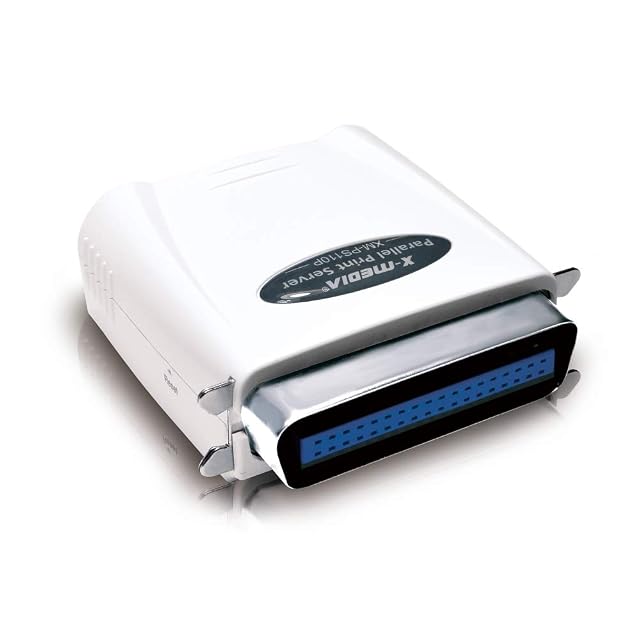
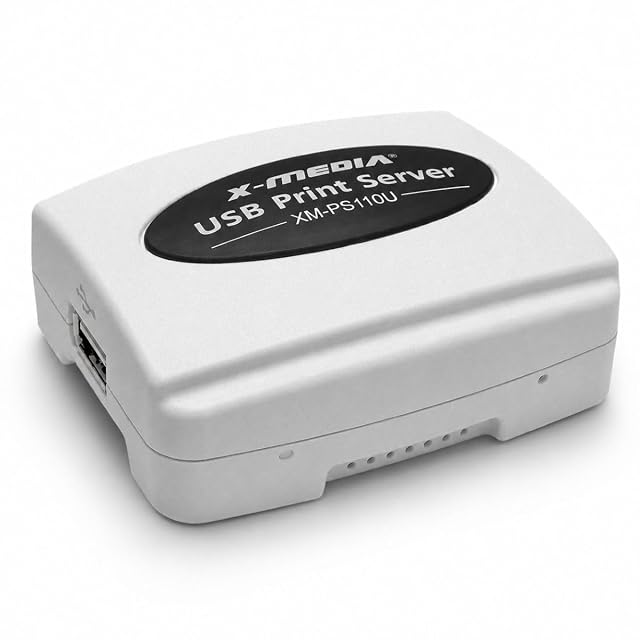
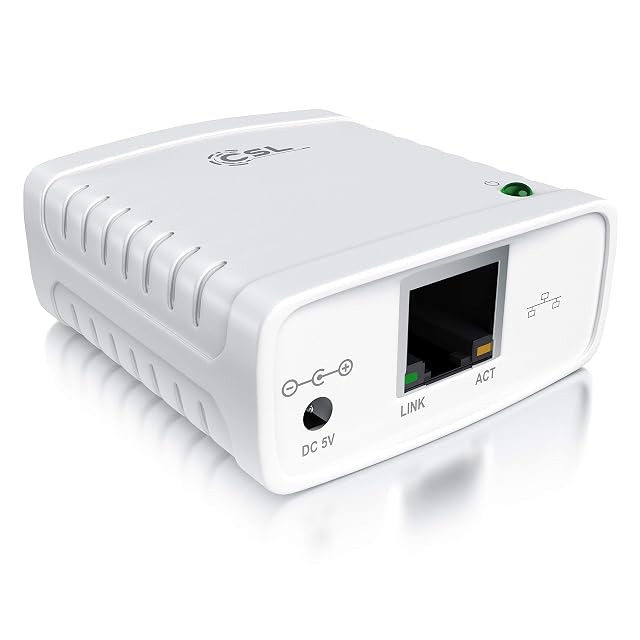
| StarTech PM1115U2 | $44 | USB 2.0 — stated in the title as a one-port USB 2.0 print server and in the fourth bullet as USB 2.0 compliant | Copper Ethernet (RJ45) — stated in the first bullet as 10Base-T and 100Base-TX auto-sensing; the PM1115UW is the only other listing here to print the designations | One — stated in the title as a one-port print server and in the first bullet as sharing one USB printer across a network |
|---|
| X-MEDIA XM-PS110U | $52 | USB 2.0 — stated in the title and in the third bullet as a USB 2.0 compliant printing port, with one socket | RJ45 copper — stated in the title as a Fast Ethernet print server, and the description describes connecting the unit to the local network | One — the title gives a one-port print server with a single USB socket |
|---|
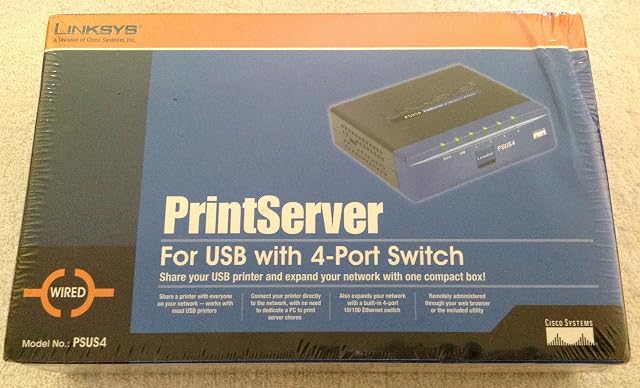
| Linksys PSUS4 PrintServer for USB with 4-Port Switch | $64 | USB — stated in the title and in the second bullet, which describes connecting the printer directly to the network. No USB generation is published | RJ45 copper, as part of a built-in four-port switch — stated in the third bullet. The description adds automatic MDI/MDI-X crossover detection on all four ports, so the cable type does not matter. It is the only listing on this shelf with a switch inside it | One — the title and the second bullet describe a USB printer in the singular. The four switch ports are for other network devices and not for printers |
|---|
| X-MEDIA XM-PS110P | $75 | Parallel, on a Centronics port — stated in the title. Two listings on this shelf take a parallel printer and the other eight are USB | RJ45 copper — stated in the title as a Fast Ethernet print server, with the description describing the connection to the local network | One — the title gives a one-port print server with a single parallel socket |
|---|
| StarTech.com PM1115UW | $76 | USB 2.0 — stated in the title as a one-port USB 2.0 print server and in the fourth bullet as USB 2.0 compliant, with the description adding compatibility with most USB printers on the market | Both — an RJ45 copper socket and 802.11b/g/n wireless, stated in the first bullet. The description gives the wired port as a primary or backup interface. The SatcOp is the only other listing here to name both routes, and it gives no standard for either | One — stated in the title as a one-port print server, with the description adding that multiple users can share it simultaneously |
|---|
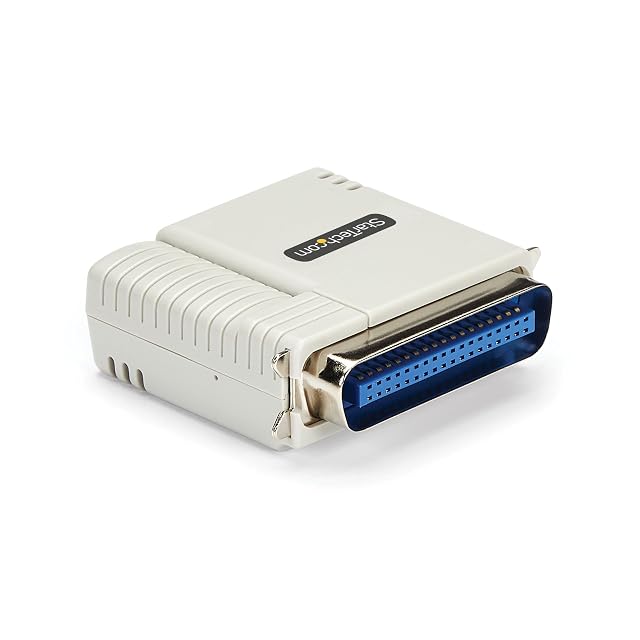
| StarTech.com PM1115P3 | $83 | Parallel, on a Centronics 36-pin port — stated in the title and named precisely in the second bullet, which says the unit connects directly to that socket on the printer. No USB printer socket exists | RJ45 copper — stated in the title as Ethernet, with the first bullet giving support for 10/100 Mbit/s local networks | One — the title and the first bullet describe converting a parallel printer, in the singular, into a network printer |
|---|
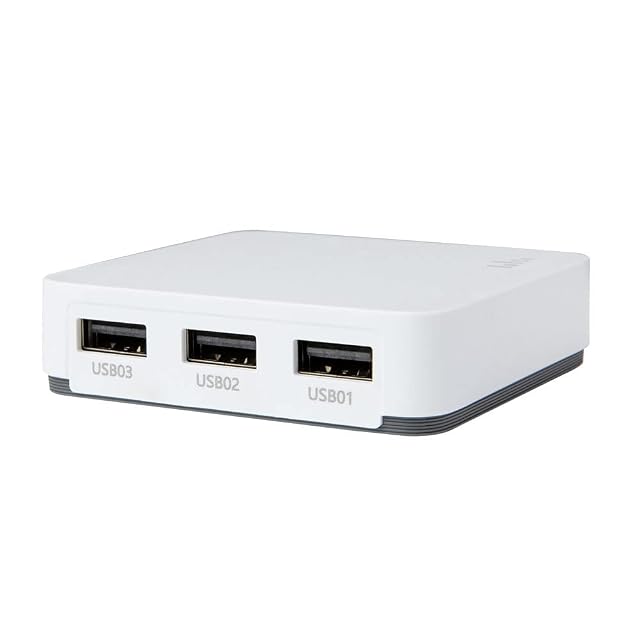
| LOYALTY-SECU Three-port WiFi network print server | $134 | USB 2.0, on three sockets — stated in the title and in the first bullet as up to three USB printers, and the fifth names a standard USB 2.0 interface | Not described — the title and the first bullet give wireless, and the fifth refers to a LAN network without naming a socket. Whether a wired connector exists is not published | Three — stated in the title and in the first bullet as up to three USB printers used simultaneously across multiple devices. Every other listing on this shelf serves one, or does not say |
|---|
| CSL-Computer | — | USB 2.0, compatible with USB 1.1 — stated in the title and in the fifth bullet, which describes the printer or data side of the unit. The first bullet adds that the USB lead from the printer goes into one side while the RJ45 lead from the router goes into the other | RJ45 copper — stated in the title and in the fifth bullet as the server side of the connection | Not published on the listing as a count — the page describes putting a printer, in the singular, onto the network, and no figure appears in any bullet |
|---|
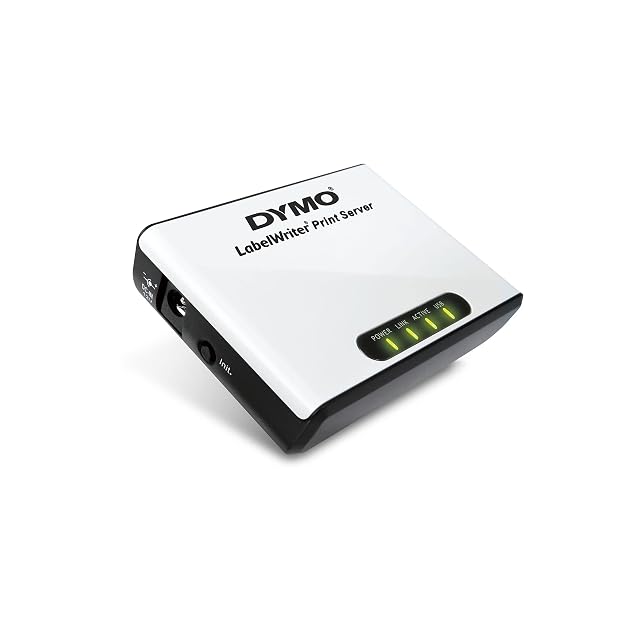
| DYMO S0929080 | — | USB — stated in the second bullet, which describes joining the unit to a LabelWriter label printer over USB and to the network over Ethernet | Ethernet — named in the second bullet and described no further. No connector type and no designation appears in the title or in any of the four bullets | One — stated in the fourth bullet, which joins every workstation of the network to a single LabelWriter printer |
|---|
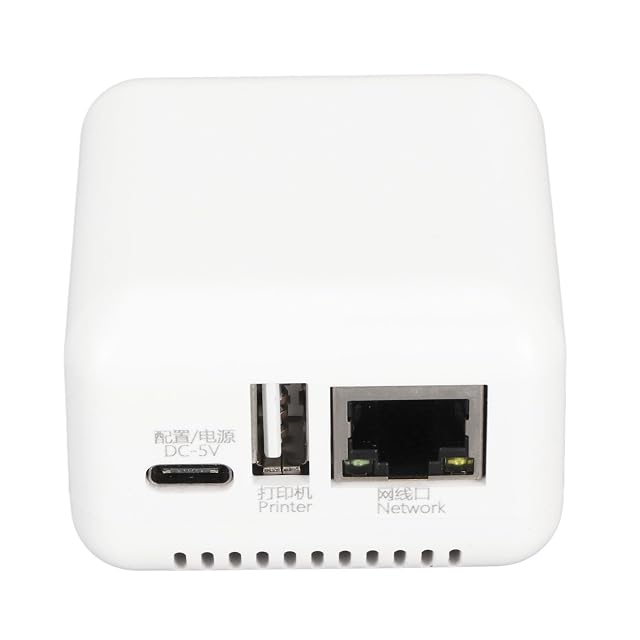
| SatcOp | — | USB — stated in the third bullet, which names a USB socket for the printer alongside a Type-C socket for power and a network cable interface | A network cable interface — named in the third bullet and described no further. No connector type, no RJ45 and no designation appears in the title or in any bullet | Not published on the listing as a count — the fourth bullet says the adapter can be shared by several users, which counts people rather than printers, and no figure for printers appears |
|---|