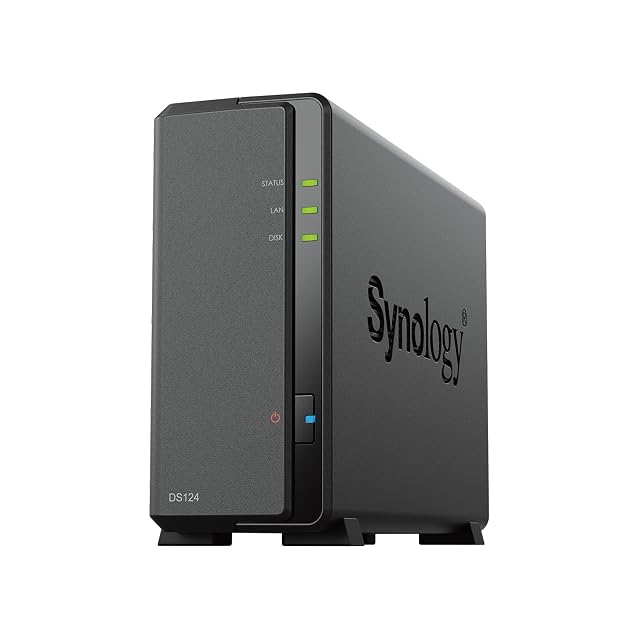
| Synology DiskStation DS124 | $160 | One — stated in the title as a 1-Bay diskless unit. Twelve of the twenty-one listings on this shelf are sold without a drive, and this is one of them | Synology DiskStation Manager, DSM — named in the description, which states that its solutions are license-free and cover a private cloud, access from any device and collaboration. Three listings on this shelf name their operating system: DSM here and on the DS723+ bundle, and UGOS Pro on the UGREEN DXP4800 GT |
|---|
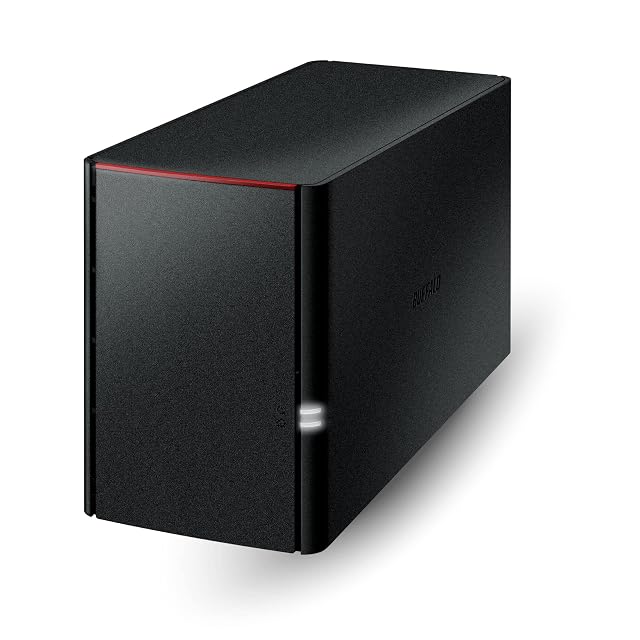
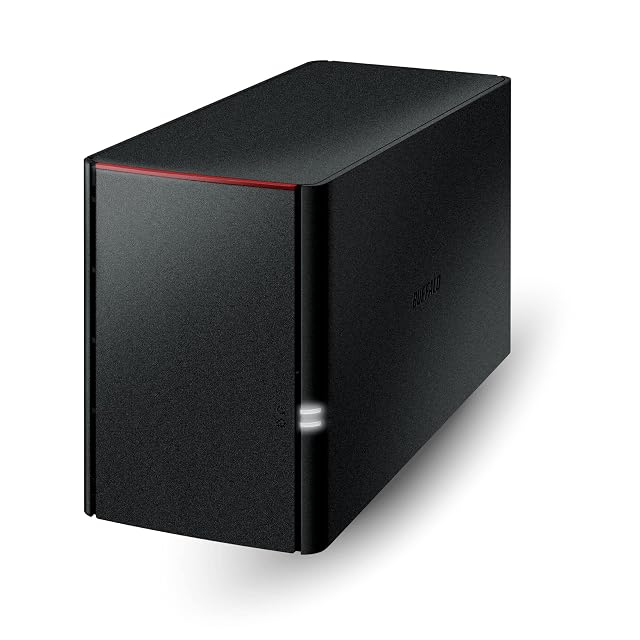
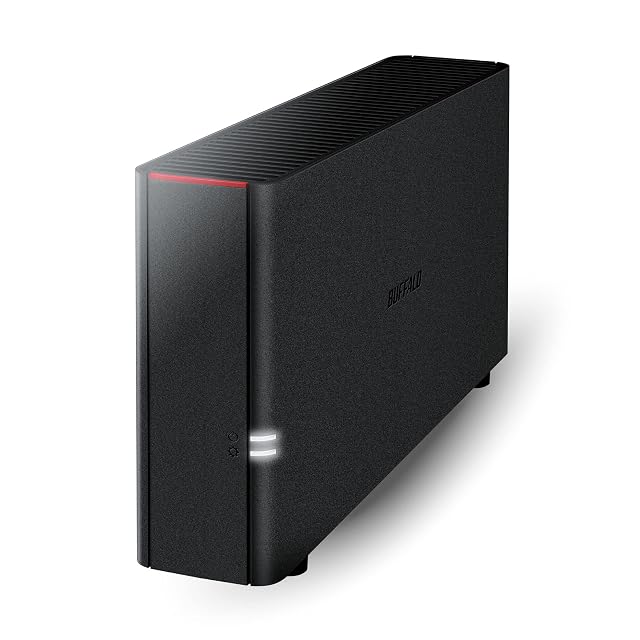
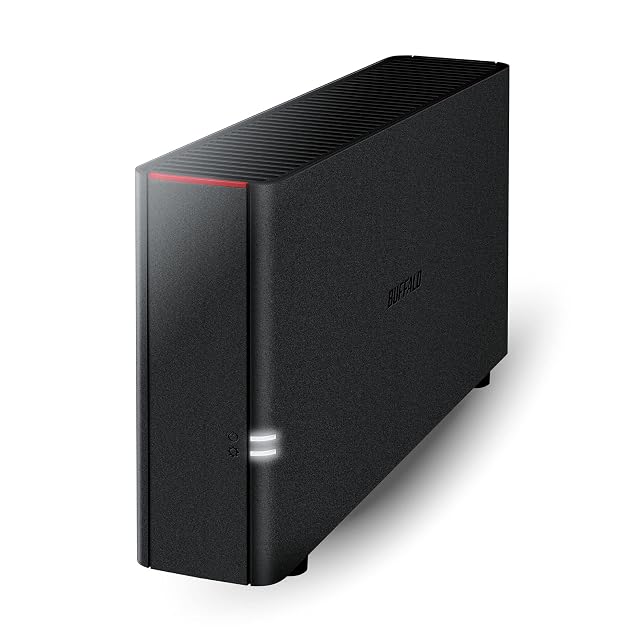
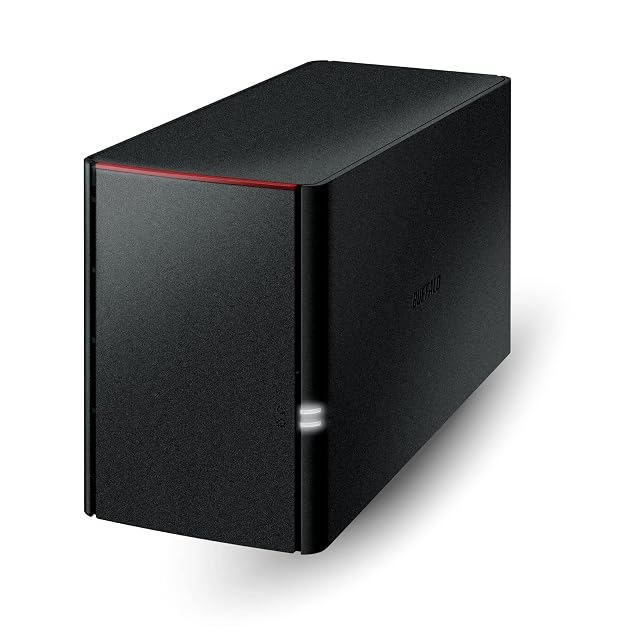
| BUFFALO LinkStation 210 LS210D0401 | $193 | One — stated in the title as 1-Bay and in the seventh bullet as one drive bay with the drive included. The first bullet calls the unit a NAS with RAID, which a single bay cannot provide | Not named, and described as closed — the fourth bullet states a closed system chosen to reduce exposure from third-party applications, with SSL encryption for transfers. The fifth names the NAS Navigator management utility, with NAS Navigator 2 for macOS 15 and earlier |
|---|
| BUFFALO LinkStation 210 LS210D0601 | $231 | One — stated in the title as 1-Bay and in the seventh bullet as one drive bay with the drive included. The first bullet calls the unit a NAS with RAID, which a single bay cannot provide | Not named, and described as closed — the fourth bullet states a closed system to reduce exposure from third-party applications, with SSL encryption for transfers. The fifth names NAS Navigator, with NAS Navigator 2 for macOS 15 and earlier |
|---|
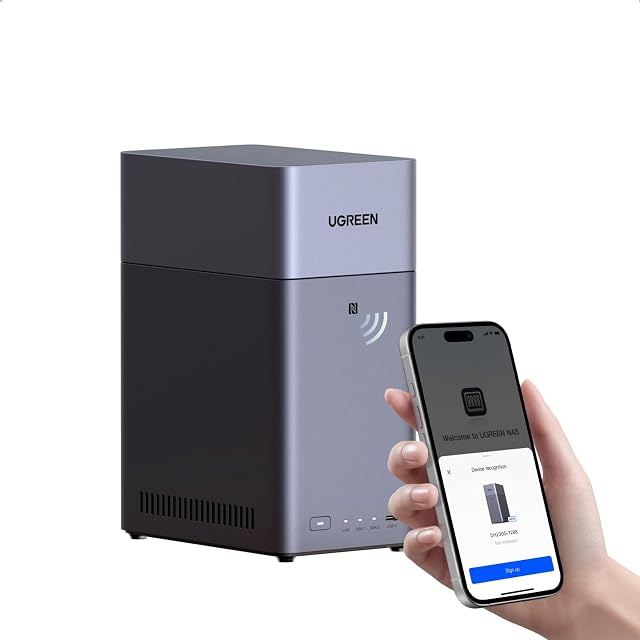
| UGREEN NASync DH2300 | $240 | Two — stated in the title and in the first bullet as an entry-level two-bay unit for beginners | Not named on the listing, but its limits are published — the first bullet states no Docker and no virtual machines, the eighth adds no SAN Manager and states that Plex cannot be run through Docker, and the seventh calls the unit unsuitable for server applications |
|---|
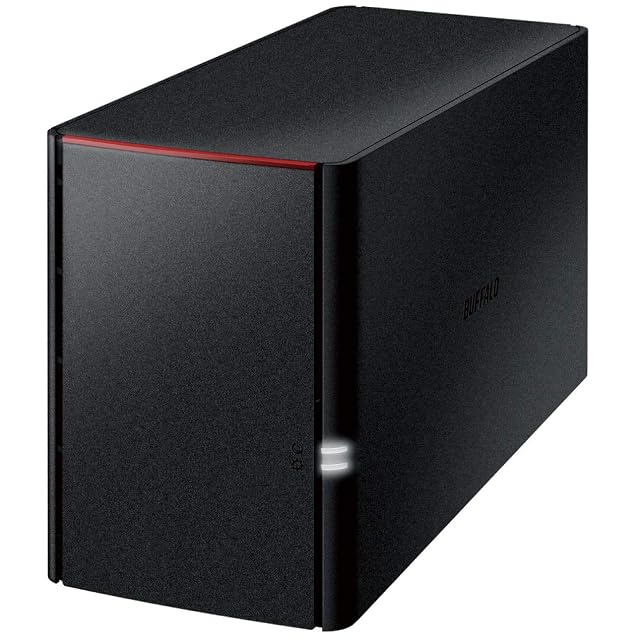
| BUFFALO LinkStation 220 LS220D0402 | $286 | Two — stated in the title as 2-Bay and in the seventh bullet as two drive bays holding 4 TB in total, with the drives included | Not named, and described as closed — the fifth bullet states a closed system to reduce exposure from third-party applications, with SSL on transfers. NAS Navigator is named as the management utility, with NAS Navigator 2 for macOS 15 and earlier |
|---|
| BUFFALO LinkStation 220 LS220D0802 | $363 | Two — stated in the title as 2-Bay and in the seventh bullet as two drive bays holding 8 TB in total, with the drives included | Not named, and described as closed — the fifth bullet states a closed system to reduce exposure from third-party applications, with SSL on transfers. NAS Navigator is named as the management utility, with NAS Navigator 2 for macOS 15 and earlier |
|---|
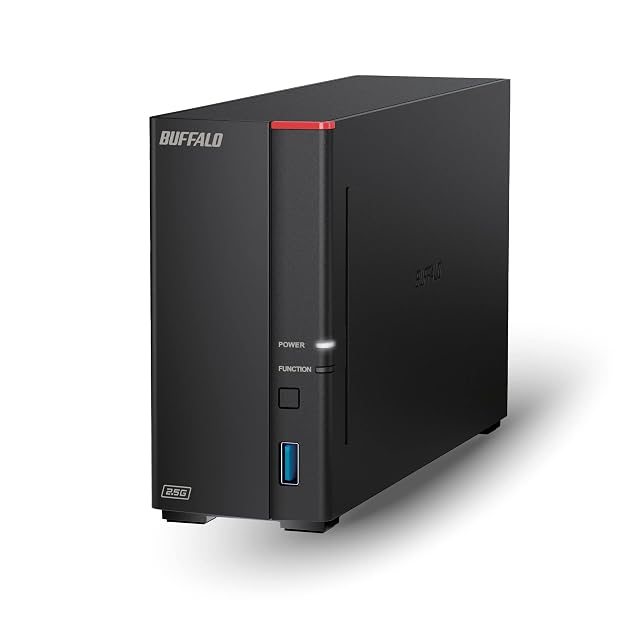
| BUFFALO LinkStation 710 LS710D0801 | $383 | One — stated in the title as 1-Bay and in the seventh bullet as one drive bay with the drive included. Unlike the one-bay LinkStation 210 pages on this shelf, the first bullet makes no RAID claim | Not named, and described as closed — the fourth bullet states that the LS700 uses a closed system to reduce exposure from third-party applications, with SSL on transfers. The fifth names NAS Navigator and PC backup software, with no macOS version caveat attached |
|---|
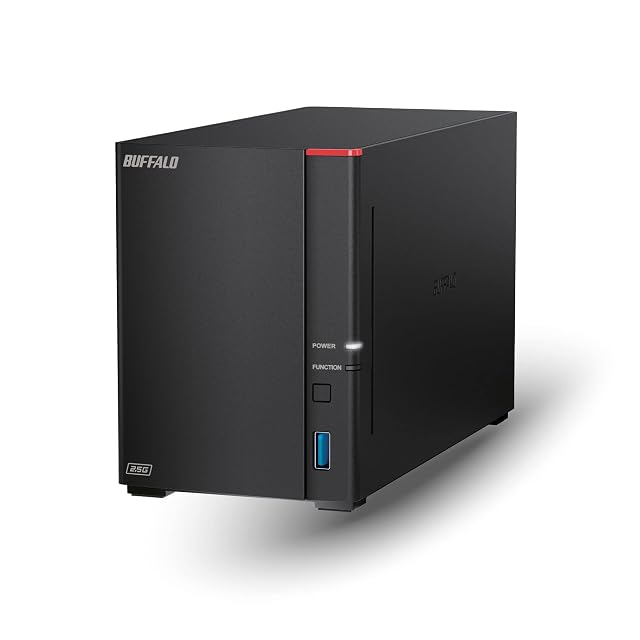
| BUFFALO LinkStation 720 LS720D0402 | $409 | Two — stated in the title as 2-Bay and in the seventh bullet as two drive bays holding 4 TB in total, with the drives included | Not named, and described as closed — the fourth bullet states that the LS700 uses a closed system to reduce exposure from third-party applications, with SSL on transfers. The fifth names NAS Navigator and PC backup software, with no macOS version caveat |
|---|
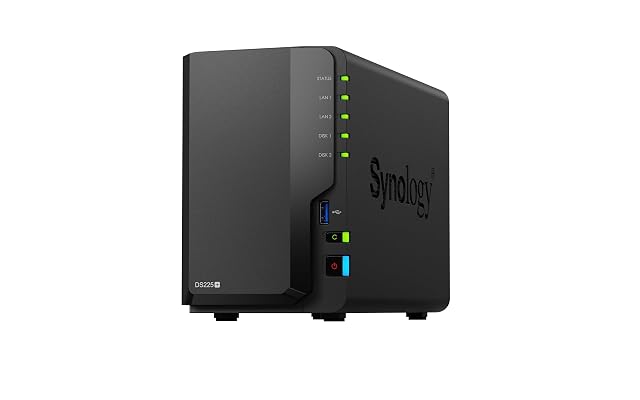
| Synology DS225+ | $421 | Two — stated in the title, and the second bullet places the model in the two-bay Plus series as the replacement for the DS224+ | Not named on the listing — the description covers syncing, mobile apps, desktop clients, a browser interface and file versioning without naming the software |
|---|
| BUFFALO LinkStation 220 LS220D1202 | $462 | Two — stated in the title as 2-Bay and in the seventh bullet as two drive bays holding 12 TB in total, with the drives included | Not named, and described as closed — the fourth bullet states a closed system to reduce exposure from third-party applications, with SSL encryption for transfers and RAID for redundancy. The fifth names NAS Navigator, with NAS Navigator 2 for macOS 15 and earlier |
|---|
| BUFFALO LinkStation SoHo 220 LS220D0802B | $475 | Two — stated in the title as 2-Bay and in the seventh bullet as two drive bays holding 8 TB in total. The title specifies the division as 2 × 4 TB, which no other LinkStation page on this shelf does | Not named, and described as closed — the fifth bullet states a closed system to reduce exposure from third-party applications, with SSL on transfers. The sixth names NAS Navigator, with NAS Navigator 2 for macOS 15 and earlier |
|---|
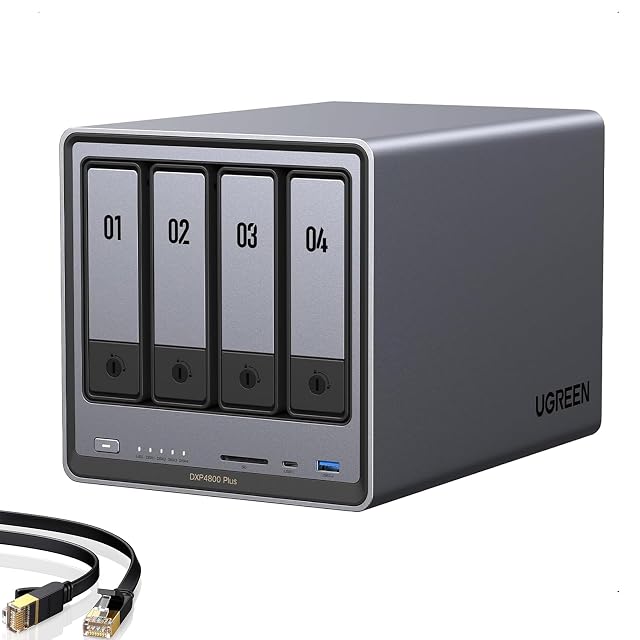
| UGREEN NASync DXP4800 Plus | $657 | Four — stated in the title as a 4-Bay unit. The second bullet gives a capacity ceiling of 144 TB without publishing the per-bay figure that would produce it | Not named on the listing — the first bullet names Docker and virtual machines and the last states that all DXP models support both and that Plex can run through Docker. The software is described by function throughout and never called anything |
|---|
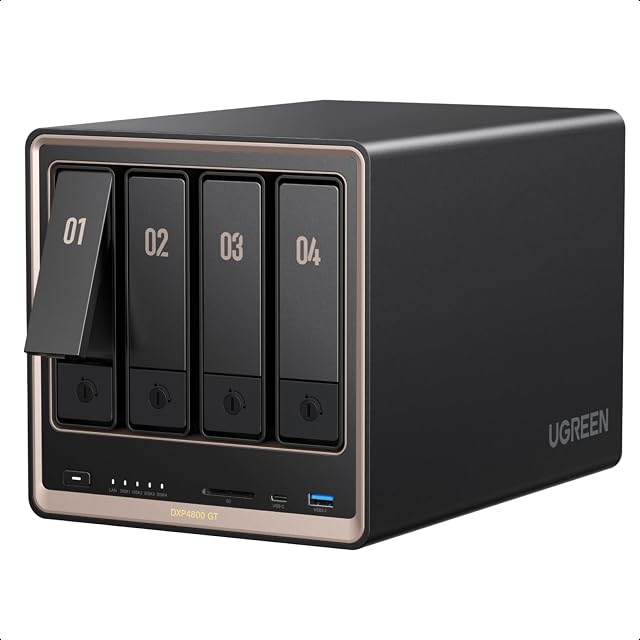
| UGREEN NASync DXP4800 GT | $660 | Four — stated in the sixth bullet as four drive bays for SATA drives up to 32 TB each, with up to two of those same bays also accepting U.2 NVMe solid-state drives | UGOS Pro — named in the second bullet, with Docker, virtual machines and SAN Manager, and Plex, Emby, Jellyfin, Home Assistant and web hosting named as workloads. The eighth bullet states that Plex runs through Docker and must be set up by hand |
|---|
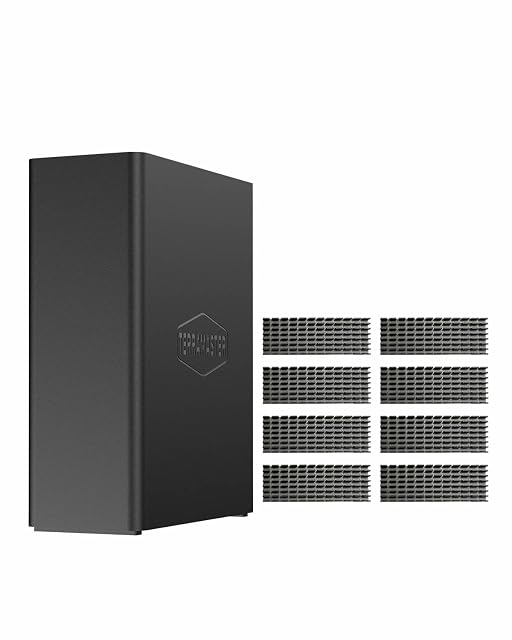
| TERRAMASTER F8 SSD Plus | $765 | Eight — stated in the title and in the second bullet as eight M.2 2280 NVMe slots, each taking up to 8 TB for 64 TB in total. The arithmetic holds, and it is the highest bay count on this shelf | Not named — the fifth bullet names the TerraMaster Business Backup Suite and its five parts: Centralized Backup, TerraSync, Duple Backup for off-site recovery, CloudSync and Snapshot for ransomware protection. The system that runs them is never called anything |
|---|
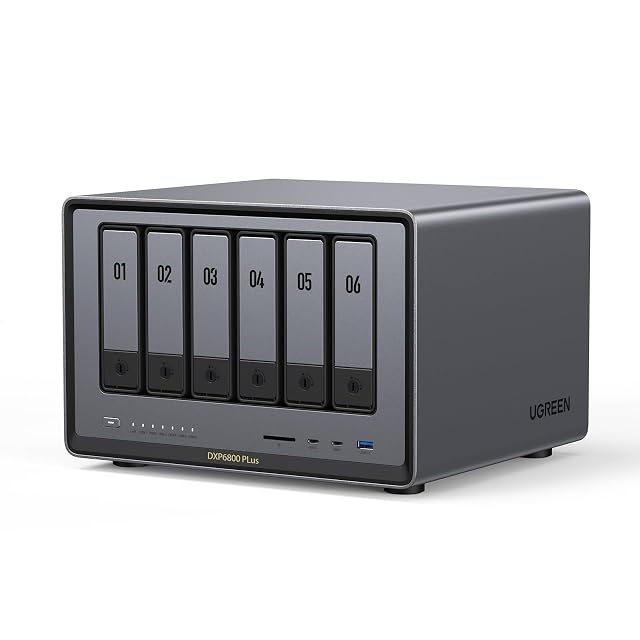
| UGREEN NASync DXP6800 Plus | $939 | Six SATA bays, plus two M.2 NVMe slots — stated in the title and in the fourth bullet. It is the only six-bay machine on this shelf; the rest are at one, two, four or eight | Not named — the fifth bullet describes an app gathering Storage Manager, Files and Photos in one place, and the last states that all DXP models support Docker and virtual machines and that Plex can run through Docker |
|---|
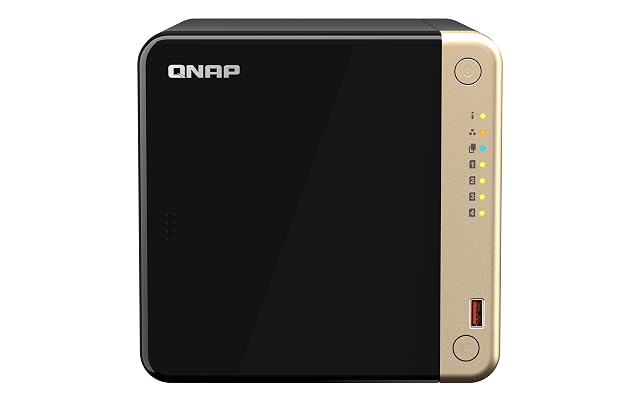
| QNAP TS-464-8G | $1003 | Four, in the model designation TS-464 — the Amazon.com title, bullets and description never count the bays in words | Not named on the listing — the description lists multi-cloud backup, a cloud storage gateway, real-time transcoding and 4K HDMI output without naming the software that provides them |
|---|
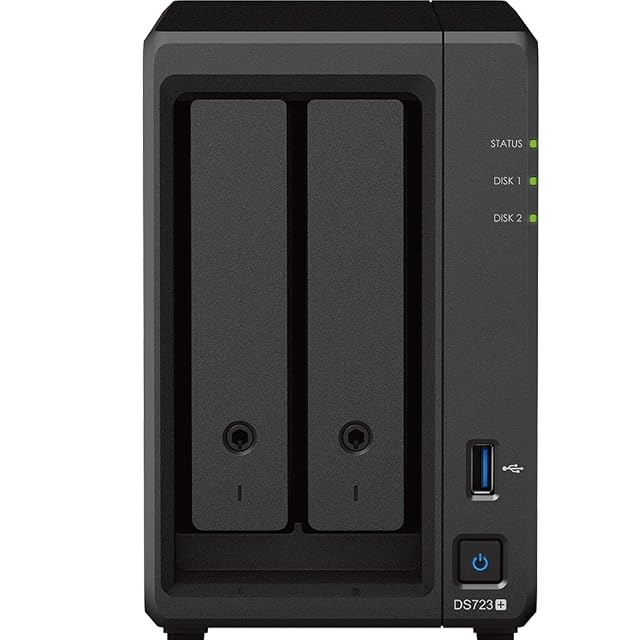
| Synology DiskStation DS723+ with drives and memory | $3529 | Two SATA bays, plus two M.2 2280 NVMe slots — stated in the second bullet, with 40 TB as two 20 TB drives and 1 TB as two 500 GB modules. All four positions arrive filled | Synology DSM — named plainly in the third bullet and again in the description. Three listings on this shelf name their operating system, and two of the three are Synology |
|---|
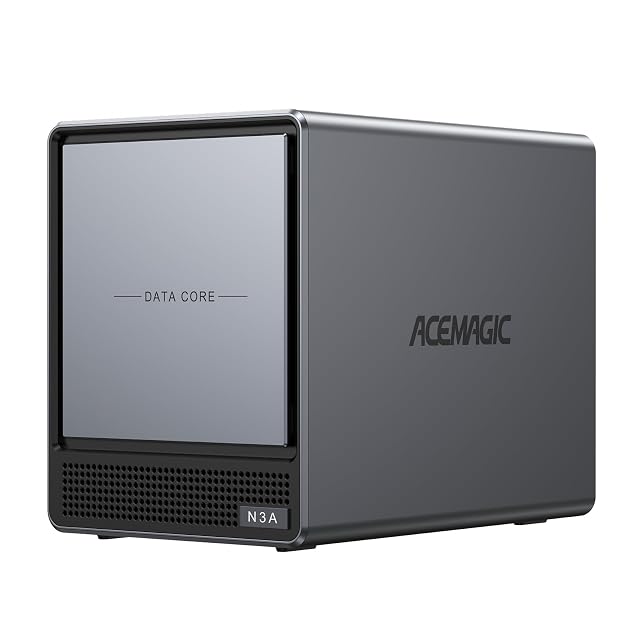
| ACEMAGIC N3A | — | Four HDD bays, plus two M.2 slots — stated in the title as 4-Bay and in the bullet as 4×HDD+2×M.2 Slots | Not published on the listing — the unit is sold diskless and no software is named; the 128 GB SSD is listed without saying what it holds |
|---|
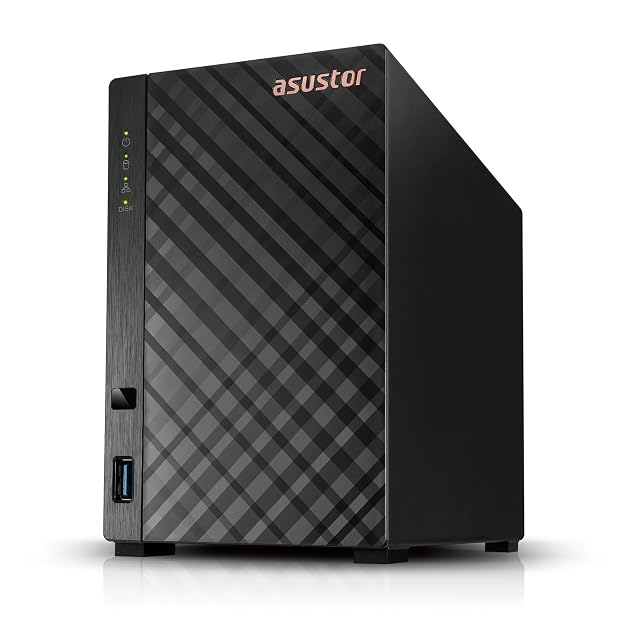
| Asustor AS1102TL | — | Two — stated in the title as a 2 Bay enclosure, and the range name Drivestor 2 Lite carries the same figure | Not published on the listing by name — the software is described through its features, Btrfs snapshots and Wake on LAN among them, and is never called anything |
|---|
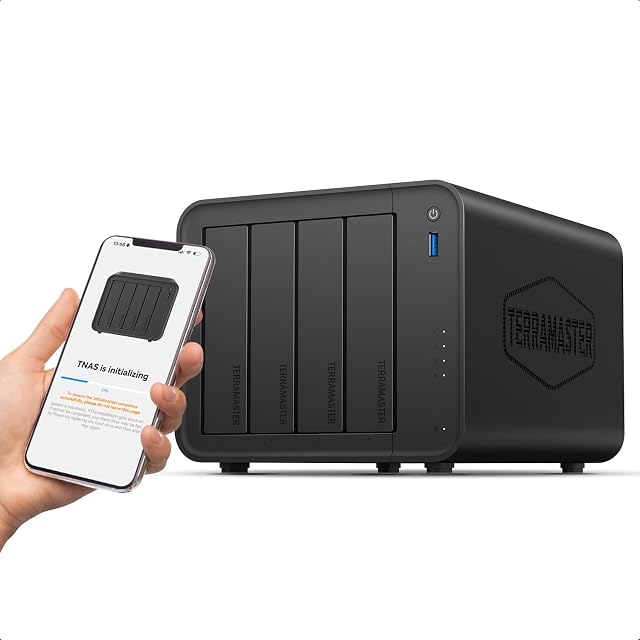
| TERRAMASTER F4-425 | — | Four — stated in the title as a 4 Bay unit and repeated in the fifth bullet as a 4-Bay NAS | Not published on the listing by name — the third bullet names the TNAS Mobile app used to set the unit up without a computer, and the software on the enclosure itself is never called anything |
|---|
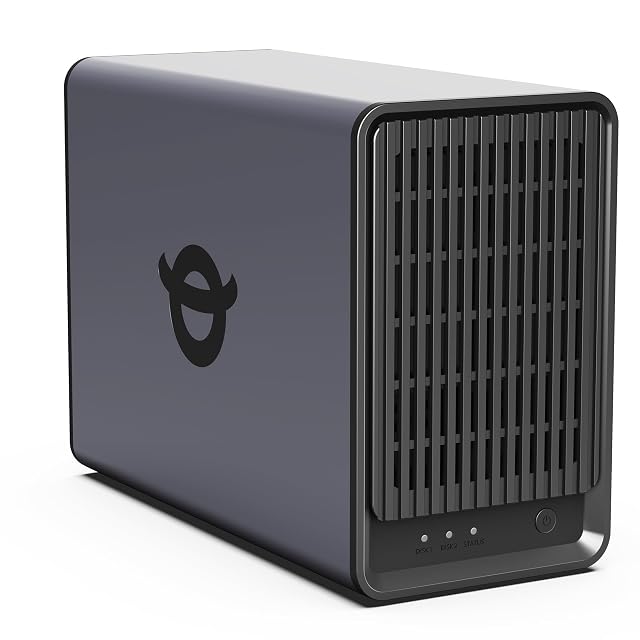
| Yxk Zero1 | — | Two — stated in the title as a 2-Bay desktop NAS and repeated in the first bullet | Not named on the listing — the third bullet describes a phone app, a desktop client and any web browser across Windows, macOS, iOS and Android, and the first names Docker support. The software itself is never called anything |
|---|