Second copy
The drive that holds the copy you would actually miss
The second copy of files nobody could recreate is the cheapest insurance on this site. Size the drive at about twice the files you cannot replace, connect it over USB 3.0 or faster, and keep it unplugged between copies.
By Jean-Benoit Buisson
Start from what you cannot replace
A routine that tries to copy everything runs slowly, fills its drive and gets switched off. List what cannot be replaced: photos and video of people, documents you wrote, tax and medical records, anything made rather than downloaded. Size the drive at about twice that, so older versions and a few years of growth fit.
A second tier, costly but replaceable, like a ripped movie collection or projects you could rebuild, is worth copying with less ceremony. Anything you can download again belongs in neither.
The feature nobody quotes: can it be unplugged?
Anything permanently connected can be reached by anything that reaches the computer, including ransomware running with your own permissions. A drive that is plugged in, copied to and unplugged again is unfashionable and effective. Monthly is enough for files that change slowly.
The usual rule is 3-2-1: three copies of what matters, on two kinds of storage, one of them at another address. Two drives rotated between home and a relative’s house or an office cover theft, fire and water, which no second drive on the same desk can.
Read the port, then the speed
A hard drive sustains roughly 150 to 250 MB/s; the published figures on this page are 190 MB/s for the BarraCuda and 250 MB/s for the WD_Black D10. USB 3.0 (5 Gbps) carries that comfortably, so 1 TB copies in about an hour and a half. On a USB 2.0 port, at a real 35 MB/s or so, the same terabyte takes about eight hours, and only the first full copy is that long.
Check the power, too. A 3.5-inch desktop drive needs a wall outlet; a 2.5-inch portable runs from the USB port. Neither desktop listing below says how it is powered, so look at what is in the box.
Versions, not a mirror
A copy that mirrors a folder exactly also mirrors a mistake. If a file was overwritten on Tuesday and the copy ran on Tuesday night, both are now wrong. In Time Machine, File History or whatever software you use, check how many versions are kept and how far back they go. Those versions only exist while the drive has room, which is why the capacity rule above doubles the total.
Automate it, and get told when it stops
Schedule the copy, and turn on whatever alert the software offers when a run fails. A routine that silently stopped four months ago is worse than none, because you have been relying on it. Put a quarterly reminder in a calendar and restore one folder while you are there.
Drives on this site
Prices read on Amazon.com on October 25, 2026:
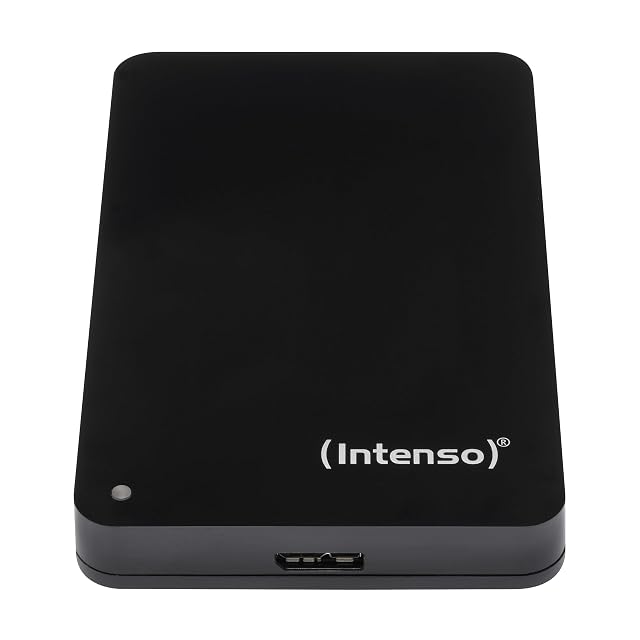
- Intenso 1 TB portable, refurbished, $82.58 on October 26, 2026: bus-powered, 85 MB/s read and 75 MB/s write, for a heap that fits in 1 TB.
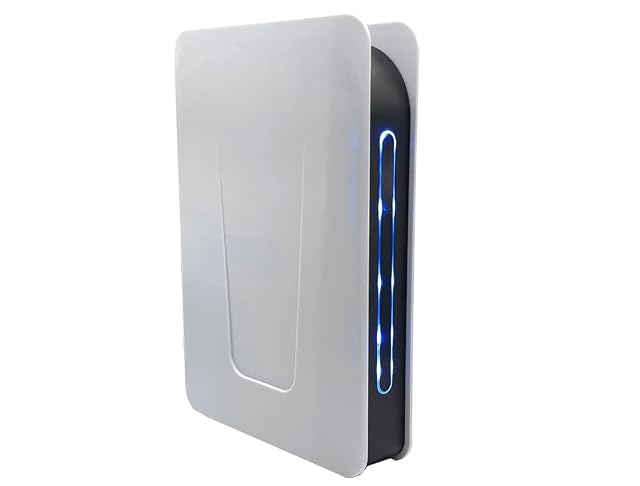
- Avolusion PRO-T5, 4 TB, $158.50: USB 3.0, a two-year warranty, about 3 lb.
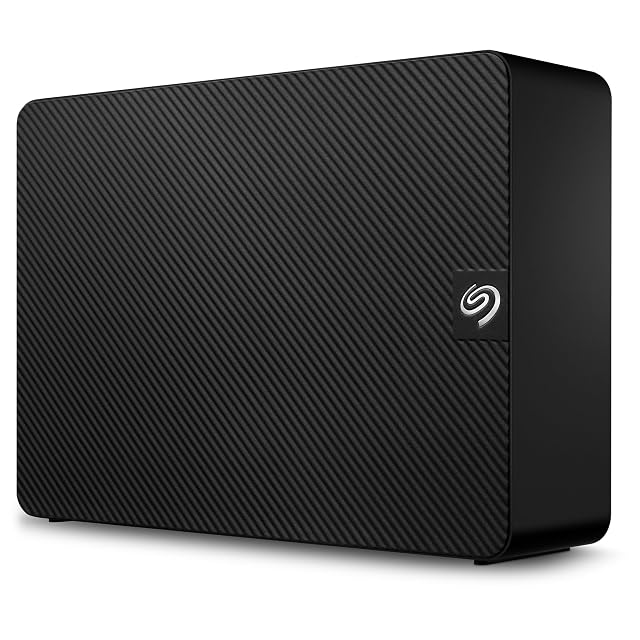
- Seagate Expansion Desktop, 6 TB, $229: USB 3.0, about 2.6 lb.
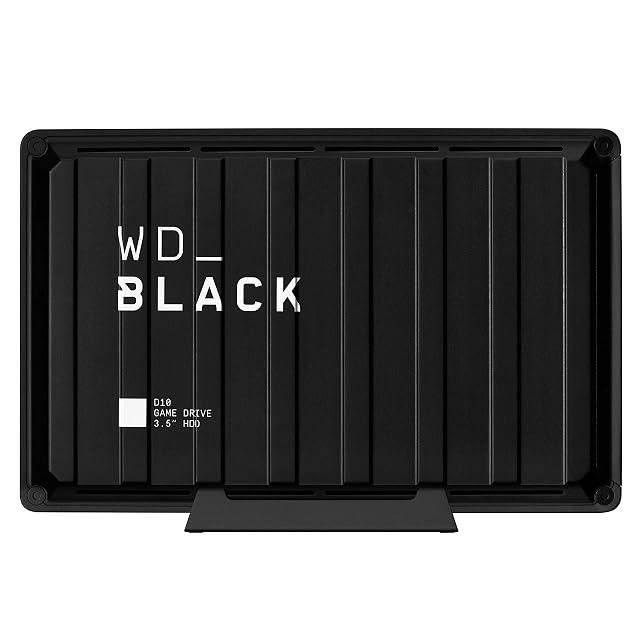
- WD_Black D10, 8 TB, $397.04: 7200 rpm, 250 MB/s stated, a fan; sold for game libraries, and the fastest stated here.
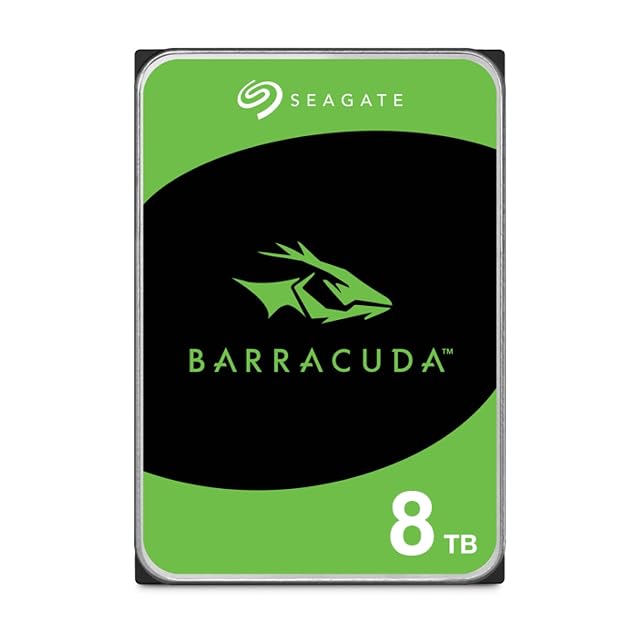
- Seagate BarraCuda, 8 TB, $279.99: an internal 3.5-inch drive, 190 MB/s sustained, for a desktop’s spare bay or a USB dock.
More on our external hard drives and internal hard drives shelves.
What a backup drive cannot do
It cannot help if it has never been tested. A copy nobody has restored from is a copy nobody knows works, and the moment you find out is always the worst one.
Prices quoted in this text were read on October 26, 2026. The live price is at the top of the page.