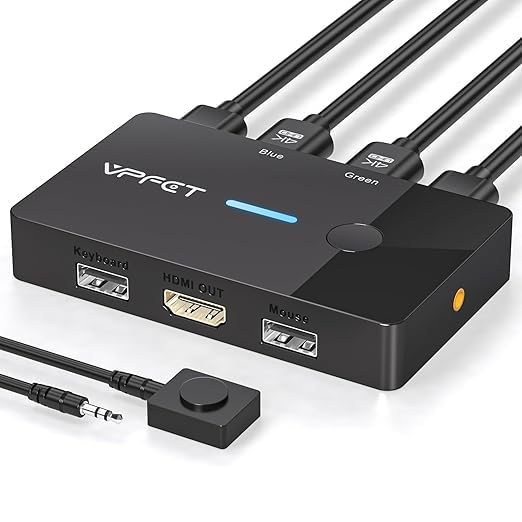
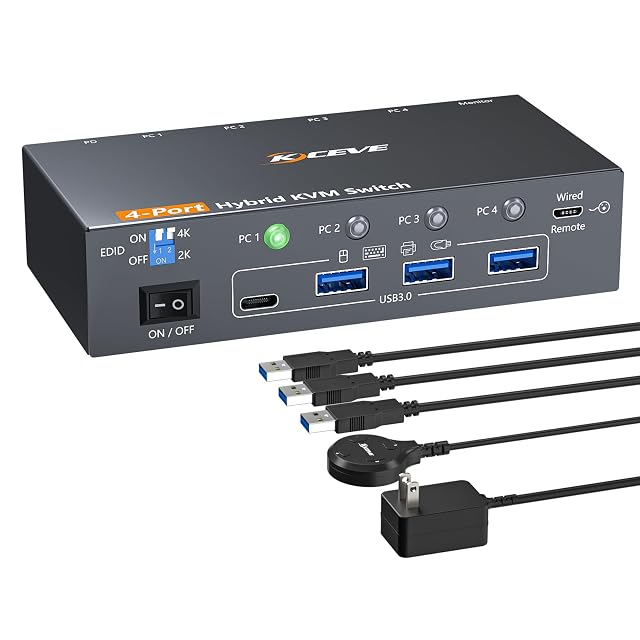
| CMSTEDCD GMXUS-SW219S | $17 | 4K — stated in the title and in the second bullet as up to 4K at 60 Hz, backwards compatible with 3840 by 2160 at 30 Hz, 1920 by 1080 at 60 Hz and 1920 by 1080 at 30 Hz. The same bullet requires that the computers and the screen support 4K themselves | Two — stated in the title and in the first bullet as two computers sharing one monitor and one keyboard and mouse set | One — stated in the title as two computers sharing a single monitor | Two, both physical — a button on the body and a wired desk controller, stated in the third bullet, which also states plainly that this switch does not support hotkey switching |
|---|
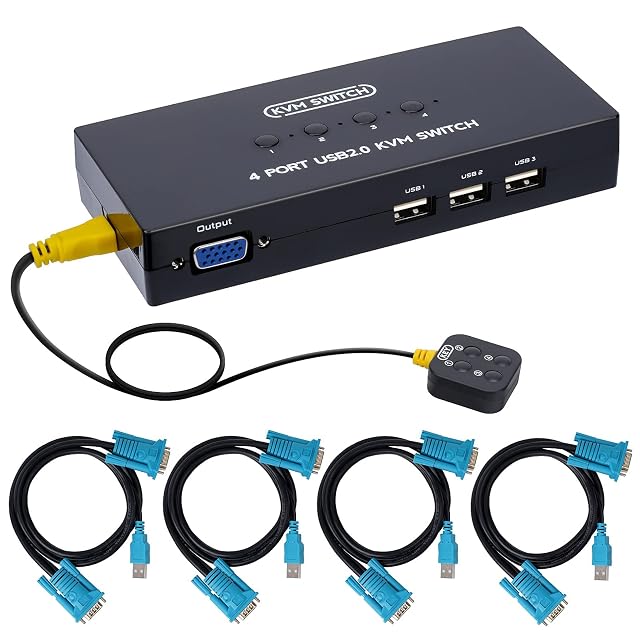
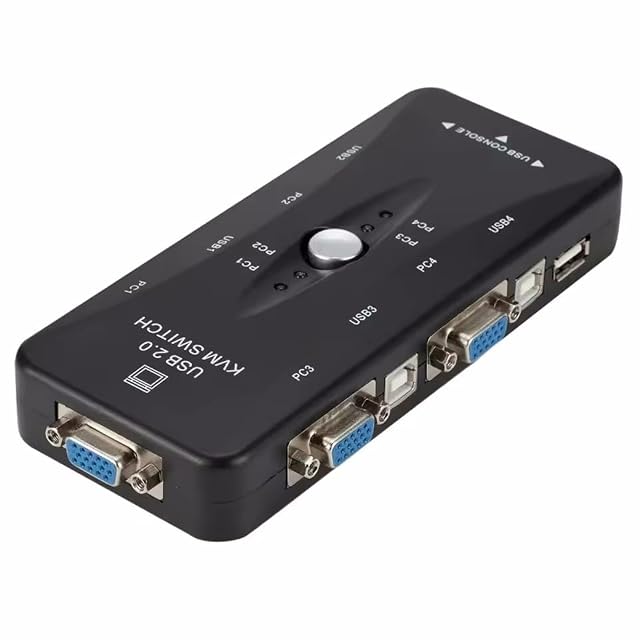
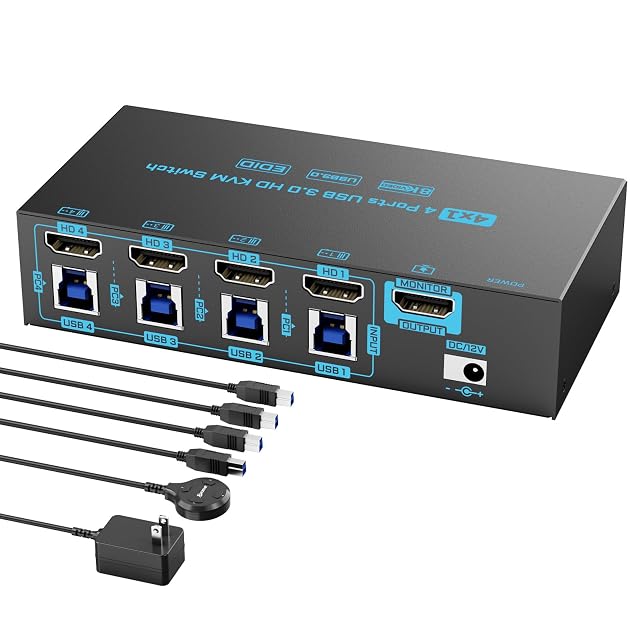
| DGODRT KS204V | $33 | 1920 by 1440 — stated in the second bullet, which adds that a very wide screen is also supported. It is the ceiling of the switch alone; the computers and the screen each impose their own | Four — stated in the title and in the first bullet as four computers or laptops managed from one place | One — stated in the title as four computers sharing one screen | Two — a wired desk controller and a button on the front panel, stated in the fourth bullet, with an indicator light showing which computer is under control |
|---|
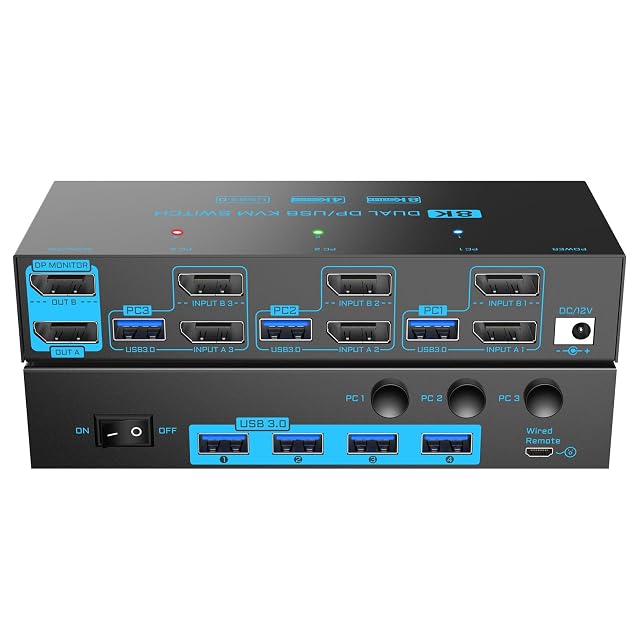
| DXchip KVM302DP-02 | $86 | 8K, given as 7680 by 4320 — stated in the title and in the second bullet at 30 Hz, with 3840 by 2160 at 144 Hz also named and lower resolutions supported. The same bullet states that the sources, the monitors and the DisplayPort leads must all support the figure to reach it | Three — stated in the title and in the first bullet as three computers sharing two DisplayPort monitors and four USB 3.0 devices. It is the only three-computer unit on this shelf | Two — stated in the title and in the first bullet, where three machines share two DisplayPort monitors. The sixth bullet asks that each computer be connected to the two screens directly first, to confirm multi-screen output is supported | Two — a physical button and a wired controller of 1.5 m (5 ft), stated in the fourth bullet, with indicator lights showing the active computer. The fifth bullet adds a separate power switch for restarting the unit when the signal needs recognizing again |
|---|
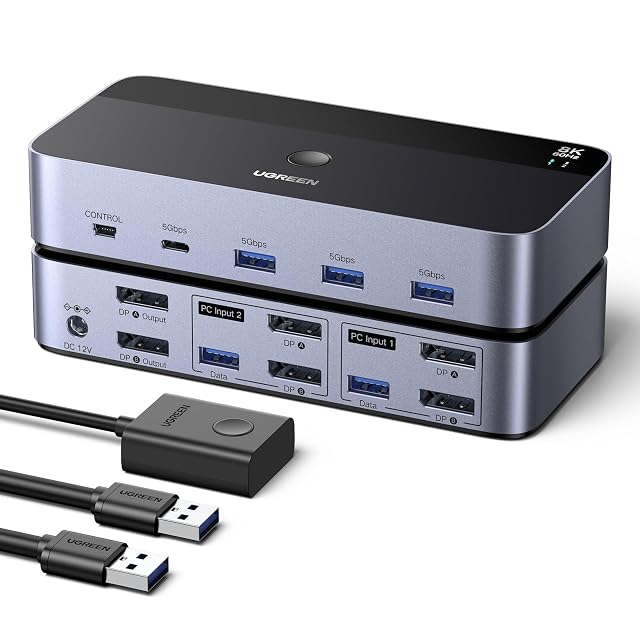
| UGREEN AK700 | $90 | 8K — stated in the title and in the second bullet as up to 8K at 60 Hz, backwards compatible with 8K at 30 Hz, 4K, 1080p, 720p and 480p. It is the ceiling of the switch alone; the computers and the screens each impose their own | Two — stated in the title and in the first bullet as two desktop computers | Two — stated in the first bullet, where two DisplayPort screens are shared by the two machines, in either a copying or an extending arrangement | Two — a button on the unit and a desk controller, stated in the fourth bullet as a single press to change machine |
|---|
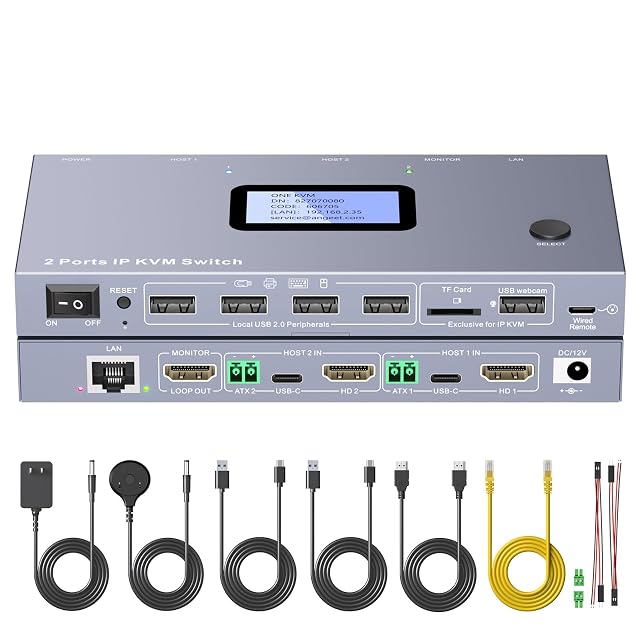
| ANGEET ONE-KVM 2-port IP KVM switch | $140 | 3840 by 2160 — stated in the ninth bullet together with its rate. It is the ceiling of the switch alone; the computers and the screen each impose their own | Two — stated in the title and in the first bullet as two controlled computers, with remote switching between the two hosts | One — stated throughout, where two machines share a single screen with a local loop-out for keyboard, mouse and monitor | Four — a physical button, a wired remote, a browser on the local network and the ONE KVM application, stated in the third and fifth bullets. The third states that the application reaches both the local network and the wider internet while browser access is local only |
|---|
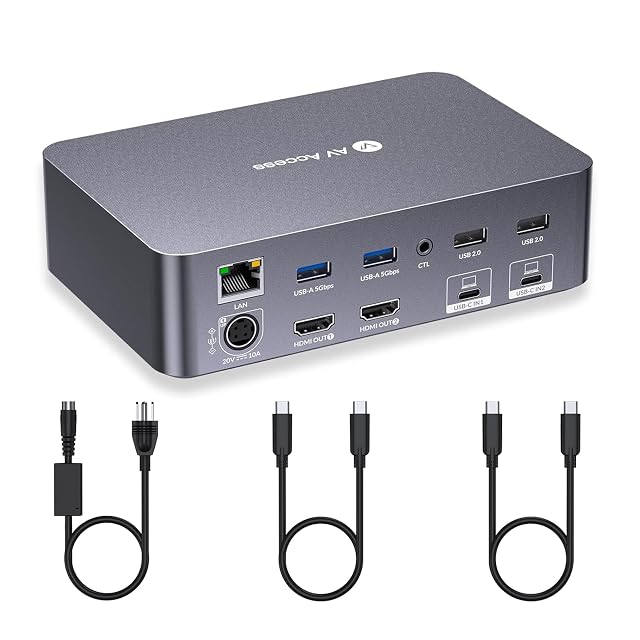
| AV Access iDock C20 | $260 | 4K UHD — stated in the third bullet for video arriving over the full-featured USB-C ports. The last bullet limits a 49-inch ultrawide screen to 3840 by 1080, and states that macOS machines mirror the two displays rather than extending them | Two — stated in the title and in the first bullet as two laptops controlled through one dual-monitor setup, keyboard, mouse and set of peripherals | Two — stated in the title and in the first bullet. The last bullet requires a laptop supporting DP Alt Mode and DP MST for both to extend, and states that macOS mirrors only | One in the box — a button on the front, stated in the fourth bullet as a two-to-three-second change with EDID emulation and automatic wake-up of the machine. A wired remote controller is named in the same bullet as sold separately, with its ASIN printed on the page |
|---|
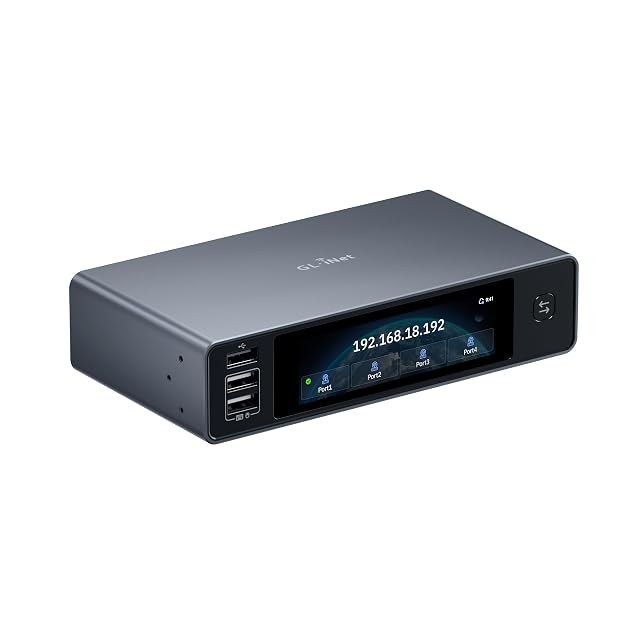
| GL.iNet Comet X GL-RM4PE | $280 | 4K on the loop-out — stated in the third bullet as up to 4K@30FPS for the HDMI loop-out that feeds a local monitor. No resolution is published anywhere on the page for the four inputs themselves | Four — stated in the title and in the second bullet as up to four host systems, through four HDMI inputs and four dedicated USB Type-C device ports | One — stated in the third bullet, where a single monitor on the loop-out serves the four machines alongside the remote session | Three — the front-panel button, the 3.69-inch TFT touchscreen and the browser-based interface over HTTPS, stated in the second, fourth and seventh bullets. The touchscreen and the browser are both new to this shelf |
|---|
| AOOCOO KC-401C-AO-DE | — | 4K — stated in the title and in the second bullet, quoted as 4K at 60 Hz with 2K at 100 Hz also named, and described as backwards compatible. It is the ceiling of the switch alone; the computers and the screen each impose their own | Four — stated in the title and in the first bullet as four computers, given as one laptop and three desktop machines | One — stated in the title and in the first bullet, where four machines share a single screen | Two — a select button on the unit and a wired remote of 1.5 m (5 ft), stated in the fifth bullet, with plug and play and no driver required |
|---|
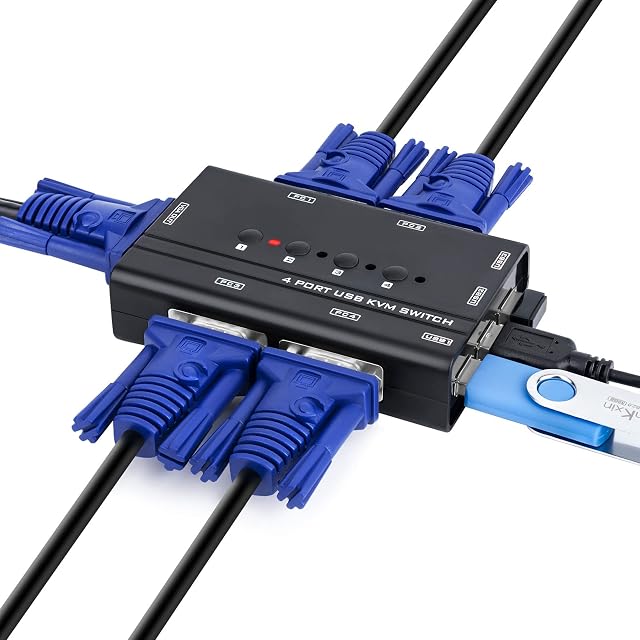
| DUOBAGMA EB0864 | — | 1920 by 1080 — stated in the title and in the third bullet, both times written as 1920@1080P. It is the ceiling of the switch alone; the computers and the screen each impose their own | Four — stated in the title as four in, one out, and again in the first and second bullets as four VGA computers or laptops | One — stated in the second and fifth bullets, where four machines share a single VGA screen | A manual push button on the unit — stated in the first bullet as a manual push-button type and described in the third as a button that changes the input source without replugging anything. No remote control and no keyboard shortcut is named |
|---|
| DXchip ZX-KVM8401B002 | — | 8K — stated in the title and in the second bullet as 8K at 60 Hz and 4K at 144 Hz, backwards compatible with 4K at 30 Hz, 1080p and below. It is the ceiling of the switch alone, and the second bullet says in as many words that the final figure depends on the graphics cards, the screens and the leads | Four — stated in the title and in the first bullet as four computers sharing one screen and one keyboard and mouse set | One — stated in the title and in the first bullet, where four machines share a single screen | Two — a panel button and a wired desk controller of 1.5 m (5 ft), stated in the fifth bullet, with indicator lights showing the active machine; the third bullet adds that holding the first button for three seconds turns the EDID emulation on or off |
|---|
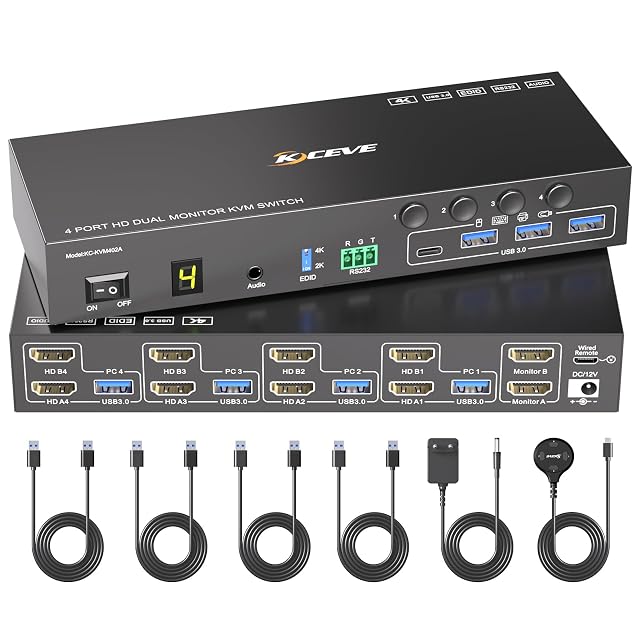
| MLEEDA | — | 4K — stated in the title and in the third bullet as a maximum of 4K at 60 Hz, backwards compatible with 4K at 30 Hz, 2560 by 1440 at 120 Hz and below. It is the ceiling of the switch alone; the computers and the screens each impose their own | Four — stated in the title and in the first bullet as up to four computers | Two — stated in the first bullet, where four machines share two screens in either an extending or a mirroring arrangement | Three — panel buttons numbered 1 to 4, a wired remote of 1.5 m (5 ft), and RS232 at 115200 baud, stated in the fifth bullet, with an indicator light showing the active machine |
|---|
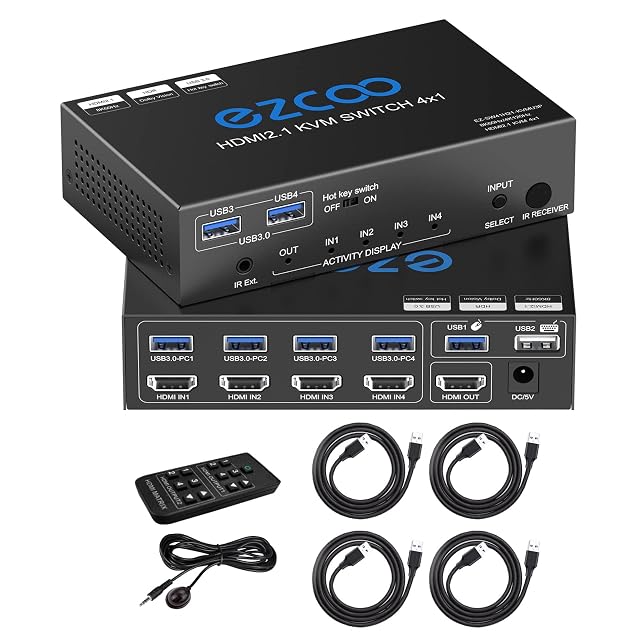
| ROFAVEZCO EZ-SW41H21-KVMU3P | — | 8K — stated in the title and in the second bullet as up to 8K at 60 Hz and 4K at 120 Hz. It is the ceiling of the switch alone; the computers and the screen each impose their own | Four — stated in the title and in the first bullet as four computers controlled from one keyboard, mouse and screen | One — stated in the title as four computers sharing one screen | Three — a keyboard hotkey, an infrared remote and a button on the unit, stated in the fourth bullet |
|---|
| TCNEWCL VGA4P | — | 1080p, described as Full HD — stated in the title. It is the ceiling of the switch alone, and the computers and the screen each impose their own | Four — stated in the title and in the second bullet, which gives the input as a maximum of four computers | One — stated in the title as four computers to one screen | One button on the unit, with an indicator light showing which computer is active — stated in the fourth bullet. That bullet describes switching between two computers on a four-computer unit, and its closing note describes an eight-port model supplied with a wired and a wireless remote, which is not the product in this title |
|---|