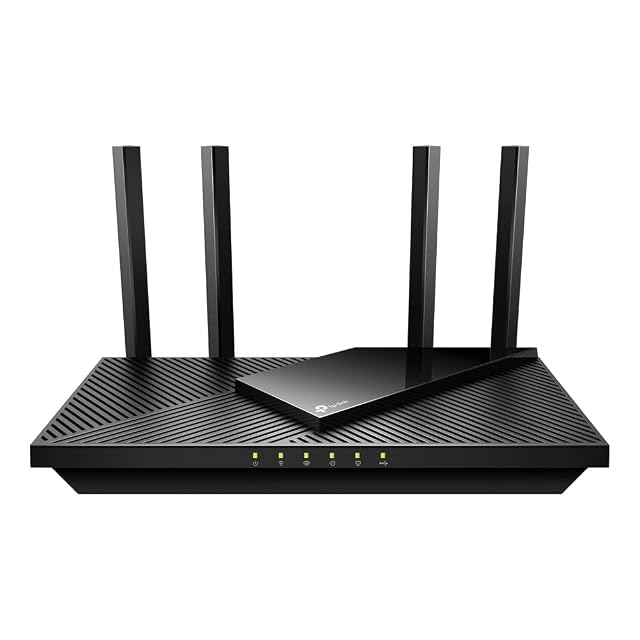
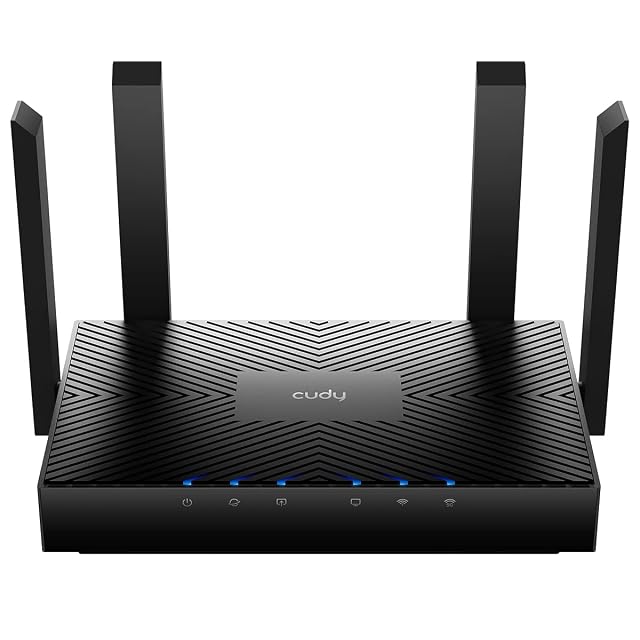
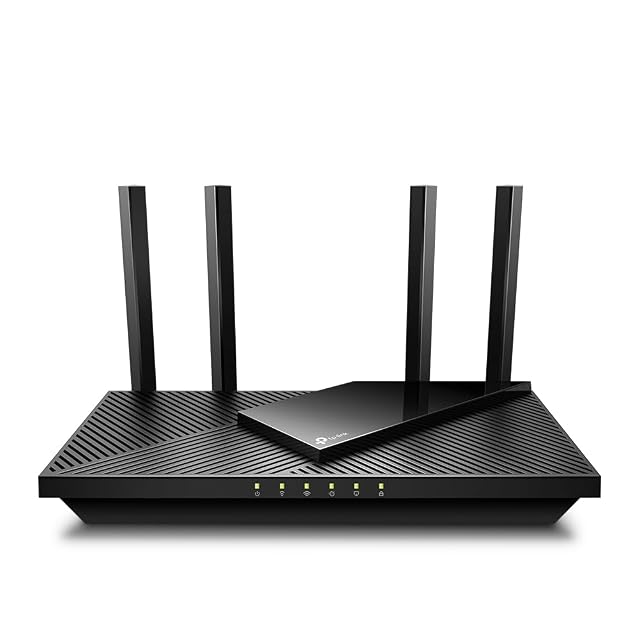
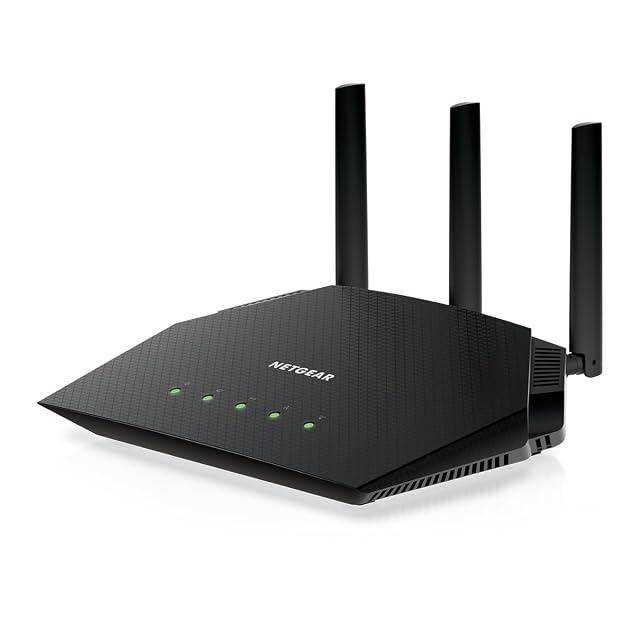
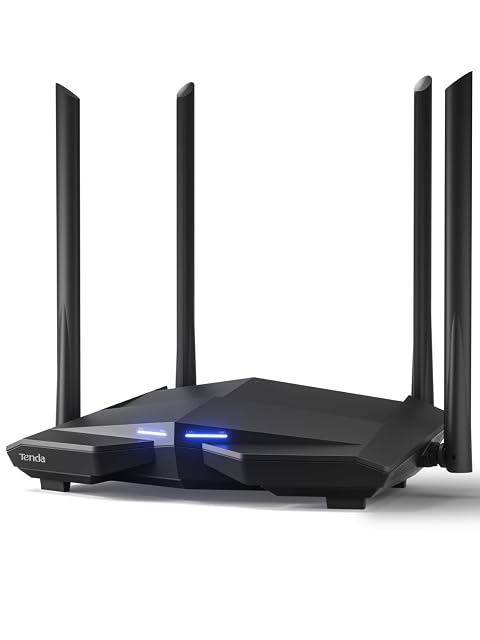
Router upgrade
Replacing the router your provider left, and knowing whether you should
A provider’s box is chosen for the provider, not for your building. Replacing it is worthwhile for three specific reasons — routing, port speeds and published features — and it is worth nothing at all for the reason it is usually bought, which is to reach a room the old one could not.
By Jean-Benoit Buisson
First, find out what the provider’s box actually is
Three arrangements are common, and the shopping list differs for each.
Some providers supply an all-in-one: it terminates the line, routes, hands out addresses and runs the radios. Some supply a modem or optical terminal that terminates the line and does nothing else, in which case a router is a missing part rather than an upgrade. And many supply the all-in-one with a setting that turns off its routing so that a router of your own can take over cleanly.
Finding out which you have takes ten minutes in the provider’s documentation, and it prevents the most common bad outcome in this category: two devices routing at once, producing symptoms that look like a hardware fault and are not.
The three things a replacement genuinely buys
Routing capability. A better route table, better handling of many simultaneous connections, controls over what devices may do, a guest network that is genuinely separated. This is what an under-specified provider box is worst at.
Port speeds. Count the LAN sockets and read their rate. A router advertising multi-gigabit radios behind four gigabit sockets has a wired ceiling that nothing on the radio side raises. If the line arriving is faster than a gigabit, the WAN socket has to be faster than a gigabit too, and that is a separate figure from the LAN ones.
Published features and updates. VPN support, controls, monitoring, and above all the maker’s stated policy on firmware. All of these are readable before purchase, which is more than can be said for most of what gets compared.
What it does not buy, however much is spent
It does not buy coverage in a room the old router could not reach, because the obstacle has not moved and the new unit is standing in the same place. It does not make the incoming line faster than the line is. And it does not raise the connection rate of a laptop or a phone that speaks an older wireless amendment — the newer generation waits for newer devices.
If the complaint is one bad room, the money belongs in a second radio placed near the trouble, or in a cable to a better position. If the complaint is that everything is slow including wired devices, nothing on this page is the answer.
Reading the specification in the order that matters
Wireless generation and its IEEE designation — 802.11ac, 802.11ax, 802.11be — which is the plain version of the marketing name.
Band plan and stream count. How many radios, on which bands, and whether the unit is 2×2 or 4×4. Whether a 6 GHz radio may be used at all is decided by the regulator where the unit is sold.
WAN and LAN port speeds, and the port count. The most consequential numbers on the sheet, and the least discussed.
USB sockets, if you intend to hang a drive or a printer off the router, along with what the maker says that arrangement actually supports.
The class figure, last, and only as a rough tier indicator. It is legitimate as a description of the product and useless as a description of a link.
Where to put it once it arrives
Move the radios towards the middle of what they have to cover, even if the line enters at a corner. A single run from the termination point to a central position is often the highest-value cable in a building, and it costs a fraction of the router.
Give the unit height and clearance. A router on a shelf covers a floor better than the same router on the floor behind furniture, and a cupboard costs coverage in proportion to what the cupboard is made of.