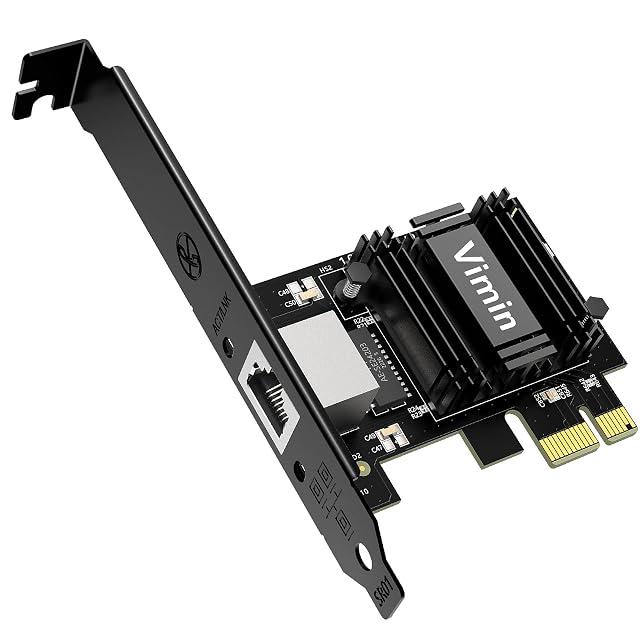
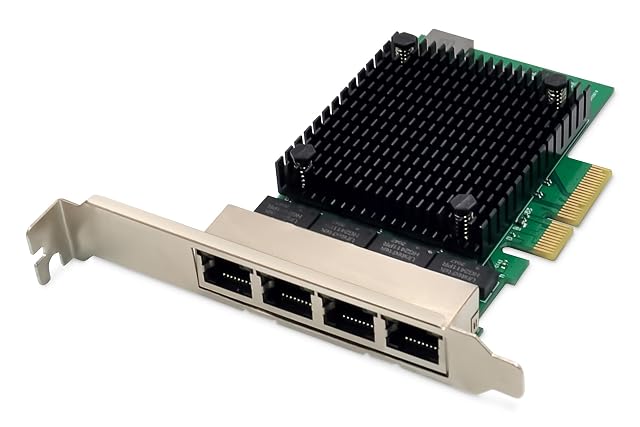
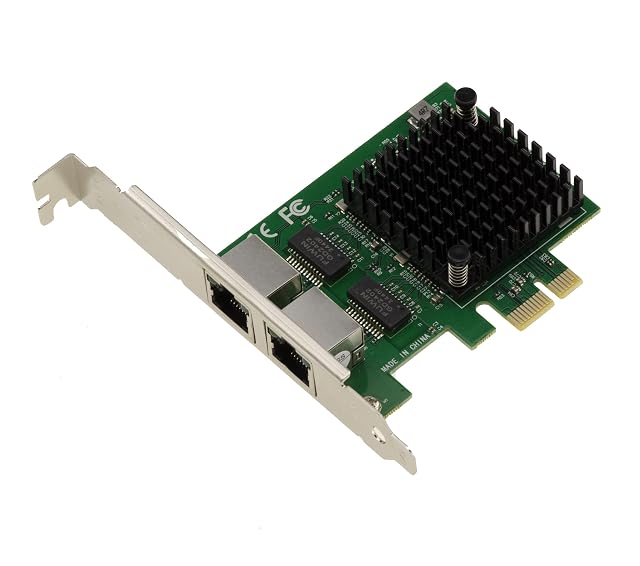
| VIMIN | $18 | One — the second bullet names the 2.5G Ethernet port in the singular | 2.5 Gbps, 1 Gbps and 100 Mbps, negotiated automatically — stated in the second bullet | Two — the third bullet names low-profile and standard brackets | Realtek RTL8125B — stated in the title |
|---|
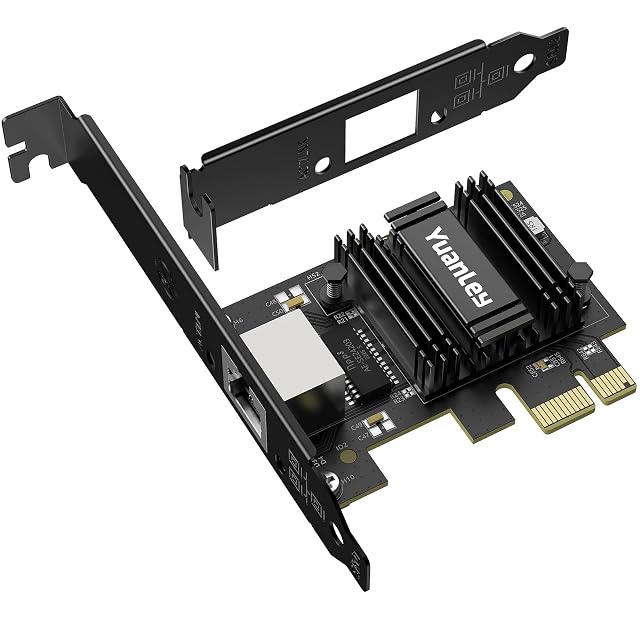
| YuanLey | $18 | One — the title names a single RJ45 LAN controller card, and no bullet prints a figure or returns to the subject | 2.5 Gbit/s over RJ45 — stated in the title as a 2.5-gigabit PCI Express Ethernet adapter at 2500 Mbps and in the first bullet as a 2.5 Gbit/s card; no BASE-T designation is printed anywhere on the page | Stated twice and not identically. The title names a low-profile bracket alone; the third bullet names standard and low-profile brackets together, with desktop machines, small machines and servers given as what they cover | Realtek RTL8125B — stated in the title and named again in the fourth bullet, which credits it with the speed and the latency of the card |
|---|
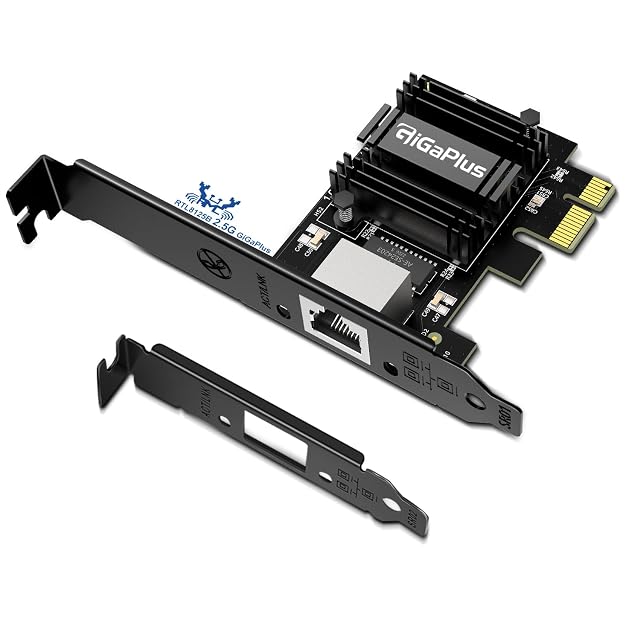
| GigaPlus | $20 | One — the third bullet turns a PCIe connector into one 2.5G Ethernet RJ45 socket, in the singular, and the title names a single interface adapter | 2.5GBASE-T — stated in the third bullet in that form, with the title giving 2500 Mbps and the second bullet giving backwards compatibility at 2.5 Gbps, 1 Gbps and 100 Mbps | Two — the fourth bullet names a standard bracket and a low-profile one, with computers, workstations, servers and mini-tower cases given as what they are for | Realtek RTL8125B — stated in the title and named again in the first bullet as the chip behind the speed |
|---|
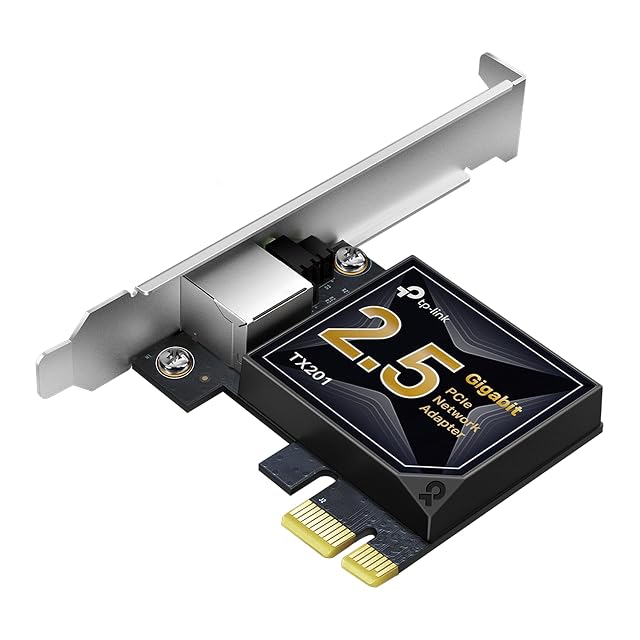
| TP-Link TX201 | $27 | One — the first bullet names a 2.5 Gigabit Ethernet port in the singular | 2.5 Gigabit Ethernet, backward compatible with 1 Gbps and 100 Mbps — stated in the first and second bullets | Two — the third bullet names a low-profile bracket and a full one | Not published on the Amazon.com listing — no chip is named |
|---|
| DIGITUS DN-10136 | $92 | Four — stated in the title and the description as four RJ45 ports | 10/100/1000/2500BASE-T — stated in the title | Not published on the Amazon.com listing | Realtek RTL8125B — named in the description as the chipset |
|---|
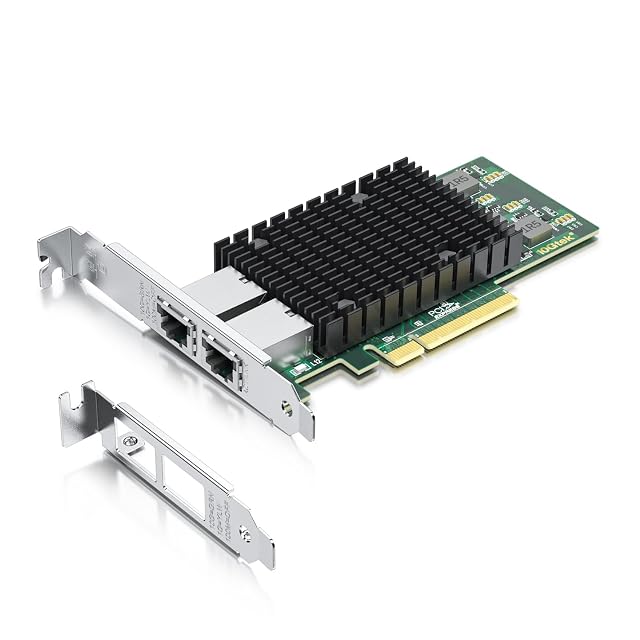
| 10Gtek X540-T2 | — | Two — stated in the title and the third bullet as dual copper RJ45 ports | 10 GbE, 1 GbE and 100 Mb/s copper — stated in the description; Cat 6A to 100 m and Cat 6 to 55 m in the third bullet | Two — the fourth bullet names a profile bracket and an additional low-profile one | Intel X540 — stated in the title and the first bullet, with intelligent offloads named |
|---|
| KALEA-INFORMATIQUE 11888237 | — | Two — stated in the title as two gigabit Ethernet ports and two RJ45 ports on a dual-chipset card | 2500BASE-T, 1000BASE-T, 100BASE-TX and 10BASE-Te — stated in the third bullet with the standards behind them, IEEE 802.3bz, IEEE 802.3ab, IEEE 802.3u and IEEE 802.3, and a copper RJ45 interface to IEEE 802.3 up to 2.5 Gb/s | Two — the fifth bullet states that the card is supplied with high-profile and low-profile brackets | Two Intel I226, marked SRKTU, joined by an ASM bridge — stated in the title and in the third bullet. It is the only card here with two controllers rather than one |
|---|