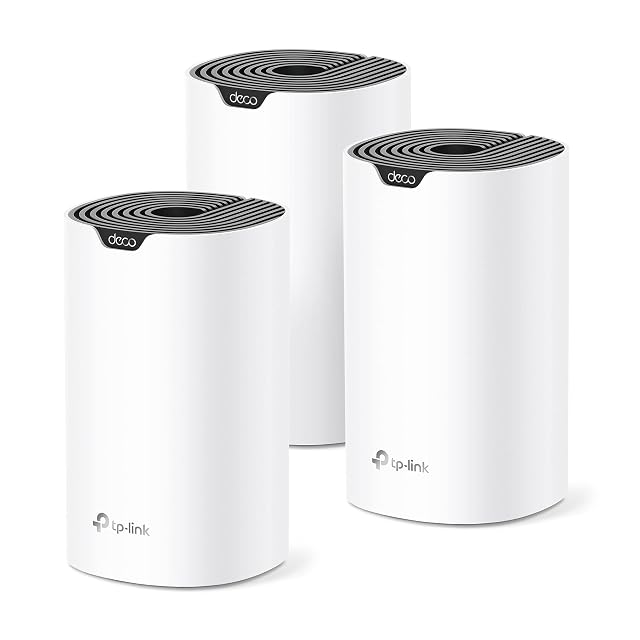
| TP-Link Deco S4, three-pack | $96 | Three — stated in the title and in the second bullet, which gives the three units working together as one network | AC1900, with a three-by-three six-stream arrangement — stated in the fourth bullet, printed there as "3× 3 6 Stream". The figure is the theoretical sum of the radios and the page does not break it into bands | Three identical units, any of which can act as the router — stated in the eighth bullet, with WAN and LAN auto-sensing named in the description so no socket is reserved | Up to 5,500 square feet — stated in the second bullet for the three units together, which is about 1,800 a node. A coverage figure is the least standardized number on a mesh box, and dividing it by the node count is the only way to read it |
|---|
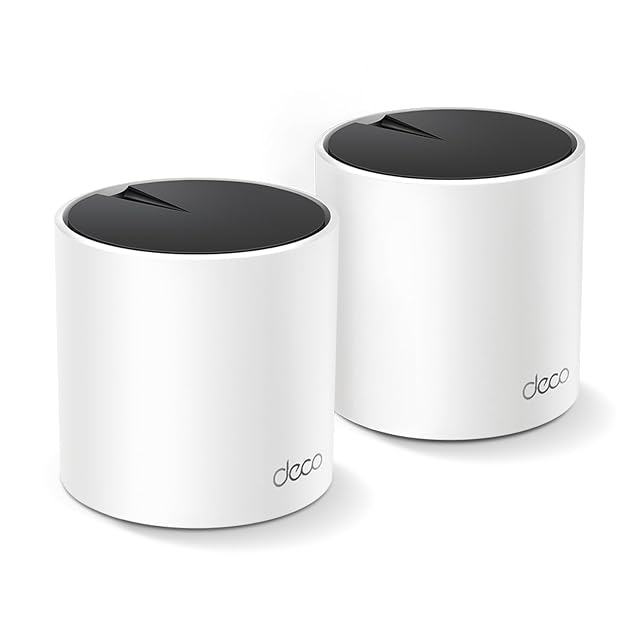
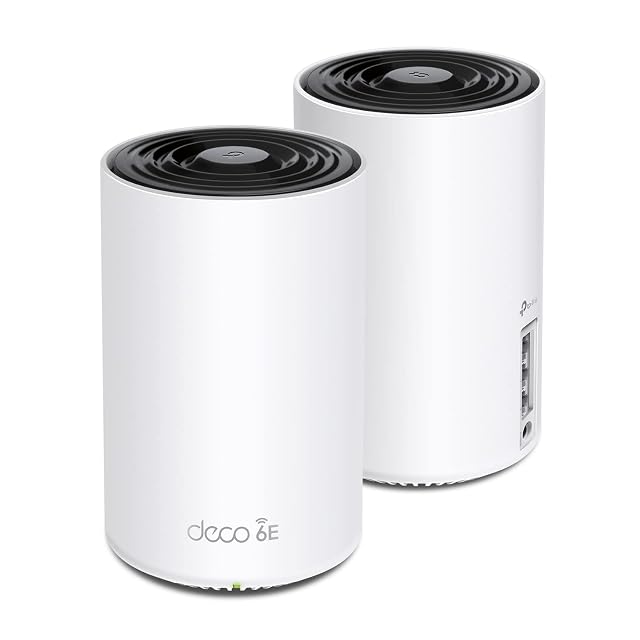
| TP-Link Deco X55, two-pack | $120 | Two — stated in the title and throughout, with either unit able to act as the router per the fifth bullet | AX3000, broken into its terms — the first bullet gives 2×2 with HE160 at 2402 Mbps plus 2×2 at 574 Mbps, which sums to 2976 and rounds to the label. HE160 is the 160 MHz channel width that the larger figure depends on | Two identical units, any of which can be the router — stated in the fifth bullet | Up to 4,500 square feet — stated in the second bullet for the two units together, which is about 2,250 a node. Two Wi-Fi 6 nodes cover nearly what three of the older AC nodes on this shelf cover |
|---|
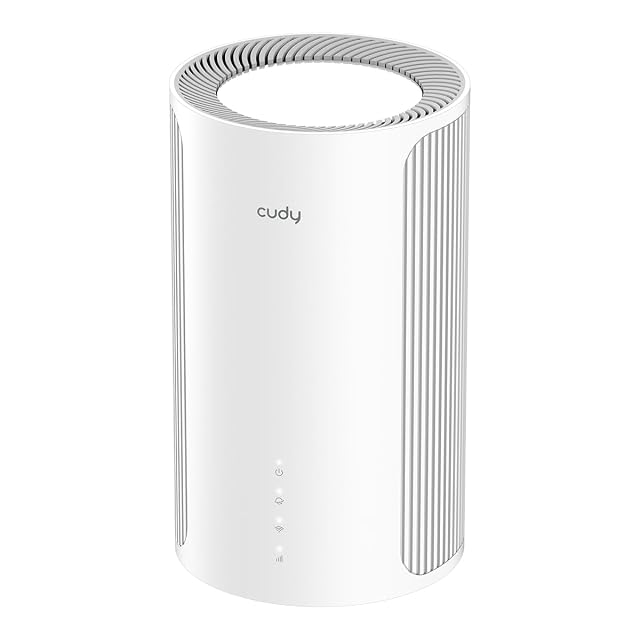
| Cudy M11000 | $130 | One — stated in the title as M11000 1-Pack | BE11000 — stated in the title. The bullet publishes all three parts: 5765 Mbit/s on 6 GHz, 4324 Mbit/s on 5 GHz and 688 Mbit/s on 2.4 GHz, which come to 10,777 Mbit/s, so the badge is rounded up by 223 | A single cylindrical unit, 116 × 202 mm (4.57 × 7.95 in), with a mains adapter and an Ethernet cable in the box; a 2-pack and a 3-pack are named | 110 m² (1,184 sq ft) — stated, and the same 110 m² (1,184 sq ft) is stated again for the 2-pack and for the 3-pack, so the published figure does not grow with the number of units |
|---|
| TP-Link Deco XE75, two-pack | $150 | Two — stated in the title and throughout | AXE5400, broken into its three terms — the third bullet gives 2402 Mbps on 6 GHz at HE160, 2402 Mbps on 5 GHz at HE160 and 574 Mbps on 2.4 GHz, which sums to 5,378 and rounds to the label. The arithmetic holds and the channel width is named on both fast bands | Two identical units — stated in the title as a two-pack. Which unit takes the router role is not stated, unlike the other two Deco listings on this shelf | Up to 5,500 square feet — stated in the first bullet for the two units, which is about 2,750 a node. That is what the three-node AC system on this shelf covers with one node more |
|---|
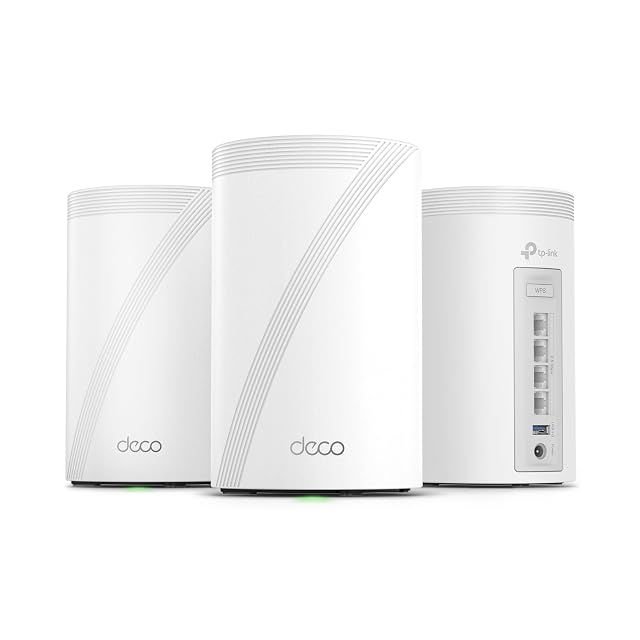
| TP-Link Deco 7 Pro BE63, three-pack | $397 | Three — stated in the title and in the second bullet | BE10000, broken into its three terms — the third bullet gives 5,188 Mbps on 6 GHz, 4,324 Mbps on 5 GHz and 574 Mbps on 2.4 GHz, which sums to 10,086 and rounds to the label. The arithmetic holds | Three identical units — stated in the title as a three-pack, with the description adding that the system can extend an existing mesh network or serve as a standalone router | Up to 7,600 square feet — stated in the second bullet for the three units, which is about 2,530 a node. It is the second-largest coverage figure on this shelf, after the Orbi 770's 8,000 |
|---|
| ASUS ZenWiFi BT8 | $552 | Two — stated in the title as a 2-pack | Up to 14 Gbit/s — stated in the title and the first bullet for the tri-band Wi-Fi 7 radios, with MLO and 4K-QAM named; Amazon.com lists the size as BE14000. The figure is not divided between the three radios | Two units — stated; the listing adds that coverage extends further with compatible routers from the same maker rather than only with more of these | Up to 5,900 sq ft (548 m²) for the 2-pack — stated in the title and the second bullet; the 1-pack is listed at 3,000 sq ft |
|---|
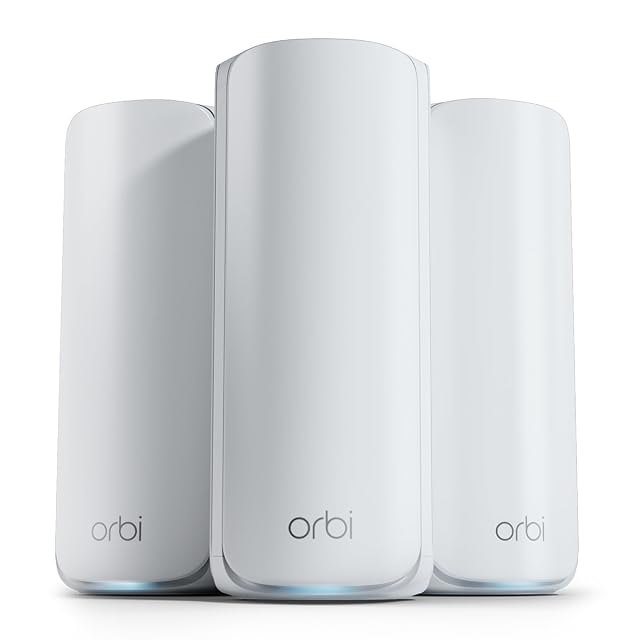
| NETGEAR Orbi 770 RBE773 | $600 | Three — stated as a router and two satellites | Up to 11 Gbit/s — stated, and described as 2.4 times faster than Wi-Fi 6. The same bullet adds that the actual speed depends on the connected devices and the internet plan, and no BE designation is given | One router and two satellites, not three identical units — stated; a further Orbi 770 satellite is said to add up to 2,750 sq ft (255 m²) | Up to 8,000 sq ft (743 m²) for up to 100 devices — stated in the title and the first bullet, with the maker adding that actual coverage varies with the home's layout, the construction materials and where the satellite is placed |
|---|
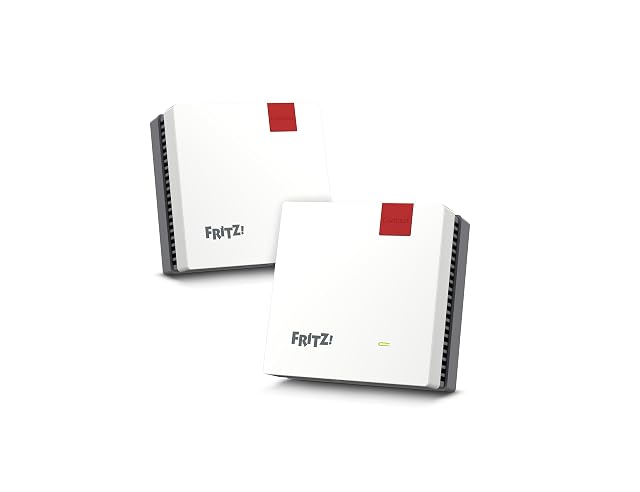
| FRITZ! Mesh Set 1600 | — | Two — stated in the title as a 2-piece set | Up to 3000 Mbit/s — stated in the first bullet, and up to 3 Gbit/s in the title, without an AX prefix. The figure sums the theoretical peaks of the radios in a unit; the 1600 in the product name is never explained on the page | Two units — stated as a set of two; the listing does not say whether they are identical or whether one is intended to sit at the modem | Not published on the listing — no area, no room count and no device ceiling appears in the title or in any bullet |
|---|
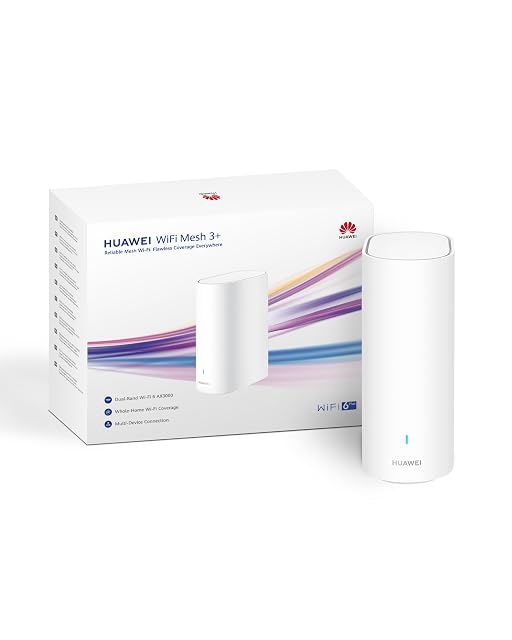
| HUAWEI WiFi Mesh 3+ | — | One — stated in the title as a 1-pack | AX3000 — stated in the title and written out in the first bullet as up to 3000 Mbit/s. It adds the theoretical peaks of the radios in the box together, and the listing never splits it between them | A single unit — stated, with a 2-pack and a 3-pack named as the other two ways to buy it | Not published on the listing as an area — coverage is given in rooms instead: two to three rooms for the 1-pack, three to four for the 2-pack and four to six for the 3-pack, behind a footnote marker the listing never expands |
|---|
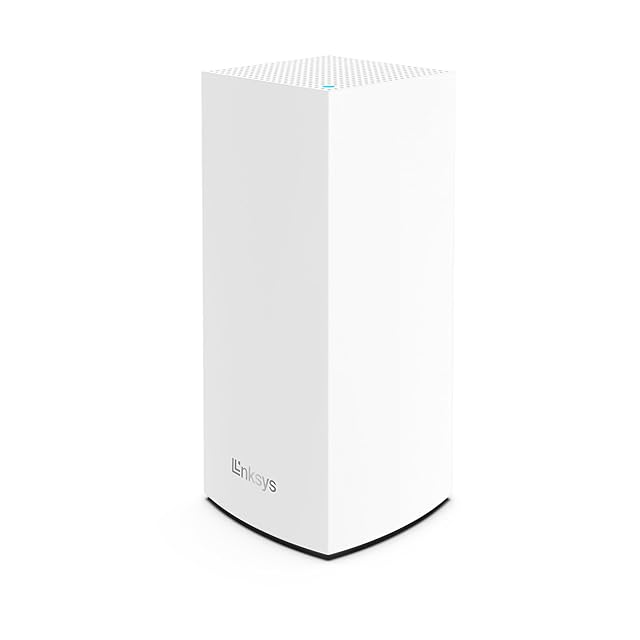
| Linksys Velop MX4200 | — | One — stated in the title as a 1-pack | AX4200 — stated in the title and written in the bullets as 4.2 Gbit/s. It adds the theoretical peaks of the three radios together; the listing gives no rate for any one of them | A single unit — stated; the listing describes the system as extending rather than naming the packs it extends with | Up to 260 m² (2,799 sq ft) — stated in the title and repeated in the second bullet, alongside a ceiling of more than 40 devices |
|---|
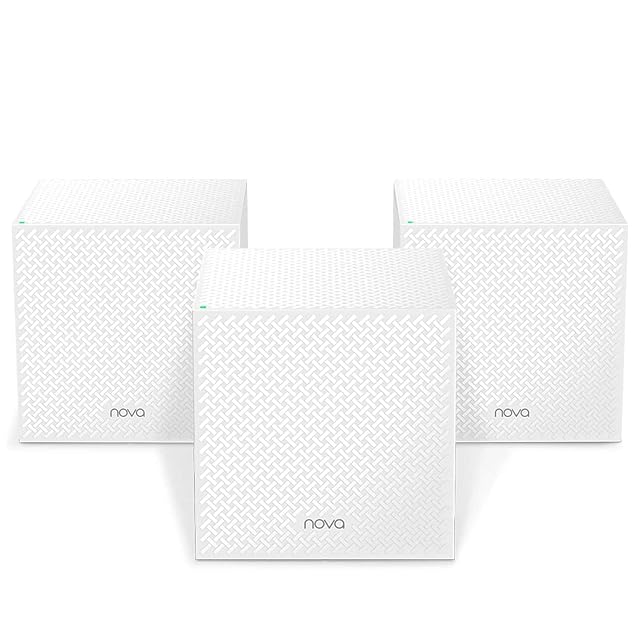
| Tenda Nova MW12 | — | Three — stated in the title as a 3-pack, and described in the bullets as Nova stations | AC2100 — stated in the title and repeated in the bullets as AC2100 speeds; the listing does not say how the figure divides between the three radios | Three stations, described as working together rather than as a router plus satellites; the listing states the system extends to twelve stations in total | 600 m² (6,458 sq ft) for the three-station pack — stated, with 2200 m² (23,681 sq ft) given for a twelve-station maximum and a ceiling of 100 simultaneous devices |
|---|
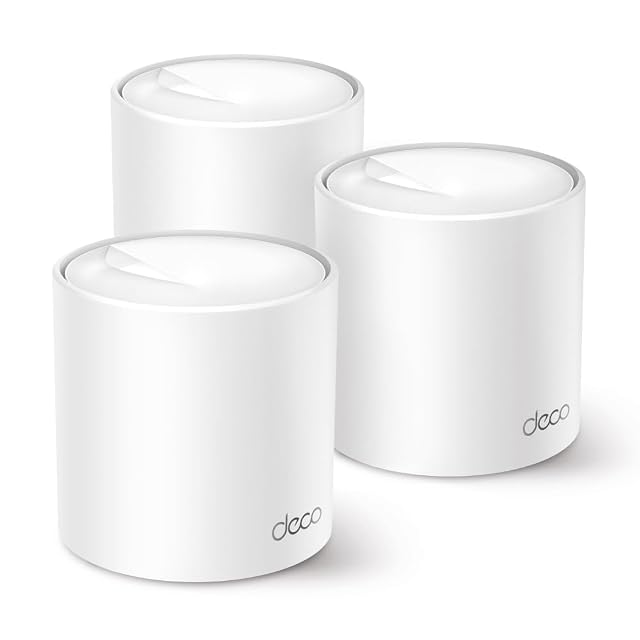
| TP-Link Deco X50 | — | Three — stated in the title as a 3-pack | AX3000 — stated in the title, with the bullet publishing both parts: 2402 Mbit/s at 5 GHz and 574 Mbit/s at 2.4 GHz, which come to 2976, so the badge rounds up by 24 | Three identical Deco X50 units — stated; the listing adds that further Decos of other models can join the same network | Up to 604 m² (6,501 sq ft) — stated, alongside more than 150 simultaneous devices and a recommendation for homes of four to six bedrooms |
|---|