Skip to content

The best Wi-Fi 7 router, read band by band

A Wi-Fi 7 router’s box number — BE3600, BE9700, BE19000 — is the sum of its bands, and dual-band models leave out the 6 GHz band where Wi-Fi 7’s widest channels live. Eight Wi-Fi 7 routers, read band by band.

Wi-Fi router
Photo : Compare Fibre, Unsplash
Wi-Fi router
Photo : Wim van 't Einde, Unsplash

The eight, by bands and ports

RouterPriceBandsClass as published6 GHzFastest wired port
TP-Link Archer BE230≈ $8022,882 + 688No2 × 2.5G
Netgear Nighthawk RS90≈ $9023.6 Gbps totalNo2.5G WAN
TP-Link Archer BE400≈ $13925,764 + 688No2 × 2.5G
TP-Link Archer BE550 Pro≈ $2303BE9700Yes, 320 MHz10G WAN + 4 × 2.5G
ASUS ROG Strix GS-BE12000≈ $314312,000 MbpsYes, 320 MHz8 × 2.5G
TP-Link Archer BE800≈ $400311,520 on 6 GHzYes2 × 10G (SFP+ combo)
TP-Link Archer GE800≈ $450311,528 + 5,764 + 1,376Yes2 × 10G + 4 × 2.5G
Netgear Nighthawk RS700S≈ $540319 Gbps totalYesNot stated

Picks

Before buying

Check your devices. Wi-Fi 7 features need Wi-Fi 7 clients; 6 GHz needs Wi-Fi 6E or 7 clients. See the Wi-Fi 7 standard. For a whole house, a mesh system may cover better than one router.

Prices quoted in this text were read on November 9, 2026. The live price is at the top of the page.

What we shortlist, and why

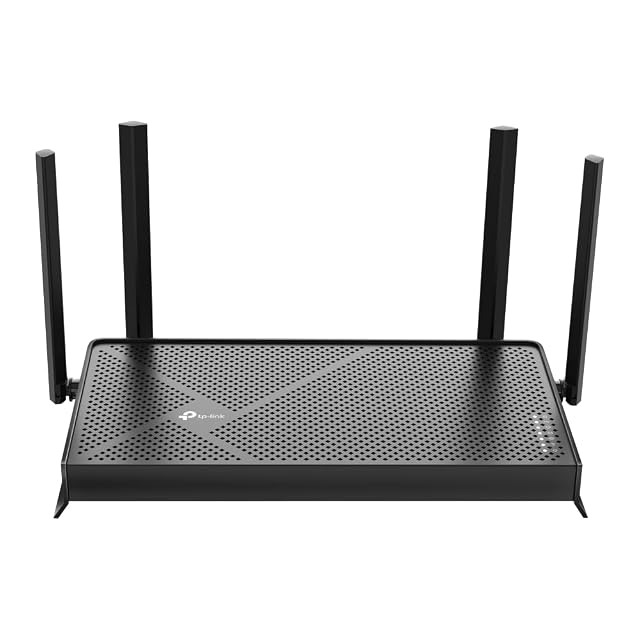
  1. TP-Link Archer BE230 BE3600 dual-band Wi-Fi 7 router

    Wi-Fi 7 dual-band BE3600 (2,882 + 688 Mbps) · no 6 GHz · 2 × 2.5 Gbps + 3 × 1 Gbps · 2,000 sq ft · 60 devices · EasyMesh

    An entry Wi-Fi 7 router with two 2.5 Gbps ports, for a home with a gigabit-plus plan that does not need the 6 GHz band.

    Best for: An apartment or small house with a gigabit or 2 Gig plan that wants Wi-Fi 7 features for little money

    8.6/10

    ≈ $80

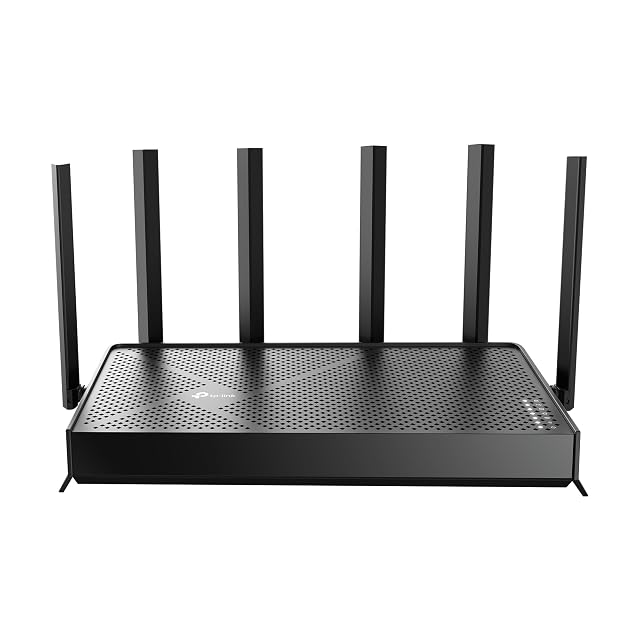
  2. TP-Link Archer BE400 BE6500 dual-band Wi-Fi 7 router

    Wi-Fi 7 dual-band BE6500 (5,764 + 688 Mbps) · 6 antennas · 2 × 2.5 Gbps + 3 × 1 Gbps · 2,400 sq ft · 90 devices · VPN

    A dual-band Wi-Fi 7 router with a 6-stream 5 GHz radio, two 2.5 Gbps ports and a VPN server and client, for a mid-size home — without the 6 GHz band.

    Best for: A mid-size home with Wi-Fi 7 phones and laptops, where 5 GHz carries most traffic

    8.1/10

    ≈ $139

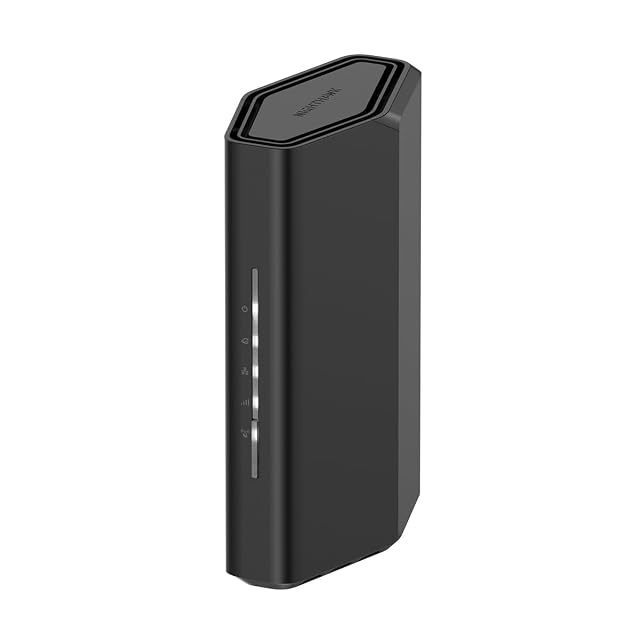
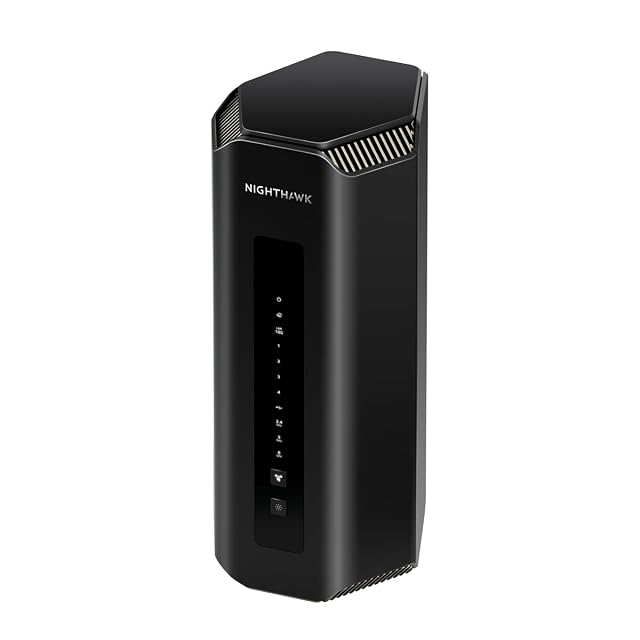
  3. NETGEAR Nighthawk RS90 dual-band Wi-Fi 7 router

    Wi-Fi 7 dual-band · up to 3.6 Gbps total · 2.5 Gig WAN + 4 × 1 Gig LAN · 2,000 sq ft · 50 devices · quad-core 2.0 GHz

    Netgear’s entry dual-band Wi-Fi 7 router: up to 3.6 Gbps across 2.4 and 5 GHz, a 2.5 Gig WAN port, four 1 Gig LAN ports, a quad-core 2.0 GHz processor, up to 2,000 sq ft and 50 devices.

    Best for: An apartment or small house on a 1 to 2 Gig plan where most devices are wireless

    8.2/10

    ≈ $90

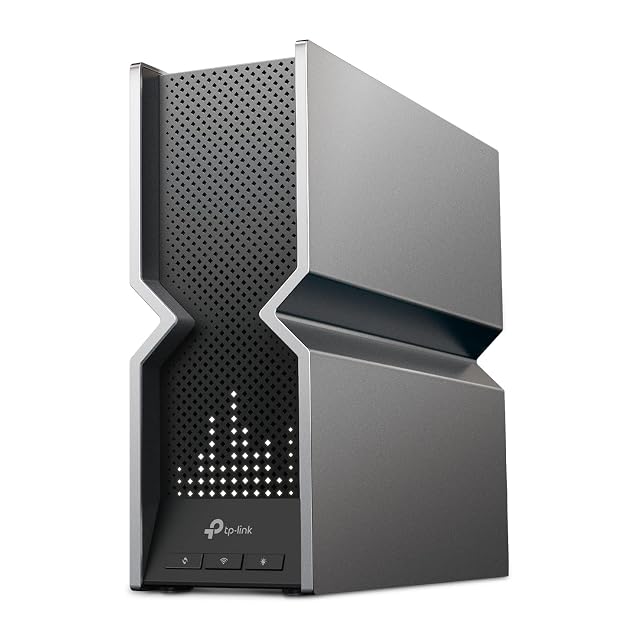
  4. TP-Link Archer BE550 Pro BE9700 tri-band Wi-Fi 7 router

    Wi-Fi 7 tri-band BE9700 · 320 MHz on 6 GHz · 10 Gbps WAN · 4 × 2.5 Gbps LAN · USB 3.0 · 6 antennas · EasyMesh

    A tri-band Wi-Fi 7 router with 320 MHz channels on 6 GHz, a 10 Gbps WAN and four 2.5 Gbps LAN ports, for multi-gig fiber.

    Best for: A home on a 2 to 5 Gig fiber plan with several wired multi-gig devices

    8.9/10

    ≈ $230

  5. NETGEAR Nighthawk RS700S tri-band Wi-Fi 7 router

    Wi-Fi 7 tri-band · up to 19 Gbps total · 12 streams · 3,500 sq ft · 200 devices · Nighthawk app

    A large-home tri-band Wi-Fi 7 router from Netgear, sold on coverage and device capacity: up to 19 Gbps, 12 streams, 3,500 sq ft and 200 devices — with no port speeds in the bullets.

    Best for: A large single-router home with many devices, before considering mesh

    8.3/10

    ≈ $540

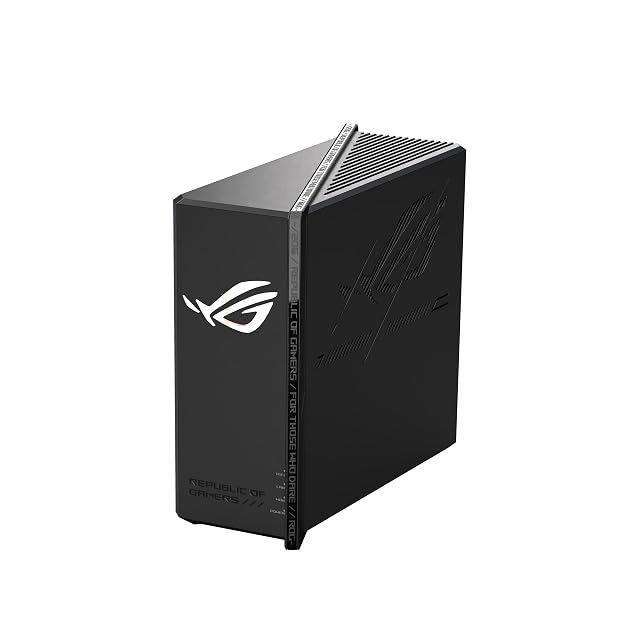
  6. ASUS ROG Strix GS-BE12000 tri-band Wi-Fi 7 gaming router

    Wi-Fi 7 tri-band BE12000 · 320 MHz · 2.5G WAN + 7 × 2.5G LAN · 2.0 GHz quad-core · 2 GB RAM · 3,000 sq ft

    A tri-band Wi-Fi 7 gaming router with one 2.5G WAN and seven 2.5G LAN ports — a PC, a console and a NAS all at multi-gig without a switch.

    Best for: A gaming household with several wired PCs and consoles

    8.5/10

    ≈ $314

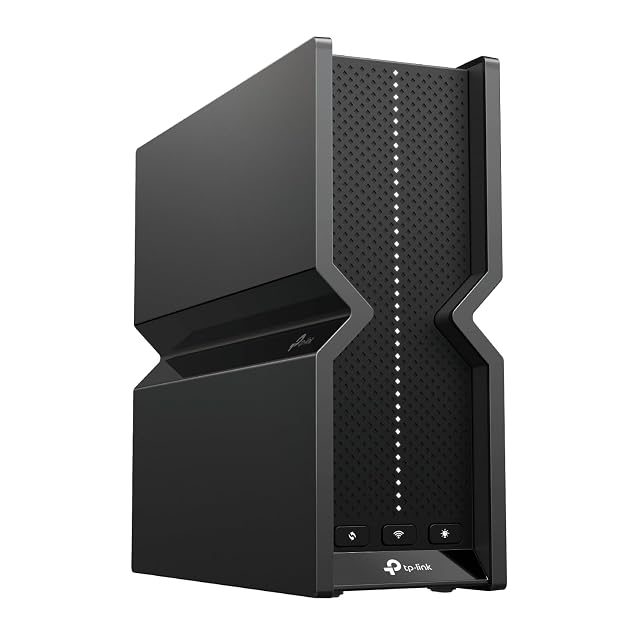
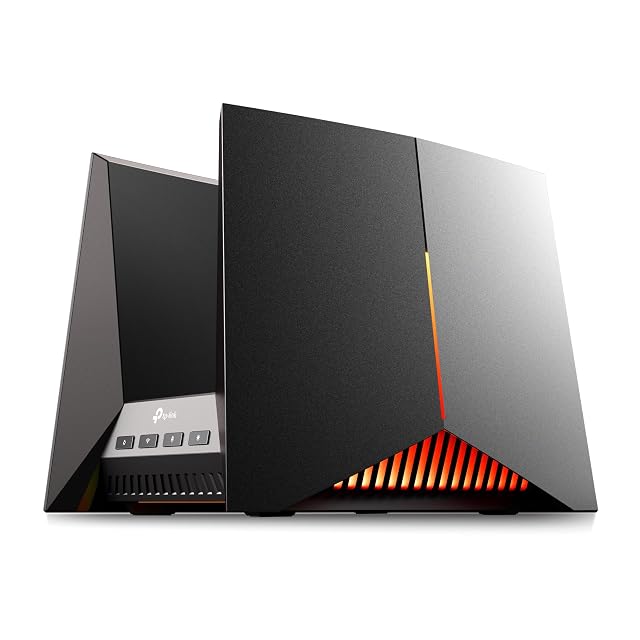
  7. TP-Link Archer GE800 BE19000 Wi-Fi 7 gaming router

    Wi-Fi 7 tri-band BE19000 (11,528 + 5,764 + 1,376 Mbps) · 12-stream · 2 × 10G + 4 × 2.5G + USB 3.0 · 2 GB RAM · 8 antennas

    TP-Link’s flagship gaming router: BE19000 tri-band Wi-Fi 7 with two 10G and four 2.5G ports, 2 GB of RAM, a game panel and RGB lighting.

    Best for: A gaming setup on multi-gig fiber with a 10G PC or NAS

    8.4/10

    ≈ $450

The questions that come up before an order

Do I need a tri-band Wi-Fi 7 router?

For 320 MHz channels and the 6 GHz band, yes: dual-band Wi-Fi 7 routers have no 6 GHz, as TP-Link states on the Archer BE230. For a home where most devices are not Wi-Fi 7 yet, dual-band is enough.

What does BE19000 mean?

The sum of the three bands’ maximum rates. On the Archer GE800: 11,528 + 5,764 + 1,376 Mbps. No single device receives it.

Is Wi-Fi 7 worth it with a 1 Gig plan?

For speed to the internet, not much; for many devices at once and future plans, yes. Multi-Link Operation also steadies the link between bands.

What is the best Wi-Fi 7 router for most homes?

It depends on the internet plan. For a gigabit or 2 Gig plan in a small home, a dual-band model such as the Archer BE230 is enough; for 6 GHz devices and a plan above 2.5 Gbps, the tri-band Archer BE550 Pro has a 10G WAN port and four 2.5G LAN ports.

Which Wi-Fi 7 routers have a 10G port?

In this guide: the Archer BE550 Pro (10G WAN), and the Archer BE800 and Archer GE800 (two 10G ports each). The ROG Strix GS-BE12000 tops out at 2.5G, and the Nighthawk RS700S listing does not state its ports.

Is Wi-Fi 7 better than Wi-Fi 6E?

Wi-Fi 7 adds Multi-Link Operation, 4K-QAM and 320 MHz channels to what Wi-Fi 6E offers on 6 GHz. Both need compatible devices: a Wi-Fi 6E phone on a Wi-Fi 7 router still connects as Wi-Fi 6E.

Each pick, and who it suits

TP-Link Archer BE230 · $80

For homes that: An apartment or small house with a gigabit or 2 Gig plan that wants Wi-Fi 7 features for little money

Main advantage: Two 2.5 Gbps ports at an entry price: a multi-gig plan and a multi-gig PC both fit

Main shortcoming: No 6 GHz band, so no 320 MHz channels

Read the full review: TP-Link Archer BE230 →

What each band of spending connects

One line, then the detail

Pairings that help here

Box against box, where the comparison is already on the site.

What this page is built from

The hardware listed is taken from the catalog of this site. Specifications are the ones the manufacturer states and the ones on the Amazon page; prices are the Keepa reading for the date shown, and both change. Ranking follows declared specifications, stated strengths against stated limits, and price. Nothing here has been racked or benchmarked by us, and no page claims it has.

Last checked on