NAS drives
The best NAS hard drives for a box that never switches off
A drive in an enclosure that runs all year is doing a different job from a drive in a desktop that is on for eight hours, and the makers publish figures for that difference. None of those figures is a life expectancy — three of them get read as one, and they are three separate quantities.
By Jean-Benoit Buisson
An enclosure that runs continuously asks four things of a drive, and makers publish an answer to each.
Continuous operation. Whether the drive is specified to run without stopping, rather than for the duty cycle a desktop implies. This is the headline difference between the two families.
Workload rating. A quantity of data read and written per year that the specification covers. A household serving files and photographs is nowhere near the ratings published for drives built for arrays; a household running a busy media system, cameras writing constantly or several people editing is closer to them than it thinks.
Behavior on a read error. Drives intended for arrays are generally specified to give up on a difficult sector quickly and let the array handle it, rather than retrying at length. The maker names the feature, and it is one of the real functional differences.
Vibration tolerance. Several drives spinning in one chassis shake each other, and drives specified for multi-bay use publish what they tolerate. In a two-bay box this matters little; in a well-populated four-bay one it stops being theoretical.
Read the recording method, because it changes behavior
Some mechanical drives use shingled recording, in which tracks overlap. It raises density and it changes how the drive behaves when rewriting data, which can matter in an array and during a rebuild.
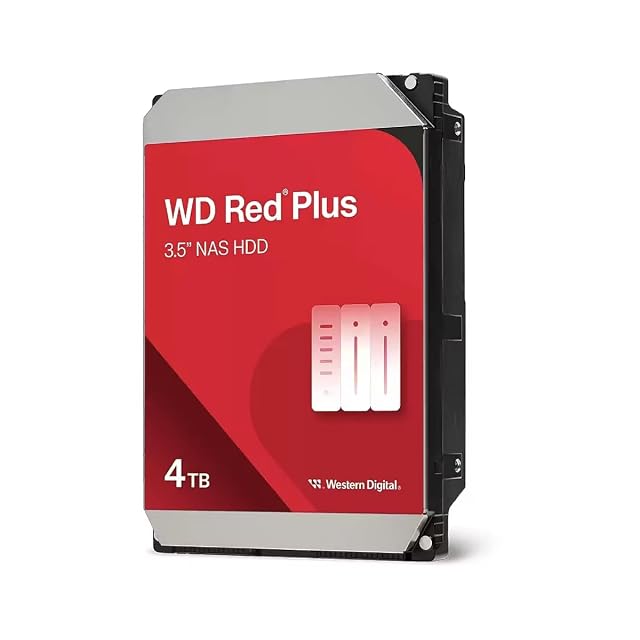
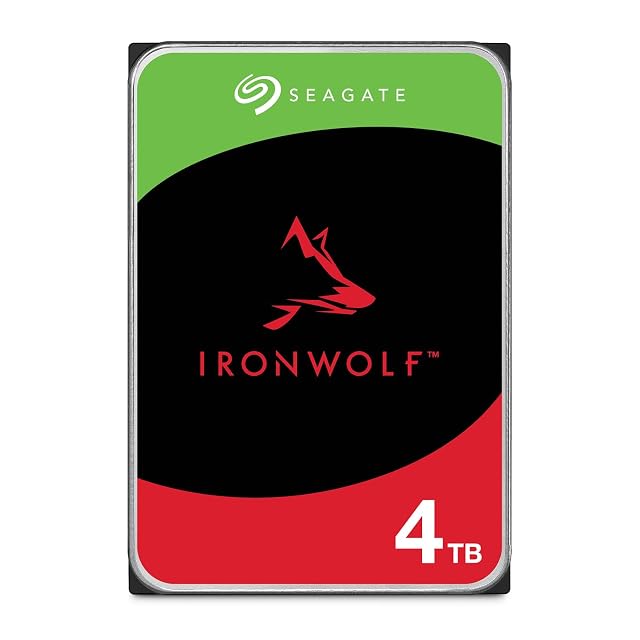
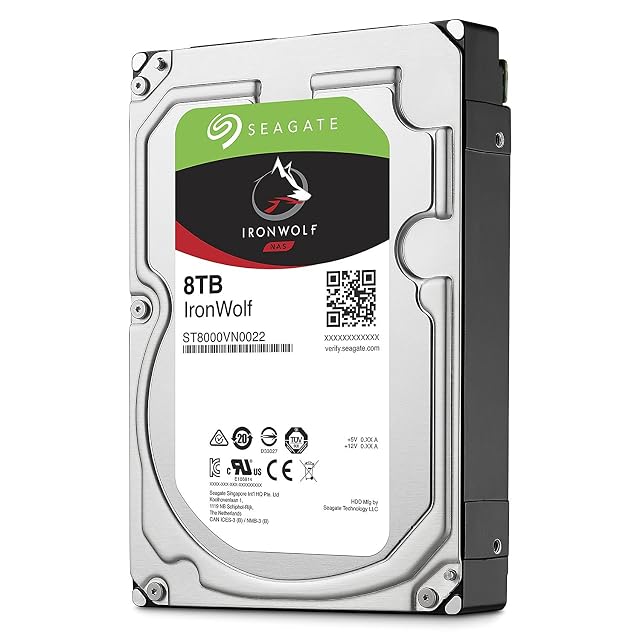
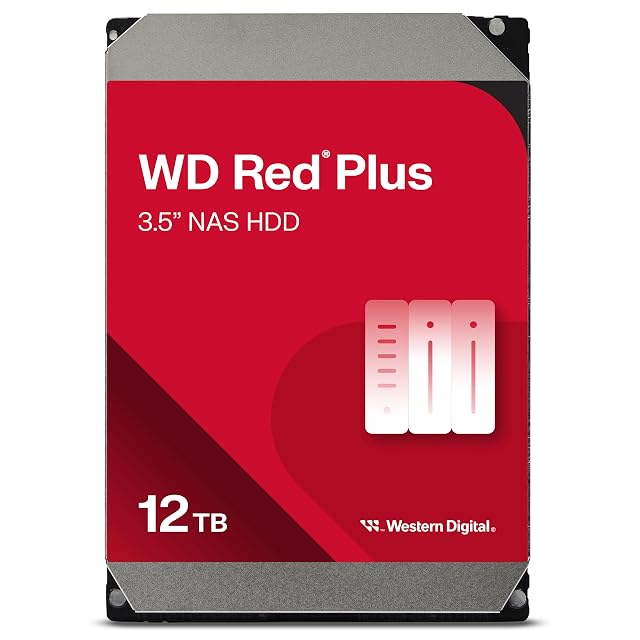
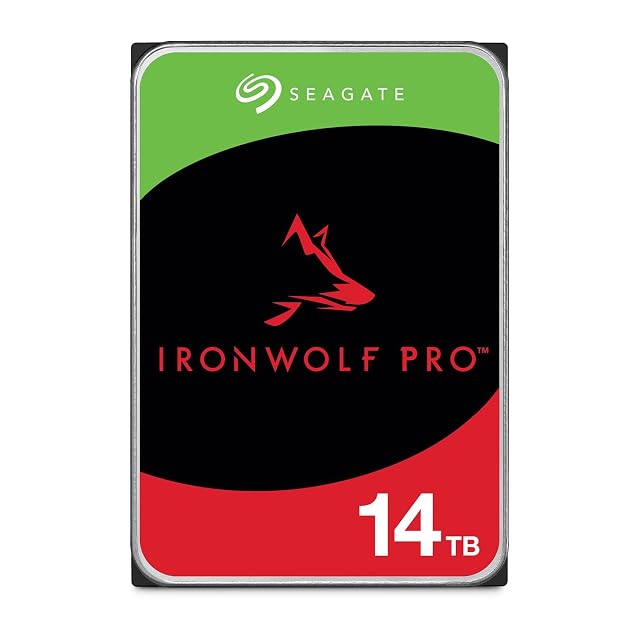
The two methods are usually called CMR (conventional) and SMR (shingled). For a NAS, CMR is the safe default: Western Digital’s Red Plus and Red Pro lines and Seagate’s IronWolf range are sold as CMR, while some older plain WD Red models used SMR. Makers that use it publish the fact. It is not a defect and it is not automatically wrong for a household archive that is mostly written once and read afterwards, but it is a specification to read consciously rather than discover during a rebuild. Where a data sheet does not say, that silence is itself worth noticing.
Three quantities that are not a lifespan
This is where drive marketing does its most confusing work, and the site’s position is simple: they are three different things and none of them predicts how long your drive will run.
TBW is a written volume, published for solid-state drives, and it speaks to write-heavy use.
MTBF is a statistic derived from a population, published in hours, and it describes a fleet rather than a unit.
Warranty length is a commercial undertaking with conditions attached, and reading those conditions is part of comparing two drives.
A drive that publishes one of the three has not published the other two, and adding them together produces nothing.
Size the capacity around rebuilds as well as storage
Larger drives mean fewer of them for the same total, which is good for noise, heat and bay count. They also mean that replacing a failed drive takes longer, because a rebuild reads and writes an amount proportional to the size, and the array is doing sustained work throughout.
That is a reason to plan for the rebuild — to have the copies elsewhere in good order before you need them, and to keep the array from running near full — rather than a reason to avoid large drives.
Capacity is published by the maker in the maker’s unit. A machine that displays in units of 1024 shows a different number for the same drive, and both are correct. Plan against the figure on the box.
Matching drives to the enclosure
Check the enclosure’s compatibility documentation, which lists what the maker has qualified, and check the bay: many enclosures take 3.5-inch and 2.5-inch drives with different mounting holes, and on the smaller size a 15 mm (0.59 in) drive will not go into a bay built around a 7 mm (0.28 in) one.
Then check the power supply and the fan against a full complement of drives, not one. Enclosures are specified for their full bay count, but a unit sitting in a cupboard with four drives is a different thermal problem from the same unit with one.
What these drives still do not do
They do not turn the enclosure into a safe place for files. A drive specified for continuous operation in an array is a drive that fails less inconveniently, and the events that reach every drive at once — deletions, overwrites, hostile encryption, theft, fire — are untouched by any figure on this page. The copies live somewhere else, and buying better drives is not a substitute for making them.