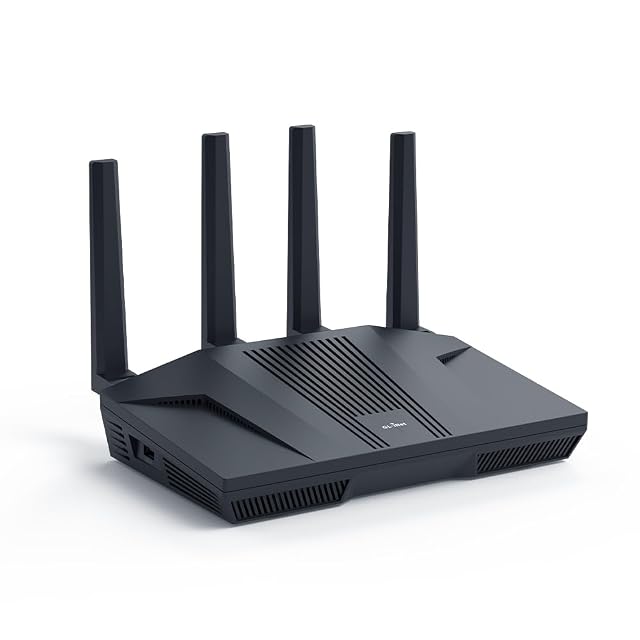
The short answer: the TP-Link Archer BE800 is the fiber-ready Wi-Fi 7 flagship: tri-band BE19000 (up to 11,520 Mbps on 6 GHz, 5,760 on 5 GHz, 1,376 on 2.4 GHz) with 320 MHz channels, two 10G WAN/LAN ports — one of them an SFP+/RJ45 combo — four 2.5G ports, USB 3.0, eight antennas, an LED display, a separate IoT network with WPA3 and a VPN client and server. Coverage is not stated.
What you are getting
A large tri-band router with MLO, Multi-RUs and 4K-QAM, EasyMesh and HomeShield. One line of the description says “quad band channel”; the title, bullets and per-band speeds describe three bands.
Fiber-ready
The SFP+ combo port accepts a fiber module or a copper cable. With a 10G plan from a provider that terminates on fiber and allows your own equipment, the router can take the line directly. The second 10G port serves a NAS or workstation at full speed.
The wired side
Two 10G and four 2.5G ports cover a home office, a NAS and several consoles or PCs without a separate switch.
The IoT network
A separate network for smart plugs, cameras and speakers, so a cheap device with weak security cannot see your computers. It is one of the most useful features on any router, and rare on cheaper ones.
What 19,000 Mbps means
The sum of three bands. A Wi-Fi 7 laptop close to the router might use several gigabits through Multi-Link Operation; no device receives the total.
Limits
Coverage area not stated; a confusing “quad band” line; large and expensive.
Up to 11,520 Mbps on 6 GHz, 5,760 Mbps on 5 GHz, 1,376 Mbps on 2.4 GHz
Ports
2 × 10G WAN/LAN (one RJ45, one SFP+/RJ45 combo), 4 × 2.5G, USB 3.0
Antennas
8
Display
Integrated LED display
Security
HomeShield, separate IoT network, WPA3
VPN
Client and server
Amazon reference
B0C4VZWTM7
EAN
0840030706974
On Amazon.com
Amazon.com had an offer at $400 on November 9, 2026.
Where this unit differs
Put against the median of its own group on this site — not against every network product sold.
Ports2 × 10G WAN/LAN (one RJ45, one SFP+/RJ45 combo), 4 × 2.5G, USB 3.0+100 % against the median of this group
Speeds by bandUp to 11,520 Mbps on 6 GHz, 5,760 Mbps on 5 GHz, 1,376 Mbps on 2.4 GHz+100 % against the median of this group
The questions that come up before an order
Is it tri-band or quad-band?
The title and bullets say tri-band (2.4, 5 and 6 GHz); one line of the description says “quad band channel”. The published per-band speeds describe three bands.
What ports does the Archer BE800 have?
Two 10G WAN/LAN ports, one RJ45 and one SFP+/RJ45 combo, plus four 2.5G ports and a USB 3.0 port, per the listing.
Does the Archer BE800 work with fiber?
Its combo port takes an SFP+ fiber module or a copper RJ45 cable, so a 10G fiber line can plug in directly where the provider allows it.
How fast is the Archer BE800 on each band?
TP-Link states up to 11,520 Mbps on 6 GHz, 5,760 Mbps on 5 GHz and 1,376 Mbps on 2.4 GHz, for a combined class of 19,000 Mbps. No single device receives the total.
Can the Archer BE800 be part of a mesh?
Yes, with EasyMesh-compatible routers and range extenders, per TP-Link.
Our score
8.5/ 10
A tri-band BE19000 Wi-Fi 7 router with two 10 Gbps ports (one SFP+/RJ45 combo for fiber), four 2.5G ports, eight antennas, an LED display and VPN.
Against the rest of the network and storage gear
This network and storage gear share the category and the price bracket. Only what each one states is shown; an incomplete column would mislead.
Specifications: the manufacturer sheet for network and storage gear and the matching Amazon product page. Prices and availability: Keepa. Every figure on this page names its source.
On November 23, 2026, the price was 11% below its 90-day average.
Lowest new price on Amazon.com (Amazon and third-party sellers), tracked by Keepa. Checked November 23, 2026. Prices change often: the live price is in the buy box.
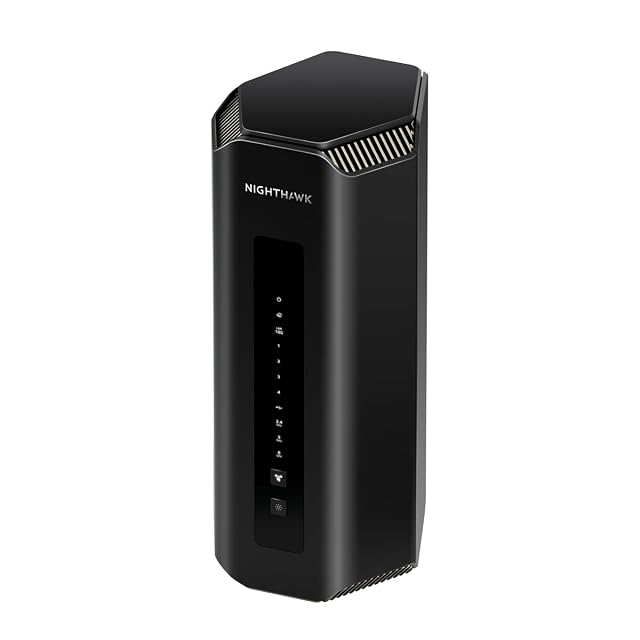
Wi-Fi 7 tri-band · up to 19 Gbps total · 12 streams · 3,500 sq ft · 200 devices · Nighthawk app
A large-home tri-band Wi-Fi 7 router from Netgear, sold on coverage and device capacity: up to 19 Gbps, 12 streams, 3,500 sq ft and 200 devices — with no port speeds in the bullets.
Best for: A large single-router home with many devices, before considering mesh