Skip to content

Extending coverage where no cable can be run

Both product families exist for the same reason: a cable cannot be run. Neither publishes a figure that predicts what it will do in your building, and both are worth trying rather than theorising about — which is why the return policy is part of the specification here in a way it is nowhere else.

Try the free options before either purchase

Both families are substitutes for a cable, and both are worth less than the thing they substitute for. Before buying, spend an hour on the changes that cost nothing.

Move the router towards the middle of what it has to cover, and up rather than down. Take it out of the cupboard. Take fixed devices — a television, a console, a desktop — off the air onto a cable if any socket is within reach. Then walk the building and write down the signal in the rooms that matter, so that whatever you buy can be judged against a starting point.

Very often the far bedroom improves enough that neither product is needed, and that is the cheapest possible outcome.

What a repeater actually does with the air

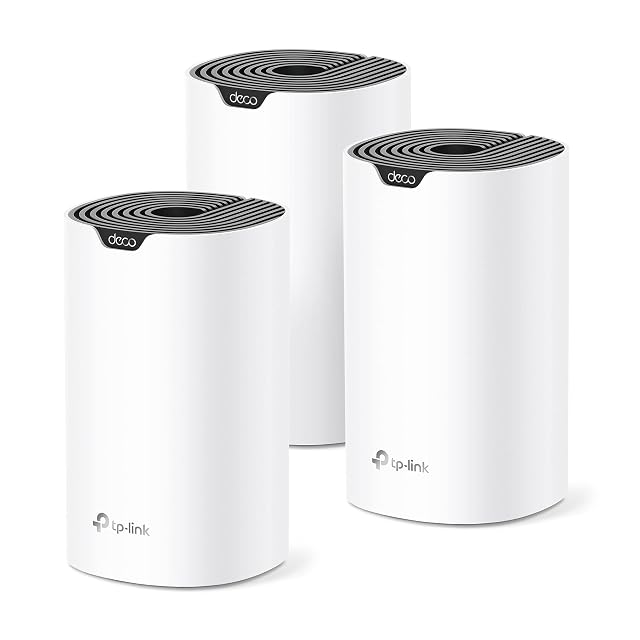
A repeater joins the existing network as a client and re-broadcasts it. Everything it delivers has therefore crossed the air twice.

On a single-radio unit both halves of that conversation use the same radio, so the airtime for a given amount of traffic is consumed twice over. On a unit with a second radio kept for the link back to the router, the two halves are separated and the doubling goes away — this is what the band listing on the specification is telling you, and it is the difference worth paying for.

Some units also offer a wired socket, which turns them into a small bridge: a device plugged into the repeater gets a wired connection to a wireless relay, which is often better than that device’s own radio.

Give the repeater the same network name and password as the router where the maker supports it, so that devices move between them without anyone intervening.

What a powerline pair depends on, and why no figure predicts it

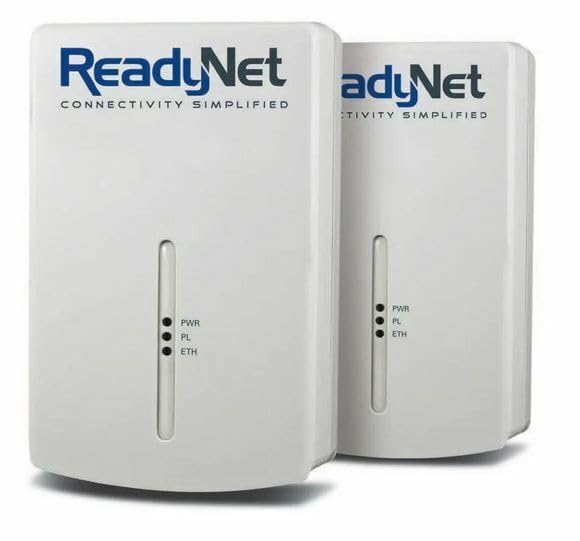
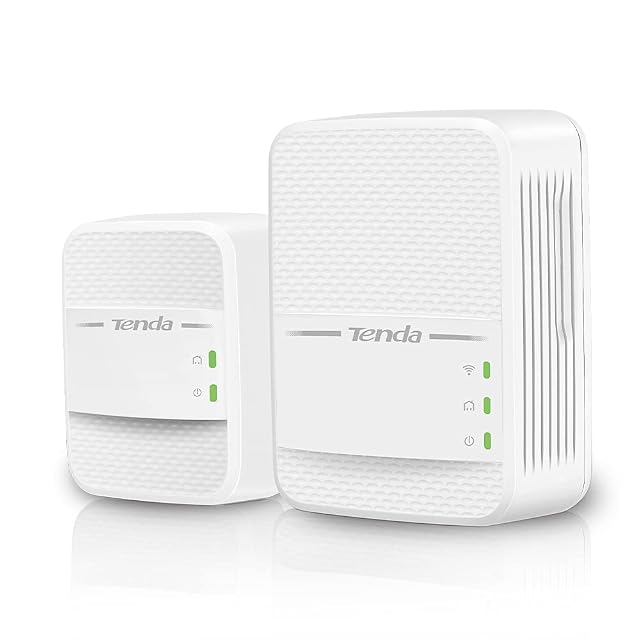
A powerline pair carries data over the electrical wiring between two sockets. The figure printed on the box is derived from the signalling scheme the pair uses; what arrives depends on the circuits in your particular building, and no maker has ever seen them.

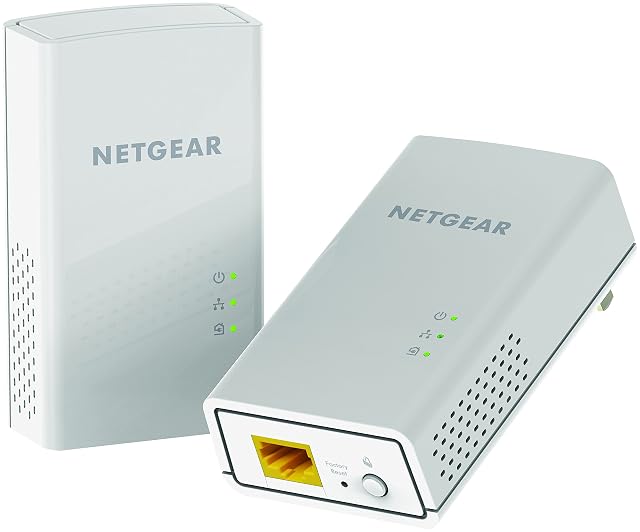
Some patterns are reliable enough to plan around. Two sockets on the same circuit do better than two on different ones. A pair plugged directly into wall sockets does better than a pair on extension leads. Distance through the wiring, which is not the distance across the room, matters. And some adapters include a pass-through socket so that the outlet is not lost, which is worth having.

Everything about installing and using them follows the manufacturer’s instructions and the wiring rules that apply where you live. This page has no advice about the mains, and nobody should take any from a product listing either.

Which family suits which problem

One room, upstairs, with good signal on the landing outside it. A repeater on the landing is the straightforward answer, and a dual-radio one if the room is used heavily.

A room where the signal is already poor before you get near it. A repeater has nothing good to relay. A powerline pair skips the air entirely and is the better bet.

An outbuilding or a garage. Usually powerline if the wiring is continuous, and often neither: this is where a cable, if it can be run at all, is worth the trouble.

A device that never moves, in a difficult room. A powerline pair with an Ethernet socket at the far end gives that device a wired connection and takes it off the air, which helps everything else as well.

Judge the result the same way both times

Whichever you buy, take the same walk afterwards that you took before, standing in the same places, and write the readings beside the old ones. One change at a time, so the result can be attributed.

Keep the box until you have done that. Both of these products are bought on a prediction nobody can make, which is exactly why the ability to return them belongs in the decision.
What goes in the rack, and why

  1. FRITZ FRITZ!Repeater 1200 AX, Wi-Fi 6 mesh repeater with a Gigabit socket

    Wi-Fi 6 · 3000 Mbit/s stated, exactly 2400 plus 600 · cross-band repeating · 160 MHz channels · one Gigabit socket · mesh

    A Wi-Fi 6 repeater whose headline figure is exactly the sum of its two published band rates, and whose product name carries a number the page never explains.

    Best for: A household already running the maker’s own router that wants a mesh node with a Gigabit socket and no ambiguity about the arithmetic.

    ≈ 83 €

  2. TP-Link TL-WA850RE, single-rate repeater with one LAN socket

    300 Mbit/s stated · 802.11b/g/n compatibility named · one LAN socket, speed unpublished · signal LEDs that switch off · German interface

    A long-standing repeater that names the standards it works with, publishes one rate, and never says what frequency that rate belongs to.

    Best for: A single stubborn corner served by an older router, where one wired socket for a television is wanted and speed is not the point.

    ≈ 15 €

  3. Devolo Magic 2 WiFi next Starter Kit, three units on the newest G.hn generation

    G.hn, stated not backwards compatible · 2400 Mbit/s over the mains · mesh wireless to 1200 Mbit/s · two gigabit sockets · three units, one lead · dLAN both named and excluded

    A three-unit G.hn kit whose bullet says the older range is not supported and whose title prints the name of that older range.

    Best for: A house where two floors both need coverage and one room needs a cable, and where nothing older from the same maker has to be kept working.

    ≈ 178 €

  4. AVM FRITZ!Powerline 510E Set, 500 Mbit/s over the mains into a Fast Ethernet socket

    500 Mbit/s stated · Fast Ethernet socket, unrated · no standard named · no pass-through outlet · two units, two 1.80 m leads · AES 128-bit from the factory

    A two-unit set encrypted before it leaves the factory, whose mains figure is five hundred and whose socket is named Fast Ethernet without a number.

    Best for: A room where a printer, a games console or a media player needs a wired connection and where a hundred-megabit socket is not the constraint.

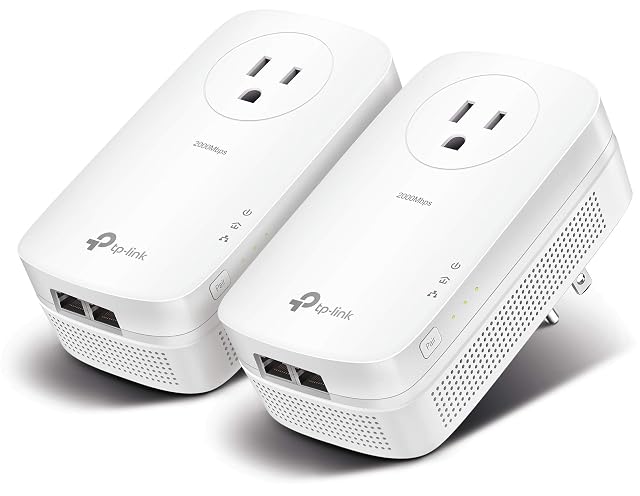
  5. TP-Link TL-PA7017P KIT, gigabit-socket pair with the outlet given back

    HomePlug AV2 · 1000 Mbit/s stated, and halved by the maker itself · pass-through outlet to 16 A · one gigabit socket per unit · two adapters and two leads · no wireless

    A HomePlug AV2 pair that prints its own headline figure and then explains, in the next sentence, that a half or a third of it is what is usually obtained.

    Best for: A room across the house from the router where a wall socket cannot be spared, and where a gigabit socket is wanted rather than a Fast Ethernet one.

    ≈ 50 €

The questions that come up before an order

Do extenders really halve your speed?

A single-radio repeater receives and re-transmits on the same radio, so the airtime is used twice for the same traffic, and the practical result on that path is a fraction of what a direct connection would give. Units with a second radio kept for the link back to the router avoid the doubling, which is the difference the specification is describing when it lists the bands.

Where should a repeater be placed?

Where the signal from the router is still strong and its own transmission can reach the bad area — which is generally well before the bad area rather than inside it. A repeater placed in the room it is meant to rescue is relaying through the same wall that caused the problem.

What decides how well a powerline pair works?

The mains circuits between the two sockets, which no maker can characterise for your building. Two sockets on the same circuit generally do best; two on different circuits, or either end on an extension lead, are where results become unpredictable. Installation and use follow the manufacturer’s instructions and the wiring rules where you live.

Is a powerline pair better than a repeater?

They fail differently rather than one being better. A repeater is limited by what the air will carry through your walls; a powerline pair is limited by wiring you cannot see. Where one disappoints, the other is genuinely worth trying, and both are easy to send back.

Every price named in a summary was read on the date that review carries. What a shop asks today is shown beside the product, and it moves.

The tool we use ourselves

Chosen your hardware? Now buy it at the right price.

Routers, drives and enclosures are discounted almost continuously, and a crossed-out price tells you nothing on its own about what the same reference was charged last month. UniverTrack keeps the record of what every retailer has been asking week by week, so a discount is weighed against a price that actually stood rather than one invented for the banner, and it tells you when the moment to buy is genuinely here.

Real price historyBuy-now alertsAI buying assistant
Try free for 14 days →
No commitment · Cancel in one click · 5 languages