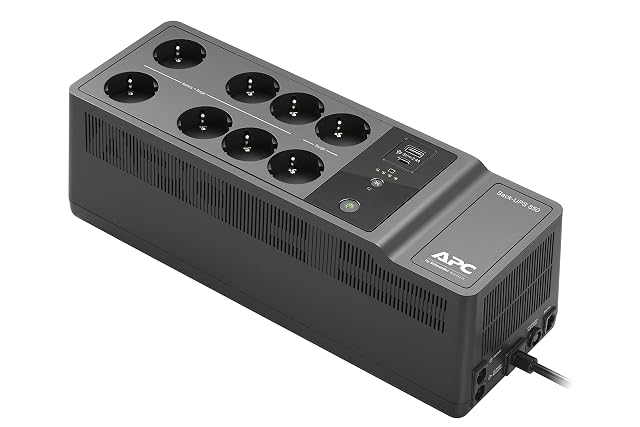
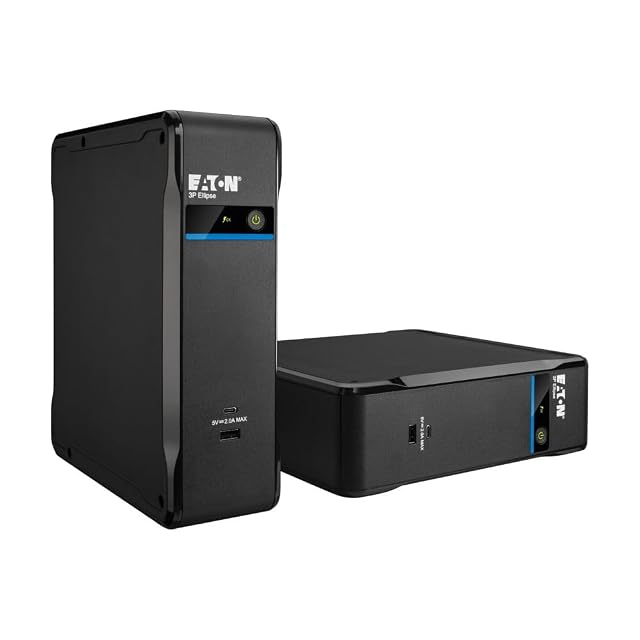
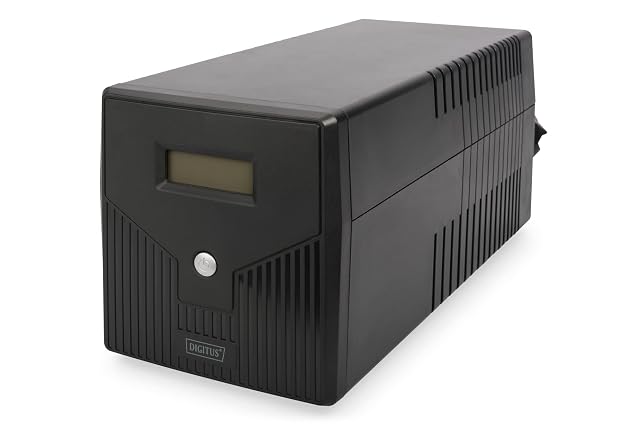
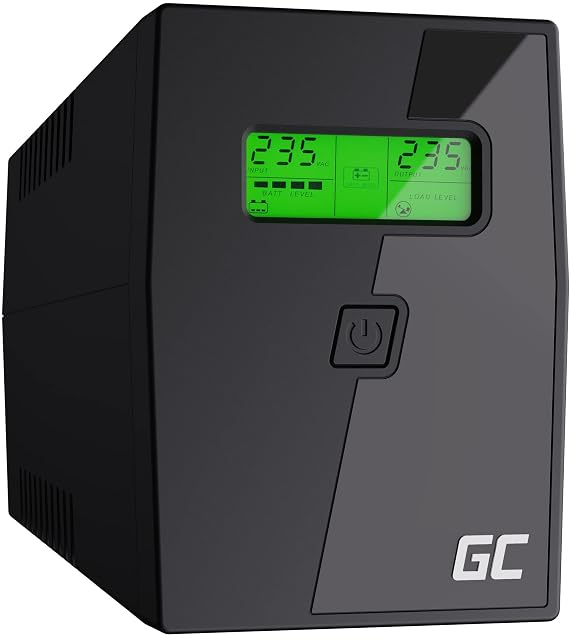
Decide which of the two jobs you are buying
Riding out short interruptions. A brief cut or a dip that would otherwise reboot the router and drop everyone off the network. This needs very little capacity and pays for itself in irritation avoided.
Shutting down cleanly through a long cut. A storage box with open files needs to be told that power has gone and given time to close them. This needs enough capacity to cover the shutdown, plus margin, and it needs the signalling cable.
Most households want both, and both are satisfied by a modest unit correctly sized. Neither is the same as running a household through an evening power cut, which is a much larger and quite different purchase.
Size on watts, not on the headline number
The number on the front of the box is usually volt-amperes, which describes apparent power. What your equipment consumes is watts, which is real power, and the two are related by a factor the maker publishes for the unit. A unit rated at a given figure in volt-amperes always supports a lower figure in watts.
So the sizing exercise is: list every device that will be plugged into the battery outlets, take the consumption each publishes in watts, add them up, and compare that with the unit’s watt rating. Then leave headroom, because a unit run at its ceiling delivers the shortest possible time and has nothing left for a device drawing its maximum.
Be selective about what goes on the battery outlets. A router, a switch and a storage enclosure are the network; a monitor, a printer and a desktop machine are not, and putting them on the battery shortens everything for everybody.
Runtime is a curve, and it moves with the load
There is no single runtime figure for a unit, which is why makers publish tables or graphs against load. The lighter the load, the longer the time, and the relationship is not proportional.
Read the published figure together with the load it assumes. A time quoted for a small load tells you very little about the same unit carrying a four-bay enclosure through a shutdown, and the shutdown is the case that has to work.
What you actually need for the second job is: long enough for the enclosure to notice, decide, close its files and stop, plus a comfortable margin. That is usually a matter of minutes rather than hours, which is why modest units do this job well.
Topology, and what each one does about the mains
Three arrangements are sold, and the distinction is genuine.
Standby units pass the mains through and switch to the battery when it fails. They are the simplest and the least expensive, and there is a brief transfer as they switch.
Line-interactive units add regulation, correcting a supply that sags or rises without going to battery for it. In areas where the voltage wanders, this saves the battery for real failures.
Online units run the load from their own conversion continuously, so there is no transfer at all. They cost more, they are usually less quiet, and they are specified for equipment where the transfer matters.
For home network equipment, standby and line-interactive both do the job; which you choose is mostly a question of how steady your supply is.
The signalling cable is what makes it useful
A unit with no connection to the equipment it protects is a battery that keeps things running until it does not, and then everything stops abruptly — which is precisely the outcome the purchase was meant to avoid.
The connection is normally a USB or serial cable to the storage enclosure or a machine, and the enclosure’s software reads the state of the supply and shuts down at a threshold you set. Before buying, check the enclosure’s own documentation for which makes and models it supports, because that list is shorter than the market.
Where several devices need to shut down, some enclosures can pass the signal on to others on the network, and the documentation says which.
Batteries wear, and the unit will tell you if you let it
The battery inside is a consumable. It ages whether or not it has ever been called on, and a unit whose battery has aged out will pass its self-test one week and fail to carry the load the next.
Read what the maker publishes about replacement batteries and whether they can be changed by the owner, since a unit with no available replacement is a unit with a fixed end. Turn on whatever self-test and reporting the software offers, and put a reminder in a calendar to look at it.
What belongs to the manufacturer and to local rules
Everything about installation and connection to the mains follows the manufacturer’s instructions and the wiring rules that apply where you live. That includes what may be connected to the battery outlets — several makers state explicitly that laser printers and certain appliances must not be — where the unit may be placed, what ventilation it needs, and how a battery is handled and disposed of.
Read those instructions before the unit is plugged in. Nothing on this page substitutes for them.