Access points
Access points for a house that already has cable in the walls
An access point has no router inside it. It takes a wired connection and turns it into coverage, which is exactly the job in a building where cable already reaches the awkward rooms — and the first specification to read is not the radio but the class of power the unit demands from the far end of that cable.
By Jean-Benoit Buisson
Why an access point rather than a mesh node
Where a cable can reach, the comparison is not close on most counts.
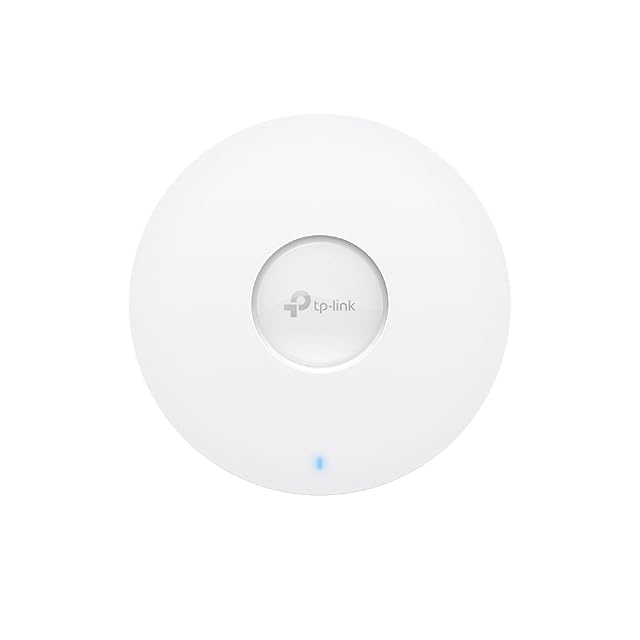
An access point takes its power from the same cable that carries its data, so it can be mounted on a ceiling in the middle of a room — the position mesh nodes never occupy because they need a socket. It relays nothing, so it consumes no airtime. It is specified in published terms: the PoE type, the uplink speed, the mounting plate, the dimensions. And a ceiling disc disappears in a way a plastic node on a bookshelf does not.
What a mesh pack has over it is that it works without cabling. In a building where cabling exists, that advantage has already been spent.
Read the power specification before the radio
This is the line that decides what the installation costs, and it is easy to skim past.
802.3af — Type 1 — publishes 15.4 W at the source’s port and guarantees the powered device 12.95 W, the difference being what the run of cable takes. 802.3at — Type 2 — publishes 30 W at the port and 25.5 W at the device, and it grants the higher allowance through an extra negotiation rather than assuming it. 802.3bt goes further again, with Types 3 and 4.
Two consequences follow. A device specified for Type 2 will not run on a source that only offers Type 1. And on a switch feeding several units, the number to read is the total power budget, not the per-port figure: per-port says what one port may offer, the budget says how many may offer it at once.
Some units ship with an injector, some do not, and that one line moves the real price.
Mounting decides where the unit can go, and where it goes decides coverage
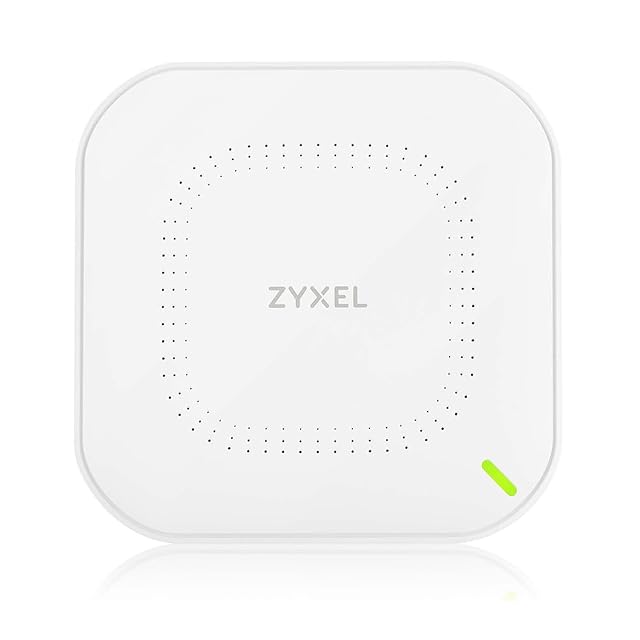
Shape matters here more than on a desktop router. Ceiling discs come with a bracket and expect a cable arriving from above. Wall plates sit flush. In-wall models fit a socket box and put a radio and a couple of sockets where a faceplate used to be, which suits a corridor or a hotel-style layout of small rooms.
Read the published dimensions and the bracket type against the place you intend to put it, and check the cable route reaches there before ordering anything.
Then place for overlap rather than for tidy separation. Devices hold on to the access point they have until the connection becomes genuinely poor, so two units whose coverage areas merely touch produce a bad walk from one end of a building to the other.
Uplink speed is the ceiling nothing else lifts
The uplink port is the whole of the unit’s connection to the network. Where the radios are quoted well above a gigabit and the uplink is a gigabit socket, the gigabit is the answer for everything passing through that unit, regardless of what the radios are doing.
That is not automatically a reason to pay for a faster uplink — a household rarely saturates a gigabit through one access point — but it is the number to read consciously rather than discover afterwards.
Managed one at a time, or managed together
The management model shapes the installation more than the radios do.
Standalone units are configured individually through a web page. Perfectly workable for two or three, and nothing else has to exist for them to run.
Controller-based units expect a piece of software, an appliance or a hosted service that holds the configuration, pushes it to every unit and coordinates how clients are handed between them. It is more to set up and it scales far better, and it is where the reporting lives.
Neither is better in the abstract. What matters is knowing which one you are buying, because the controller-based product configured as a standalone unit is a frustrating afternoon.
The digits after AX or BE sum the theoretical peak rates of every radio in the unit, computed from the channel width and stream count the standard defines. On an access point, as everywhere else in wireless, no single link sees the total. Compare the generation, the band plan, the stream count, the PoE type and the uplink speed — five figures that each describe something real.
Anything involving the fixed electrical installation, including a socket added to feed an injector in a loft, is governed by the manufacturer’s instructions and the wiring rules where you live.