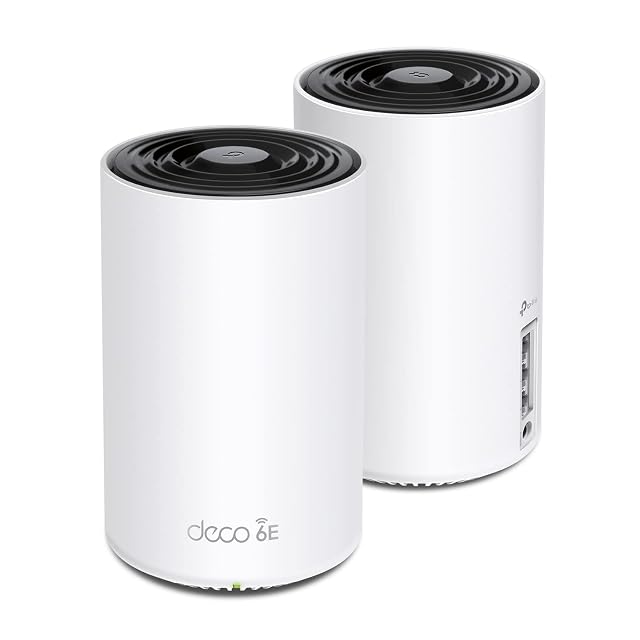
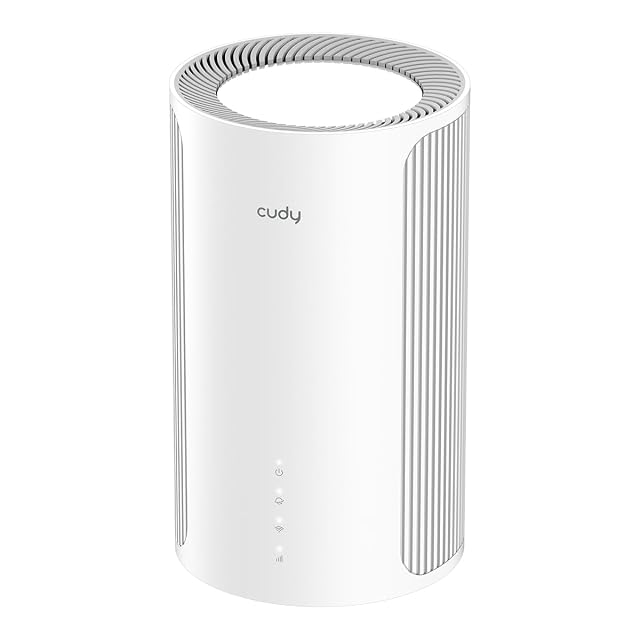
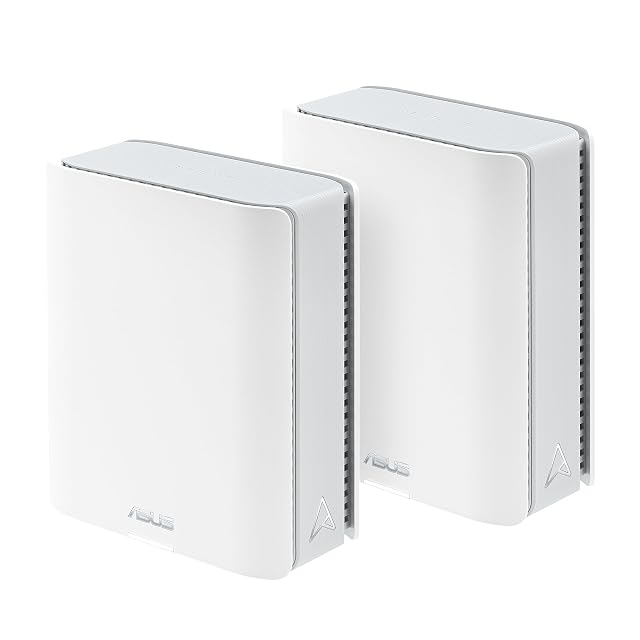
First mesh system
A first mesh system for a home the signal will not cross
A mesh pack is not a bigger router. It is a way of putting a second and a third radio in rooms the first one cannot reach, and the specification that decides how well it does that is the link between the nodes — not the class figure on the carton, which is an arithmetic total of radios that never work together on one link.
By Jean-Benoit Buisson
What actually decides the result: the link between the nodes
Everything a mesh pack does well or badly comes back to one specification, and it is rarely the one on the front of the box.
The nodes have to pass traffic back towards the router. That path is called the backhaul, and there are three arrangements. A dual-band pack does it on the same 5 GHz radio the household is using, so the relay and your devices share whatever is available. A tri-band pack keeps a radio aside for it, which is what the extra band is for. And any pack worth buying also accepts a wired backhaul: plug a node into an Ethernet socket and the relaying stops entirely.
That third option changes the comparison so completely that it should be the first question asked. A wired node is not really a mesh node any more; it is a second access point on the same network, and it behaves like a properly cabled installation. If one node can reach a socket, choose the pack on its Ethernet ports rather than on its radios.
The digits after AX or BE add the theoretical peak rates of every radio in the unit together, computed from the channel width and the stream count the standard defines. Two packs printing the same figure can divide it between bands in very different ways, and one of those divisions may leave nothing sensible for the backhaul.
The figures that describe something countable are these: the wireless generation and its IEEE designation, the band plan and whether a radio is reserved, the stream count written as 2×2 or 4×4, the node count and whether the pack is identical units or a router plus satellites, and the Ethernet ports on each node with their speed.
Coverage in square meters is the least standardized number in the category. It is not a lie, it is an answer to a question about somebody else’s building.
Match the pack to the shape of the problem
Three shapes cover most homes, and they lead to different purchases.
One stubborn room. A single extra radio on the near side of the offending wall settles it. A two-node pack does this; so does a wired access point, more quietly and often for less. Buying a three-node pack for one room is buying two nodes you will place somewhere arbitrary.
A long or tall building. Here node count genuinely matters, and so does whether each node has usable Ethernet sockets, because a node in a room full of fixed devices doubles as a switch.
An outbuilding or a separate floor with no cable route. This is the case where a reserved backhaul radio earns its money, because the relay has real work to do and no cable will rescue it.
Read the ports before you read the radios
A node with a single Ethernet socket uses it for the connection back to the router and offers nothing to the devices in that room. A node with several sockets is a small switch as well as a radio, which is worth a great deal in a study or beside a television.
Check the speeds, too, and check whether the WAN socket on the primary unit differs from the LAN sockets. A pack quoting multi-gigabit radios behind gigabit-only sockets has a wired ceiling that no wireless specification lifts, and where a wired backhaul is the plan, that ceiling is the backhaul.
Placement is free, and it is still the largest variable
Before deciding how many nodes to buy, walk the building with a phone and write down the signal in the rooms that matter. The obstacle is nearly always one identifiable thing — a chimney breast, a metal-framed partition, a foil-backed board — and finding it tells you where a node has to go.
Height and clearance do more than any specification. A node on a shelf covers a floor better than the same node on the carpet behind furniture, and a node inside a metal cabinet is transmitting through the least helpful material in the house from two centimeters away.
What a mesh pack does not fix
If everything is slow at once — including devices plugged in with a cable — the ceiling is elsewhere: the line, an old switch, a machine with a slow adapter. No wireless purchase moves it.
If a single device drops off repeatedly while everything else stays up, that is a device, a driver or a channel question, and hardware is rarely the answer.
And if the household simply has more devices than the air can serve, the fix is to take the fixed ones off the air with a cable and a switch, which is cheaper than every product on this page.