Name the bottleneck before you name a product
Almost every unsatisfying purchase in this category was made against a vague complaint. Four complaints sound similar and have nothing in common.
One room is bad, the rest is fine. That is coverage, and it is solved by putting a radio nearer the room, on the near side of whatever is blocking it. A better router in the original position is spending money on the wrong side of the wall.
Everything is slow, including things plugged in with a cable. That is not wireless at all. Look at the line coming in, at the ports the traffic is crossing, and at the machines at each end.
A copy between two machines takes all evening. That is a link rate or a drive, and the way to tell is to look at what the link negotiated and what the drives at both ends can sustain.
One device drops off repeatedly while the others stay up. That is a device, a driver or a channel problem, and it is very rarely fixed by hardware.
Write your complaint down in that form first. It usually eliminates most of the shortlist before any comparison starts.
The cheapest change is usually a cable and a switch
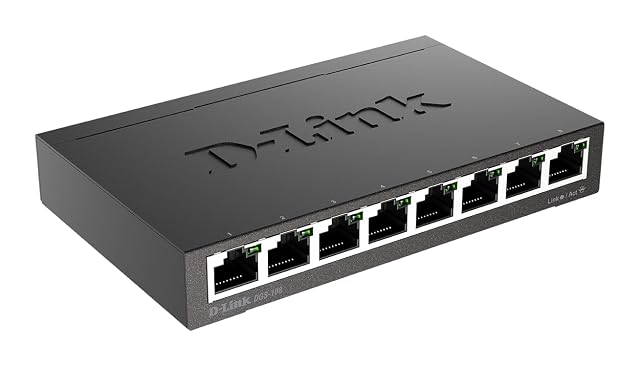
A single run to a better position, or a switch that takes fixed devices off the air, changes a household more often than any single-box upgrade. Both are inexpensive, both are permanent, and both take work away from the part of the system that is under pressure.
This is why the wired plan comes first in a budget as well as in an installation. Every device moved onto a cable is airtime returned to the ones that cannot be. A television, a games console, a desktop and a printer are four devices that have no business on a radio, and moving all four costs a fraction of a mesh pack.
Where a run genuinely cannot be made, the substitutes each have a condition: a powerline pair depends on the mains circuits between its two ends, which no maker can characterise for your building, and a wireless relay pays in airtime for what it delivers. Both are worth trying before they are worth theorising about, and both are easy to return.
What a router upgrade buys, and when it buys nothing
Replacing a router is worthwhile for reasons that are usually not the reason it is sold.
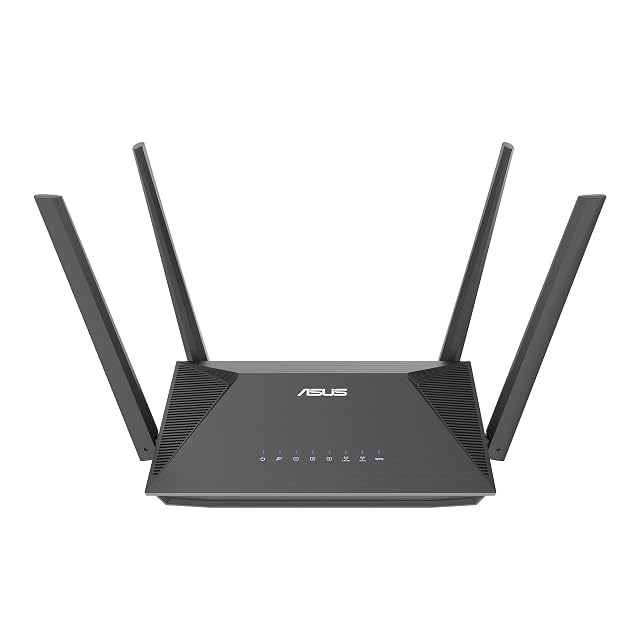
It buys routing capability where the provider’s box is doing the job badly or cannot be told to stop doing it. It buys port speeds where the sockets on the current box are the ceiling — a unit quoting multi-gigabit radios behind gigabit sockets has a wired limit that nothing on the radio side lifts. It buys features that are published: guest networks, controls over what devices may do, a firmware update policy you can read.
It does not buy coverage in a room the old one could not reach, because the obstacle has not moved. It does not make a line faster than the line is. And it does not raise the rate of a device that speaks an older wireless amendment.
Where wireless money stops helping
The class figure printed on the box — the four or five digits after AX or BE — is the easiest thing in this whole category to overpay for. It is the arithmetic sum of the theoretical peak rates of every radio in the unit, computed from the channel width and the stream count the standard defines. It is a legitimate number about the product, and it describes no link that will ever exist in your house.
Two units quoting the same figure can divide it between bands very differently, which is why the numbers to compare are the ones that describe something countable: the wireless generation and its IEEE designation, how many radios on which bands, the stream count written as 2×2 or 4×4, and the speed of each Ethernet socket.
The upgrade that can nearly always wait is the generation. Its benefits arrive when the devices in the house arrive, and those arrive on their own schedule.
Buy the bays and the ports empty, and buy the capacity late
Two purchases in this category have very different depreciation, and treating them the same is expensive.
Chassis-shaped things — an enclosure, a switch, a patch panel, a cabinet — should be bought with room to grow, because replacing them means moving everything they hold. A spare bay and four spare ports cost very little at purchase and a great deal later.
Consumable-shaped things — the drives themselves — should be bought when needed. Storage of a given size gets cheaper and larger drives keep arriving, and a drive bought years early has spent years of its warranty term doing nothing.
The same asymmetry applies to a cable run: terminate more pairs than you need while the wall is open, because the labour is the cost and the socket is not.
Read the three drive figures separately, and pay for the one that matches the job
Solid-state and mechanical drives both publish numbers that get folded into a general impression of durability, and the site’s position is that they are separate quantities that answer separate questions.
TBW is a written volume, published for solid-state drives, and it is the figure that speaks to a write-heavy job. MTBF is a statistic about a population, published in hours, and it says nothing about the individual drive in your hand. Warranty is a commercial term with conditions attached, and reading those conditions is part of comparing two of them.
Paying more for a drive is worth it when the extra buys a figure that matches your workload — a workload rating for a drive that will run continuously, an endurance figure for a drive that will be written to constantly. It is not worth it when the extra buys a number describing a use you do not have.
Spend a little on the copies before you spend a lot on anything else
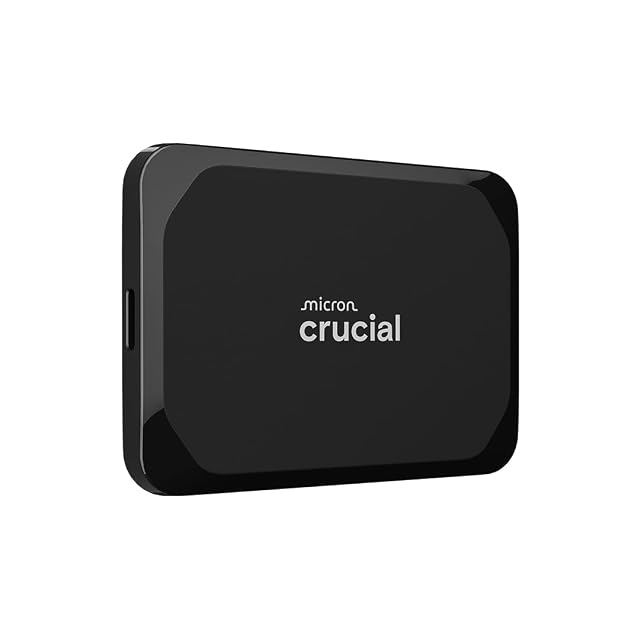
The purchase with the best ratio of cost to consequence in the whole category is the second copy of the files you could not recreate. It is usually a modest external drive, and the heap it has to hold is smaller than people expect once the replaceable files are excluded.
An enclosure with a redundancy level is not that purchase. Redundancy keeps a volume readable through a drive failure, which is a real and useful thing to buy — and a deletion, an overwrite, hostile encryption, a theft or a fire reaches every drive in the box at once. The copy elsewhere is the part that covers those, and it costs a fraction of the box.
The order, on one line
Cable and ports, then the copies of what is irreplaceable, then routing and port speeds, then radios where the wired plan cannot reach, then capacity, then generation.
Very few budgets get past the fourth item in one go, and that is the point: a household that stops at the fourth has fixed everything it was complaining about, and the two remaining items were never the complaint.
The questions that come up before an order
I have one complaint about my network. Where do I start?
By naming the complaint precisely enough that a purchase could fix it. One room with no signal, everything slow at once, a copy that takes all evening, and a device that drops off every few minutes are four different problems with four different answers, and only one of them is solved by a router.
Is it worth buying the newest wireless generation?
It is worth what your devices can use of it, which in most homes is less than the box implies. A new amendment on the router does nothing for a laptop or a phone that does not speak it, and household devices turn over slowly. Where a budget is tight, the generation is usually the part to defer.
Should I buy capacity now while it is cheaper per terabyte?
Buy the enclosure and the ports with room to grow, and buy the drives when you need them. An empty bay costs almost nothing to keep; a drive bought three years early has spent three years of its warranty sitting on a shelf, and larger drives at the same price arrive steadily.
Last reviewed 10 September 2026