Bay count, drive interface and the processor behind the applications · review
Asustor Drivestor 2 Lite AS1102TL, two-bay enclosure with one gigabit socket review
A two-bay enclosure whose title states the processor, the memory and the single gigabit socket, and whose page never names the drive interface, an array arrangement or the software that runs it.
Amazon.com listed it on October 26, 2026, but no current offer passed our price check, so no price is quoted. The Amazon.com page exists, but nobody was selling the unit; a listing in that state is often a third-party import.
Models on this shelf that Amazon.com did sell on that date:
A two-bay network storage enclosure sold without drives; a Realtek RTD1619B processor with four cores at 1.7 GHz; 1 GB of DDR4 memory; one gigabit Ethernet socket; high performance with 4K decoding; Wake on LAN support; Btrfs and iSCSI snapshots; and tool-free mounting.
The two bays and what goes in them
Every figure on this page describes the computer half of the enclosure. The storage half gets a bay count and nothing else — no drive size in inches, no bus, no ceiling per bay. On a product whose entire purpose is to hold drives, that is the line a buyer needs first and the one the page does not carry.
Snapshots are not an array
Btrfs and iSCSI snapshots, named in the fourth bullet. A snapshot records the state of a filesystem at a moment, and it is a genuinely useful feature. It is not a statement about how two drives are arranged, which is what the redundancy line asks. Nothing on this page answers that question, and the two are easy to read as one.
One socket, one rate
The title prints 1GbE Port in the singular. There is no second socket to aggregate and no faster rate to negotiate, so the wired link is the ceiling for everything the enclosure serves, whatever drives go into it. That is a legitimate design for a household copy of files, and it is worth knowing before the drives are chosen rather than after.
Before ordering
Find the maker’s own compatibility material for the two bays. The page names the processor to the part number and leaves the drives entirely undescribed, which is the opposite of the order in which those two questions get asked.
Where it holds up, and where it stops
Strengths
Names the processor by its part number rather than by a core count alone, which is the line that decides what the unit can be asked to do
The memory figure and the processor figure are both in the title, so two of the three things that separate one small enclosure from another are readable before the bullets
Tool-free mounting is stated outright, which matters on an enclosure sold empty and filled by the buyer
Compromises
The drive interface is never named, so nothing on the page says which size of drive the two bays take
No array arrangement is published, and snapshots are named instead — a filesystem feature answering a different question
A single gigabit socket with no second rate offered sets a ceiling that no drive inside the unit can lift
Specifications
Bay count
Two — stated in the title as a 2 Bay enclosure, and the range name Drivestor 2 Lite carries the same figure
Drive interface
Not published on the listing — the title sells the unit diskless and the fifth bullet names tool-free mounting, and neither a drive size in inches nor a bus appears anywhere on the page
Solid-state slot count
Not published on the listing — no M.2 slot, no cache slot and no solid-state mounting of any kind is named in the title or in the five bullets
Processor
Realtek RTD1619B, four cores at 1.7 GHz — printed in the title as 1.7GHz Quad Core and named in full in the first bullet
Memory
1 GB DDR4 — printed in the title and repeated in the first bullet. Whether that module can be added to or replaced is not stated
Ethernet port count
One — the title prints 1GbE Port in the singular, and none of the five bullets counts a second socket
Port speed
1GbE — printed in the title. No BASE-T designation follows it, and no second rate is offered for the same socket
USB ports
Not published on the listing — no USB socket is counted, on a page whose five bullets cover the processor, decoding, Wake on LAN, snapshots and mounting
Supported redundancy levels
Not published on the listing — the fourth bullet names Btrfs and iSCSI snapshots, which belong to the filesystem rather than to an array, and no redundancy level is given a number
Published operating system
Not published on the listing by name — the software is described through its features, Btrfs snapshots and Wake on LAN among them, and is never called anything
Stated idle power
Not published on the listing — no figure in watts appears, and consumption is not raised in any of the five bullets
Stated acoustic figure
Not published on the listing — neither a decibel value nor a claim about noise appears, on a unit sold for a home
Stated dimensions
Not published on the listing — no measurement of the case is printed, so the page says what goes inside the enclosure and never how much shelf it takes
Amazon reference
B0CHYMWH66
EAN
4710474831531
On Amazon.com
Amazon.com listed it on October 26, 2026, but no current offer passed our price check, so no price is quoted.
Where this unit differs
Put against the median of its own group on this site — not against every network product sold.
Ethernet port countOne — the title prints 1GbE Port in the singular, and none of the five bullets counts a second socket-90 % against the median of this group
Memory1 GB DDR4 — printed in the title and repeated in the first bullet. Whether that module can be added to or replaced is not stated-87 % against the median of this group
Port speed1GbE — printed in the title. No BASE-T designation follows it, and no second rate is offered for the same socket-60 % against the median of this group
The questions that come up before an order
What does an enclosure sold diskless leave the buyer to decide?
The drives, their size and their number. This page states two bays and never states what fits them, so the size in inches and the bus have to be settled from the maker’s own compatibility material before anything is ordered. An enclosure and a pair of drives bought together is two decisions, and only one of them is documented here.
Does a two-bay enclosure hold a second copy of the files on it?
Not by itself. Two bays can be arranged so that the volume survives the failure of one drive, which keeps the machine working through a fault. A copy that survives theft, a flood or a mistaken deletion lives on separate hardware in a separate place, and no arrangement of bays inside one box produces one.
Our score
7.2/ 10
The processing half of this page is stated properly and the storage half is not stated at all. A buyer who already knows which drives the range accepts gets a clear specification; a buyer who does not has to leave the page to find it.
The buyer this one serves, among network and storage gear
A first enclosure for a household copy of photographs and documents, where one gigabit is enough and where the buyer is content to look up the drive compatibility elsewhere.
What this one costs among network and storage gear
A reference exists on these Amazon stores: France, Germany, Italy, Spain, United Kingdom, United States. Listed is not the same as in stock — availability changes daily.
Details checked on September 10, 2026.
Sources
Specifications: the manufacturer sheet for network and storage gear and the matching Amazon product page. Prices and availability: Keepa. Every figure on this page names its source.
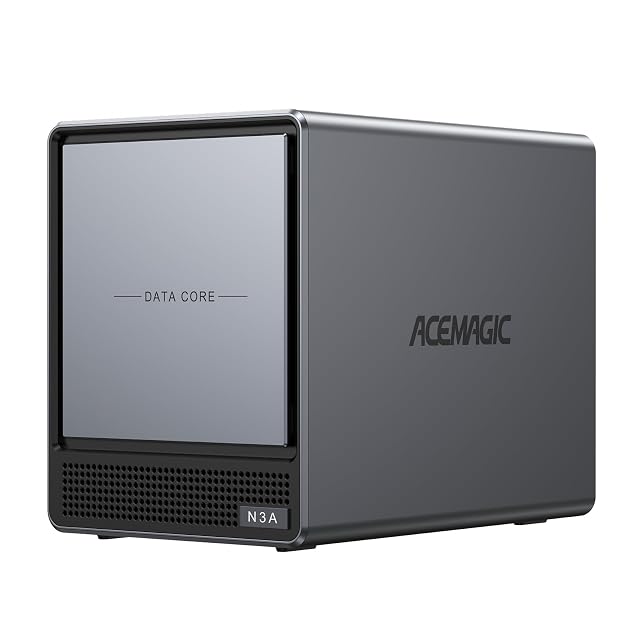
four HDD bays and two M.2 slots · up to 136 TB · 8 GB DDR4 · 128 GB PCIe 3.0 SSD · 2.5G and 1G LAN · processor and software not named
A four-bay enclosure whose Amazon.com listing fits its whole specification into one line — four HDD bays, two M.2 slots, 2.5G and 1G LAN, 8 GB DDR4 and a 128 GB SSD — and names no processor and no software.
Best for: A buyer who already knows this model and the software they will run on it, and wants four HDD bays plus two M.2 slots in one box.
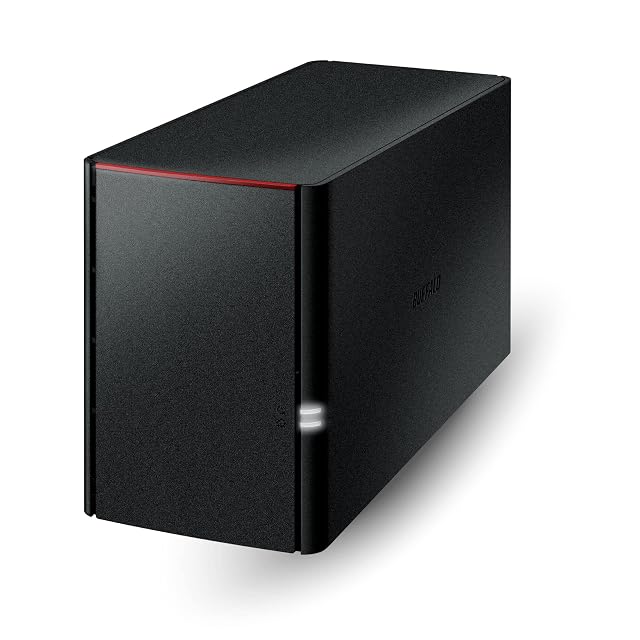
two bays · 4 TB of drives included · ships in RAID 1 with 2 TB usable · $143.00 per usable terabyte · 24 months covering the drives · macOS 15 ceiling
The bottom rung of the LinkStation 220 ladder, and the most expensive terabyte on it: two terabytes usable for $285.99, where the twelve-terabyte version of the same box asks less than a third as much per terabyte.
Best for: The smallest mirrored LinkStation, for someone who wants two terabytes protected and nothing else, and will not want more later.
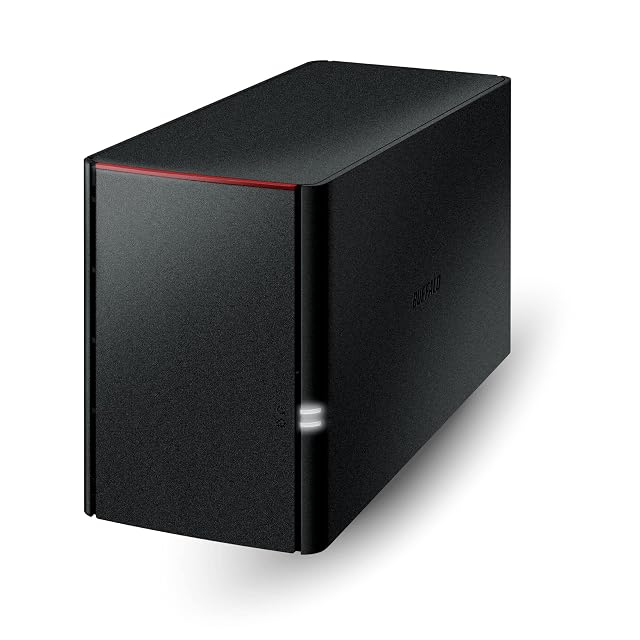
two bays · 8 TB of drives included · ships in RAID 1 with 4 TB usable · $90.75 per usable terabyte · 24 months covering the drives · macOS 15 ceiling
The middle rung of the LinkStation 220 ladder, and the one the arithmetic favors: four usable terabytes at $90.75 each, against $143.00 on the smaller box and $112.00 less than the SoHo version of the same capacity.
Best for: Four protected terabytes at the best price on the LinkStation ladder, for a household that will not need a third year of warranty.