Bay count, drive interface and the processor behind the applications · review
UGREEN DH2300 review
A two-bay enclosure that publishes a list of what it will not do — no Docker, no virtual machines, no Wi-Fi — and whose headline capacity rests on the array arrangement that carries no redundancy at all.
This listing is unusually clear about its own limits, and that is the most useful thing on the page. The first bullet states that the unit does not support Docker or virtual machines. The seventh states that it is a consumer-grade machine offering limited performance, not suitable for server applications, and that for critical business use a buyer should choose something else. The eighth states that it supports wired Ethernet only, does not support Wi-Fi, and that Plex cannot be run through Docker. Almost nothing on this shelf names its software at all; this one publishes a list of what the software refuses.
The capacity figure needs reading with the eighth bullet in hand. The second gives up to 64 TB and translates it into 22 million 3 MB images, 2 million 30 MB songs, 43 thousand 1.5 GB films or 67 million 1 MB documents — four figures that all land within a few per cent of 64 TB, so the arithmetic is consistent. The eighth then states that the advertised capacity is based on using RAID 0. RAID 0 is the arrangement with no redundancy: it adds the drives together and loses everything if either fails. The headline number is therefore the one the buyer gets by giving up the protection the array is usually there for, and the page says so.
The hardware is thinly published. The fourth bullet names a high-performance processor without a model, a core count or a clock speed, and gives 4 GB of memory “on Board” — the only statement of soldered memory on this shelf, and a real fact, since it means the figure cannot be raised later. The same bullet gives one 1GbE port with transfers reaching 125 MB/s and a worked example: a 1 GB file in about 8 seconds, against more than 100 seconds on a cloud service.
The economic case in the third bullet is the part to check. It compares $459.98 for the NAS against $719.88 a year for cloud storage, and arrives at $6,738.82 saved over ten years. The $459.98 is not the price of this page, which is $239.99; the footnote states it is the DH2300 plus a 12 TB drive. The comparison is sound only if read with that substitution in mind, and the page does print the footnote.
The fifth bullet names face, location, text and object tagging, duplicate detection and live-photo backup. The sixth claims TRUSTe certification and states that this is the first and only NAS certified by TÜV SÜD to the ETSI EN 303,645 standard — a claim recorded here as the maker’s, since nothing on the page or on this shelf lets it be checked. The seventh notes that an Ethernet cable is included and that a wireless card is not.
No decibel figure, no figure in watts despite a bullet headed “Minimal Power”, and no measurement of the case: the product record carries 151 by 98 by 213 mm (8.39 in) and 2,000 g (70.5 oz).
Prices quoted in this text were read on October 26, 2026. The live price is at the top of the page.
Where it holds up, and where it stops
Strengths
Publishes what the software will not do — no Docker, no virtual machines, no SAN Manager, no Plex through Docker — where almost nothing else on this shelf names its software at all
States outright that the unit is unsuitable for server use and directs a business buyer elsewhere
The four capacity translations all land within a few per cent of the 64 TB headline, so the arithmetic is internally consistent
Says that the advertised capacity assumes RAID 0, which is the honest half of a figure most pages print without a condition
Gives the network rate as a transfer figure with a worked example rather than as a socket speed alone
Compromises
No processor model, no core count and no clock speed anywhere on the page
The 4 GB of memory is on board, so the figure is the ceiling as well as the starting point
The headline 64 TB rests on RAID 0, the arrangement that loses everything if either drive fails
The savings arithmetic starts from $459.98, which is the enclosure plus a 12 TB drive and not the $239.99 on this page
One gigabit socket and no Wi-Fi, with a USB adapter named as the only way to go wireless
Specifications
Bay count
Two — stated in the title and in the first bullet as an entry-level two-bay unit for beginners
Drive interface
Not published on the listing as a size or a bus — the second bullet gives a ceiling of 64 TB in total and states that drives are not included, and no inch figure and no bus appears anywhere
Solid-state slot count
Not published on the listing — no M.2 slot and no cache slot is named in the title or in any of the eight bullets
Processor
Not published on the listing — the fourth bullet says "a high-performance processor" and gives no model, no core count and no clock speed anywhere on the page
Memory
4 GB, stated as on board — the fourth bullet prints "4GB RAM on Board", which is the only statement of soldered memory on this shelf and means the figure cannot be raised later
Ethernet port count
One — the fourth bullet names a 1GbE port in the singular, and the eighth states that the unit supports wired Ethernet only and does not support Wi-Fi
Port speed
1GbE, with file transfers given as reaching up to 125 MB/s — stated in the fourth bullet with a worked example of a 1 GB file in about 8 seconds
USB ports
Not published on the listing as a count — the seventh bullet states that Wi-Fi requires an external USB adapter, which implies a socket without counting one
Supported redundancy levels
RAID modes named without a level, and RAID 0 named explicitly as the basis of the advertised capacity — stated in the sixth and eighth bullets. RAID 0 carries no redundancy at all, so the headline figure is the one obtained by giving up protection. Carrying on through a drive failure is in any case a different thing from holding the data in a second place
Published operating system
Not named on the listing, but its limits are published — the first bullet states no Docker and no virtual machines, the eighth adds no SAN Manager and states that Plex cannot be run through Docker, and the seventh calls the unit unsuitable for server applications
Stated idle power
Not published on the listing — the fourth bullet is headed "Blazing Speed, Minimal Power" and prints no figure in watts
Stated acoustic figure
Not published on the listing — no decibel value and no claim about noise appears in the title or in the eight bullets
Stated dimensions
Not published in the bullets — the product record carries 151 by 98 by 213 mm (8.39 in) and 2,000 g (70.5 oz), and no measurement of the case appears on the page
Amazon reference
B0FNWHSPXF
EAN
6941876290871
On Amazon.com
Amazon.com had an offer at $240 on October 26, 2026.
Where this unit differs
Put against the median of its own group on this site — not against every network product sold.
Drive interfaceNot published on the listing as a size or a bus — the second bullet gives a ceiling of 64 TB in total and states that drives are not included, and no inch figure and no bus appears anywhere+700 % against the median of this group
Ethernet port countOne — the fourth bullet names a 1GbE port in the singular, and the eighth states that the unit supports wired Ethernet only and does not support Wi-Fi-90 % against the median of this group
Port speed1GbE, with file transfers given as reaching up to 125 MB/s — stated in the fourth bullet with a worked example of a 1 GB file in about 8 seconds-60 % against the median of this group
The questions that come up before an order
Can it run Docker or Plex?
No. The first bullet states that it does not support Docker or virtual machines, and the eighth adds that it does not support SAN Manager and that Plex cannot be run through Docker.
Is the 64 TB figure usable capacity?
The eighth bullet states that the advertised capacity is based on using RAID 0 with compatible drives. RAID 0 adds the two drives together and carries no redundancy, so the figure assumes no protection at all.
Can the memory be increased?
The fourth bullet prints the memory as 4 GB on board. Nothing on the page offers a module or a ceiling, so the figure should be read as fixed.
Does it have Wi-Fi?
No. The seventh and eighth bullets state that the unit supports wired Ethernet only, that an Ethernet cable is included, that no wireless card is fitted, and that Wi-Fi requires an external USB adapter.
Against the rest of the network and storage gear
This network and storage gear share the category and the price bracket. Only what each one states is shown; an incomplete column would mislead.
Model
Price
Bay count
Drive interface
Solid-state slot count
Processor
UGREEN DH2300
$240
Two — stated in the title and in the first bullet as an entry-level two-bay unit for beginners
Not published on the listing as a size or a bus — the second bullet gives a ceiling of 64 TB in total and states that drives are not included, and no inch figure and no bus appears anywhere
Not published on the listing — no M.2 slot and no cache slot is named in the title or in any of the eight bullets
Not published on the listing — the fourth bullet says "a high-performance processor" and gives no model, no core count and no clock speed anywhere on the page
One — stated in the title as 1-Bay and in the seventh bullet as one drive bay with the drive included. The first bullet calls the unit a NAS with RAID, which a single bay cannot provide
Not published on the listing as a size or a bus — the seventh bullet states 6 TB of capacity with the drive included, which is the only line on the page that differs from the 4 TB version of the same model
Not published on the listing — no M.2 slot and no cache slot is named in the title or in any of the ten bullets
Not published on the listing — no chip, no core count and no clock speed appears anywhere on the page
Two — stated in the title as 2-Bay and in the seventh bullet as two drive bays holding 4 TB in total, with the drives included
Not published on the listing as a size or a bus — the seventh bullet gives 4 TB across two bays with the drives supplied, and no inch figure and no bus appears anywhere
Not published on the listing — no M.2 slot and no cache slot is named in the title or in any of the ten bullets
Not published on the listing — no chip, no core count and no clock speed appears anywhere on the page
One — stated in the title as 1-Bay and in the seventh bullet as one drive bay with the drive included. The first bullet calls the unit a NAS with RAID, which a single bay cannot provide
Not published on the listing as a size or a bus — the seventh bullet states 4 TB of capacity with the drive included, and no inch figure and no bus appears anywhere on the page
Not published on the listing — no M.2 slot and no cache slot is named in the title or in any of the ten bullets
Not published on the listing — no chip, no core count and no clock speed appears anywhere on the page
What separates the models, in network and storage gear
If price decides: BUFFALO LinkStation 210, 4 TB, at $193.
Highest Drive interface in the table: this model (Not published on the listing as a size or a bus — the second bullet gives a ceiling of 64 TB in total and states that drives are not included, and no inch figure and no bus appears anywhere).
This model holds the table’s highest figure for Drive interface.
The buyer this one serves, among network and storage gear
A first NAS for photographs and backups, where knowing in advance what it will refuse to run is worth more than a specification sheet.
What this one costs among network and storage gear
Amazon reports what buyers took in the month before this page was last checked: at least 500.
The figure is a floor, rounded by Amazon, and read through Keepa — it says what buyers picked, not what a maker claims.
Sources
Specifications: the manufacturer sheet for network and storage gear and the matching Amazon product page. Prices and availability: Keepa. Every figure on this page names its source.
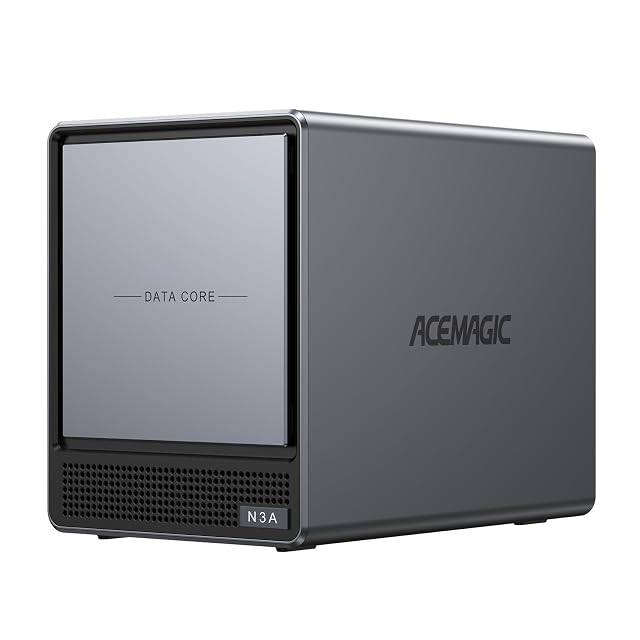
four HDD bays and two M.2 slots · up to 136 TB · 8 GB DDR4 · 128 GB PCIe 3.0 SSD · 2.5G and 1G LAN · processor and software not named
A four-bay enclosure whose Amazon.com listing fits its whole specification into one line — four HDD bays, two M.2 slots, 2.5G and 1G LAN, 8 GB DDR4 and a 128 GB SSD — and names no processor and no software.
Best for: A buyer who already knows this model and the software they will run on it, and wants four HDD bays plus two M.2 slots in one box.
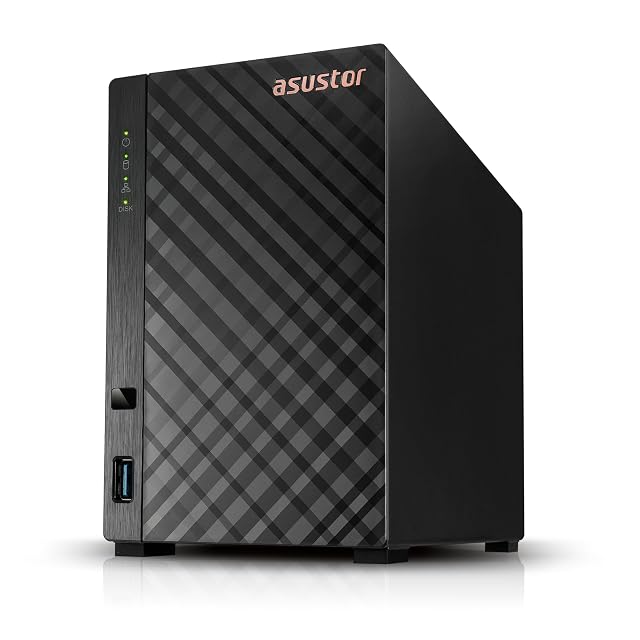
two bays · Realtek RTD1619B, four cores at 1.7 GHz · 1 GB DDR4 · one 1GbE socket · Btrfs and iSCSI snapshots named · sold without drives
A two-bay enclosure whose title states the processor, the memory and the single gigabit socket, and whose page never names the drive interface, an array arrangement or the software that runs it.
Best for: A first enclosure for a household copy of photographs and documents, where one gigabit is enough and where the buyer is content to look up the drive compatibility elsewhere.
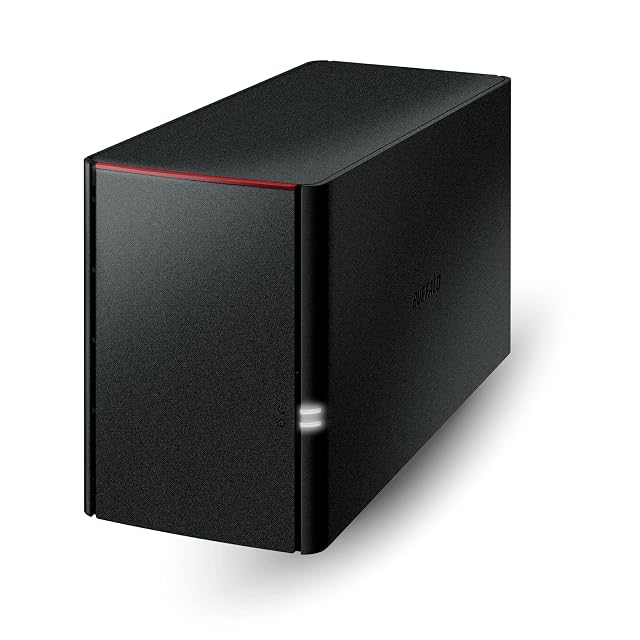
two bays · 4 TB of drives included · ships in RAID 1 with 2 TB usable · $143.00 per usable terabyte · 24 months covering the drives · macOS 15 ceiling
The bottom rung of the LinkStation 220 ladder, and the most expensive terabyte on it: two terabytes usable for $285.99, where the twelve-terabyte version of the same box asks less than a third as much per terabyte.
Best for: The smallest mirrored LinkStation, for someone who wants two terabytes protected and nothing else, and will not want more later.