Skip to content

Seagate IronWolf 4 TB (ST4000VN006) vs Western Digital Red Plus 4 TB (WD40EFZZ), 5400 rpm

A written warranty and recovery service, or more cache at a lower price?

Both are 4 TB, CMR, 5400 rpm and SATA 6 Gb/s, for NAS units of up to eight bays, and neither states a workload rating. The Seagate IronWolf states 64 MB of cache, 180 MB/s, 1 million hours MTBF and a three-year warranty with three years of Rescue data recovery. The WD Red Plus states 128 MB of cache, NASware firmware, and names a warranty without its length.

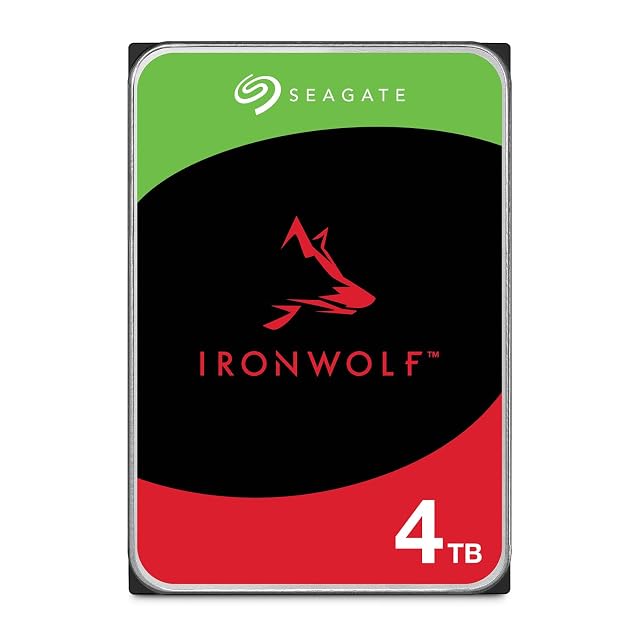
Seagate IronWolf 4 TB 3.5-inch NAS hard drive with a SATA connector

Seagate IronWolf 4 TB (ST4000VN006)

7.8/10

Wins 2 of 10

Check price

≈ $260

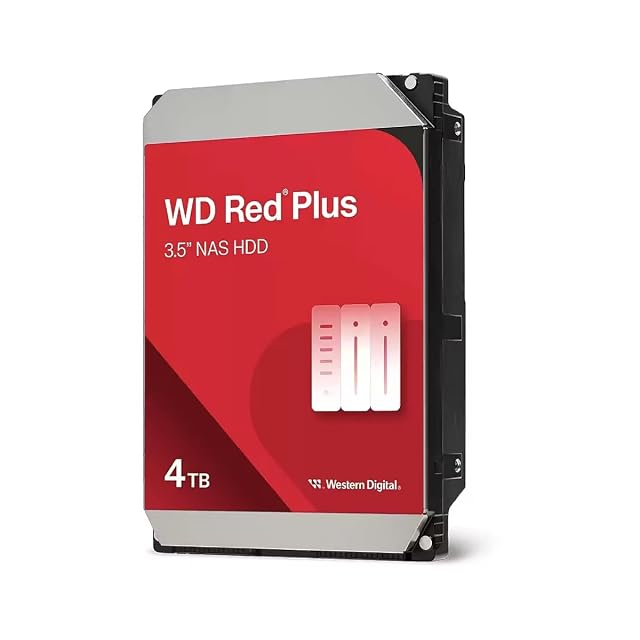
WD Red Plus 4 TB 3.5-inch NAS hard drive with a SATA connector

Western Digital Red Plus 4 TB (WD40EFZZ), 5400 rpm

8.4/10

Wins 1 of 10

Check price

≈ $195

Port against port

Compared on IronWolf 4 TB (ST4000VN006) Red Plus 4 TB (WD40EFZZ), 5400 rpm
Capacity 4 TB 4 TB
Recording method CMR CMR
Stated workload rating Not published Not published
Rotational speed 5400 rpm 5400 rpm
Cache size 64 MB 128 MB
Interface SATA at 6 Gb/s SATA at 6 Gb/s
Warranty length Three years Not published
Stated MTBF 1 million hours Not published
Stated idle power Not published Not published
Stated acoustic figure Not published Not published
On Amazon.com, October 26, 2026 $260 $195

A tick means one listing published something the other did not, or published a better figure. It does not mean the product is better, and the column is not a score out of anything: a maker who says less loses lines here without losing a comparison. The two verdicts below are where the page is settled.

Which of the two, for which household

Buy the Seagate IronWolf 4 TB (ST4000VN006)

Take the IronWolf for the written terms: three years and a recovery service. It cost $260.00 on Amazon.com on October 26, 2026.

Buy the Western Digital Red Plus 4 TB (WD40EFZZ), 5400 rpm

Take the Red Plus to save money on a CMR drive with twice the cache: $194.99 on October 26, 2026, $65.01 less. Ask the seller for the warranty term.

The questions that come up before an order

Is 5400 rpm too slow for a NAS?

Not over gigabit: 180 MB/s from the IronWolf already exceeds what a gigabit network carries, about 118 MB/s.

Does cache size matter?

A little, for bursts of small writes. Over a network the difference between 64 and 128 MB rarely shows.

Which suits a two-bay NAS?

Either: both are 4 TB CMR drives at 5400 rpm, stated for enclosures of up to eight bays. Buy two of the same model so the drives in the array match, and keep a copy of the data somewhere other than the NAS, since a mirror protects against a failed drive and not against a deletion.

Will they work in a desktop PC?

Yes: both are standard 3.5-inch SATA 6 Gb/s drives. They are tuned for continuous NAS duty, but a desktop reads and writes to them like any other hard drive.

Each one, in detail

Every price named in a summary was read on the date that review carries. What a shop asks today is shown beside the product, and it moves.