Form factor code, PCIe generation and lane count, before any speed figure · review
Acer Predator GM7 1 TB, HMB and SLC cache review
A Gen 4 ×4, NVMe 2.0 drive with 7,400 MB/s read and 6,500 MB/s write, HMB and an SLC cache, and thermal management named — and no endurance or warranty term on its Amazon.com page.
The title: Acer Predator GM7 1 TB, M.2 2280, PCIe Gen 4 ×4, NVMe 2.0, read up to 7,400 MB/s, part number BL.9BWWR.118. The bullets: 7,400 MB/s read and 6,500 MB/s write; HMB and SLC cache; a current controller and flash at lower power; thermal throttling and power management; and Biwin Intelligence software for performance tests, data migration and cloning. There is no description.
The shelf it sits on
Drive
Interface
Read
Write
Also published
Amazon.com, October 26, 2026
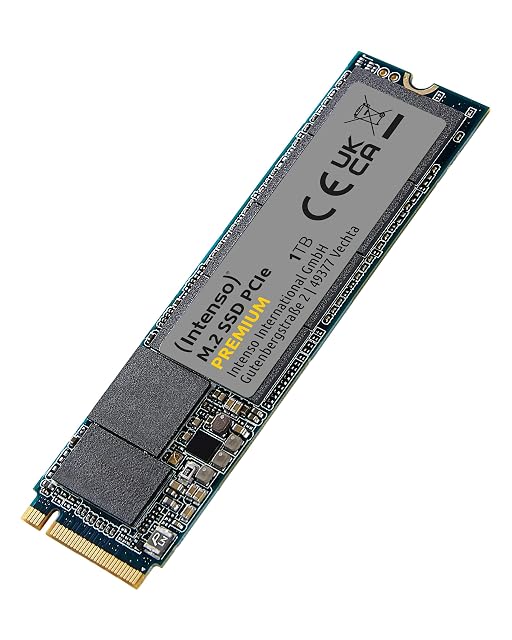
Intenso M.2 PCIe Premium
Gen 3 ×4, NVMe 1.3
2,100 MB/s
1,700 MB/s
—
$151.41
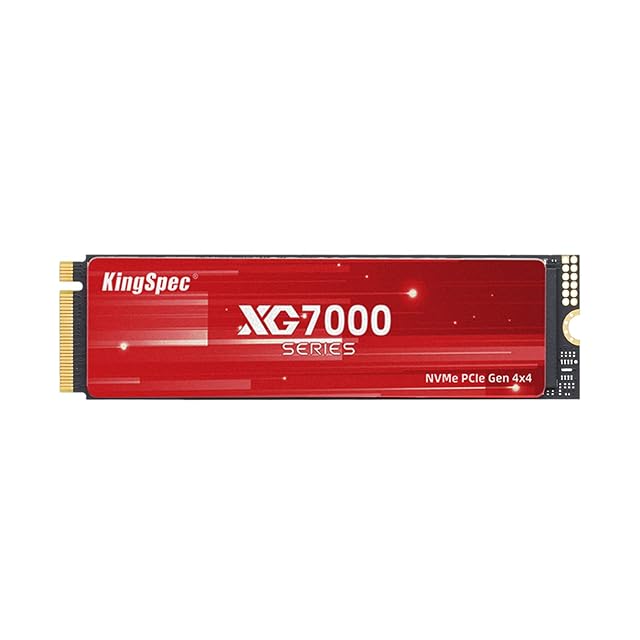
KingSpec XG7000
Gen 4
7,400 MB/s
6,600 MB/s
600 TBW, 3-year warranty, TLC
$168.99
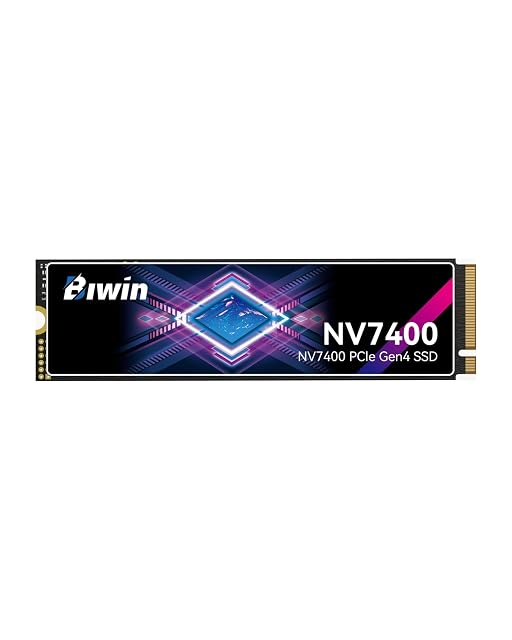
BIWIN Black Opal NV7400
Gen 4 ×4
7,450 MB/s
6,500 MB/s
1,000K IOPS, HMB, heat sink, TLC
$174.99
Crucial P310
Gen 4
7,100 MB/s
6,000 MB/s
Acronis offer, G8 NAND
$179.97
Acer Predator GM7
Gen 4 ×4, NVMe 2.0
7,400 MB/s
6,500 MB/s
HMB + SLC cache
$179.99
WD_Black SN7100
Gen 4
7,250 MB/s
6,900 MB/s
TLC; listing says it has been replaced
$188.95
Samsung SSD 990
Gen 4 ×4, NVMe 2.0
7,150 MB/s
6,450 MB/s
1,100,000 random write IOPS, 3-year warranty
$281.50
Lexar EQ790
Gen 4 ×4, NVMe 1.4
7,000 MB/s
6,000 MB/s
HMB + SLC, 5-year warranty
no offer
All eight are 1 TB in the M.2 2280 format.
What is not published
A TBW rating, an MTBF and a warranty term.
Prices quoted in this text were read on October 26, 2026. The live price is at the top of the page.
Where it holds up, and where it stops
Strengths
7,400 MB/s read and 6,500 MB/s write, Gen 4 ×4, NVMe 2.0
HMB and SLC cache named
Biwin Intelligence software for cloning and migration
Compromises
No TBW, MTBF or warranty term
No heat sink; thermal throttling is the stated answer to heat
$179.99 on Amazon.com on October 26, 2026, $11.00 more than the KingSpec XG7000
Specifications
Capacity
1 TB — stated in the title
Form factor code
M.2 2280 — stated in the title
PCIe generation
Gen 4, NVMe 2.0 — stated in the title and the first bullet
Lane count
Four — stated as Gen 4 x4
Stated sequential read figure
Up to 7,400 MB/s — stated in the title and the first bullet
Stated sequential write figure
Up to 6,500 MB/s — stated in the first bullet
Stated random IOPS
Not published on the Amazon.com listing
TBW rating
Not published on the Amazon.com listing
Stated MTBF
Not published on the Amazon.com listing
Warranty length
Not published on the Amazon.com listing
DRAM cache
None named — the second bullet names HMB (Host Memory Buffer) and an SLC cache
Heatsink
Not published on the Amazon.com listing — the fourth bullet names thermal throttling and power management instead
Amazon reference
B0C3ZJ8T6F
EAN
0887184017440
On Amazon.com
Amazon.com had an offer at $180 on October 26, 2026.
The questions that come up before an order
Who makes it?
The fifth bullet names Biwin Intelligence as the management software for Predator-branded storage, the same software the BIWIN NV7400 on this shelf names.
What does thermal throttling mean here?
The drive slows itself down when it gets too hot. The fourth bullet presents it as temperature control; without a heat sink, sustained writes in a warm laptop are where it shows.
Our score
7.6/ 10
Gen 4 ×4 speeds with the cache arrangement named and cloning software included, on a page without endurance or warranty figures.
Against the rest of the network and storage gear
This network and storage gear share the category and the price bracket. Only what each one states is shown; an incomplete column would mislead.
Model
Price
Form factor code
PCIe generation
Lane count
Stated sequential read figure
Acer Predator GM7 1 TB, HMB and SLC cache
$180
M.2 2280 — stated in the title
Gen 4, NVMe 2.0 — stated in the title and the first bullet
Four — stated as Gen 4 x4
Up to 7,400 MB/s — stated in the title and the first bullet
Up to 7,250 MB/s — stated in the title and the second bullet, for the 1 and 2 TB models
What separates the models, in network and storage gear
If price decides: BIWIN Black Opal NV7400 1 TB, the fastest read on this shelf, at $175.
Highest Stated sequential read figure in the table: BIWIN Black Opal NV7400 1 TB, the fastest read on this shelf (Up to 7,450 MB/s — stated in the title and the first bullet, the highest on this shelf).
The buyer this one serves, among network and storage gear
A desktop or laptop Gen 4 slot where the cloning software and NVMe 2.0 are useful and the warranty can be confirmed separately.
What this one costs among network and storage gear
A reference exists on these Amazon stores: France, Germany, Italy, Spain, United Kingdom, United States. Listed is not the same as in stock — availability changes daily.
Details checked on October 26, 2026.
What buyers actually choose
Amazon reports what buyers took in the month before this page was last checked: at least 2,000.
The figure is a floor, rounded by Amazon, and read through Keepa — it says what buyers picked, not what a maker claims.
Sources
Specifications: the manufacturer sheet for network and storage gear and the matching Amazon product page. Prices and availability: Keepa. Every figure on this page names its source.
1 TB · M.2 2280 · PCIe Gen 4 ×4 · 7,450 MB/s read · 6,500 MB/s write · 1,000K IOPS · HMB · 0.5 mm heat sink · no TBW or warranty
A Gen 4 drive with the highest read figure on this shelf, 7,450 MB/s, a random figure of up to 1,000K IOPS and a thin heat sink — and no endurance rating or warranty term on its Amazon.com page.
Best for: A desktop or laptop Gen 4 slot where the highest read figure on this shelf is wanted and a written warranty is not essential.
1 TB · M.2 2280 · PCIe Gen 3 ×4, NVMe 1.3 · 2,100 MB/s read · 1,700 MB/s write · no endurance, warranty or cache figure
The only Gen 3 drive on this shelf and the cheapest at $151.41 on Amazon.com on October 26, 2026: 1 TB in M.2 2280, 2,100 MB/s read and 1,700 MB/s write, and no endurance, warranty or cache figure.
Best for: A machine with a Gen 3 M.2 slot, where a Gen 4 drive would run at Gen 3 speed anyway.
The cheapest Gen 4 drive on this shelf at $168.99 on Amazon.com on October 26, 2026, and the only one whose listing states an endurance rating — 600 TBW — beside a three-year warranty.
Best for: A desktop, laptop or PS5 slot where the lowest Gen 4 price and a written endurance figure both matter.